The apps you already use. Your way.
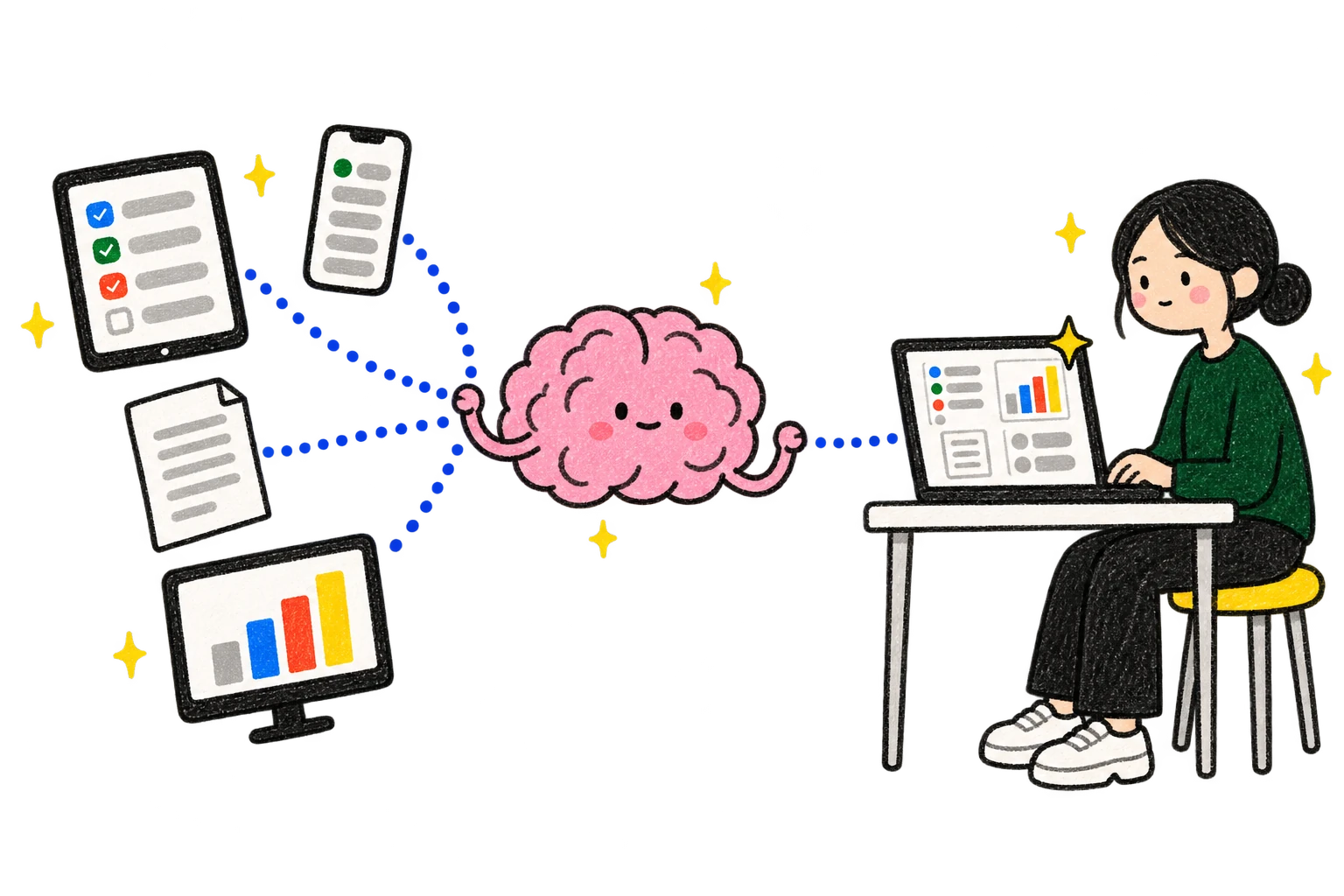
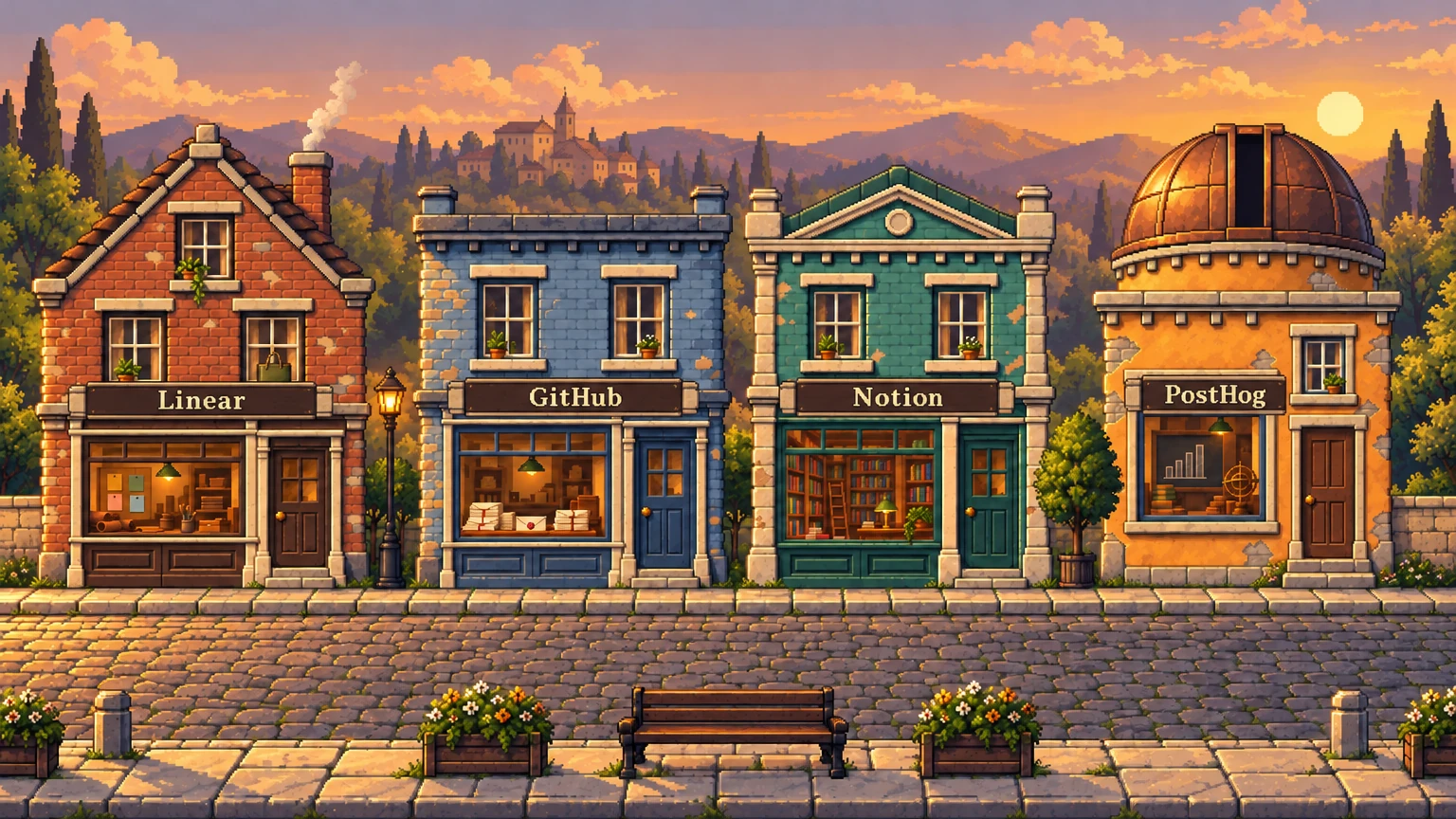
An app in Par talks directly to the work tools you already use, with your own account.
 Linear, for tasks
 GitHub, for code
 Notion, for docs
- No AI in between
Mei and Omar run a small record label. Their new record comes out on olive green vinyl.
Mei's screenmade in Par
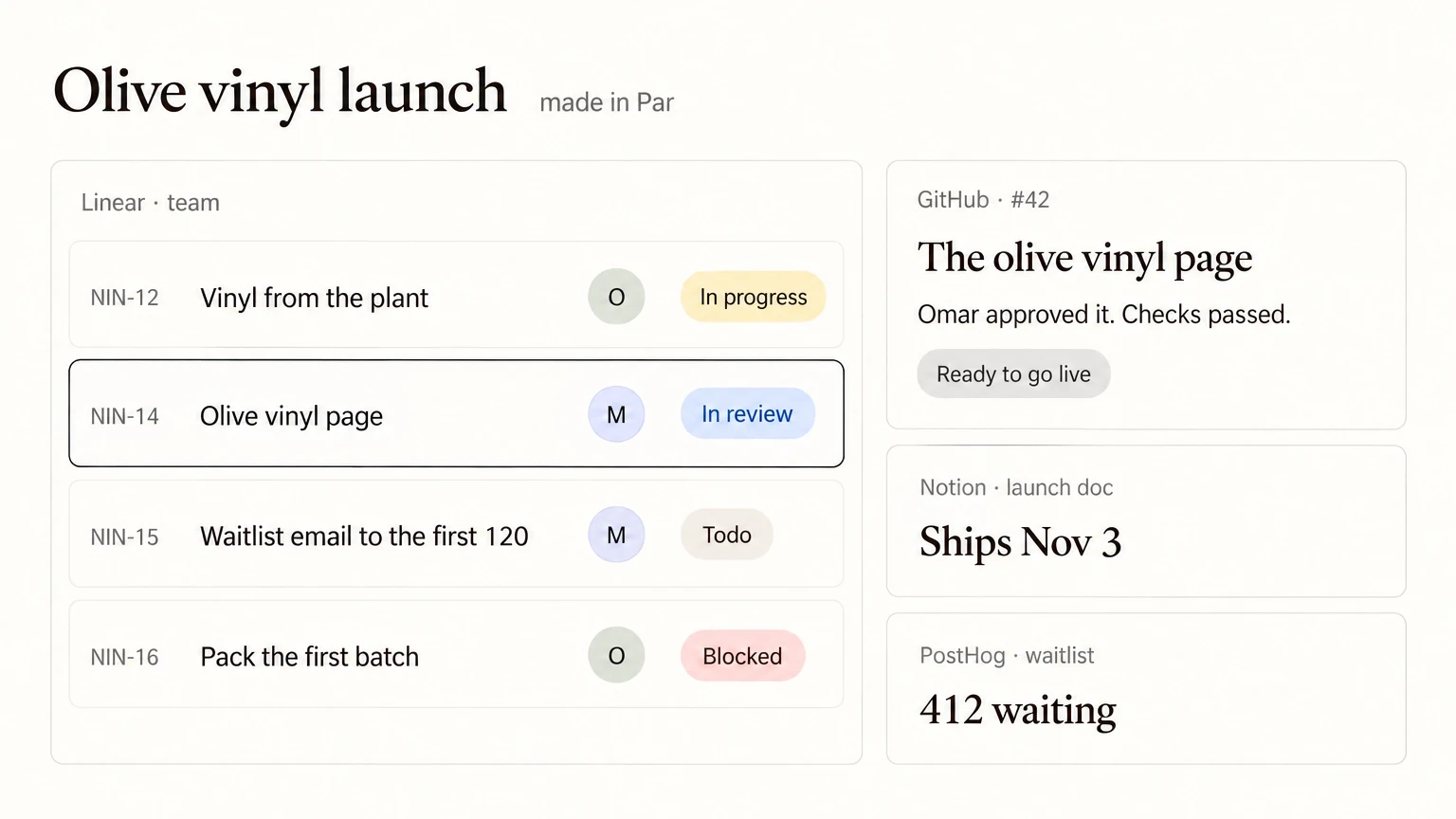
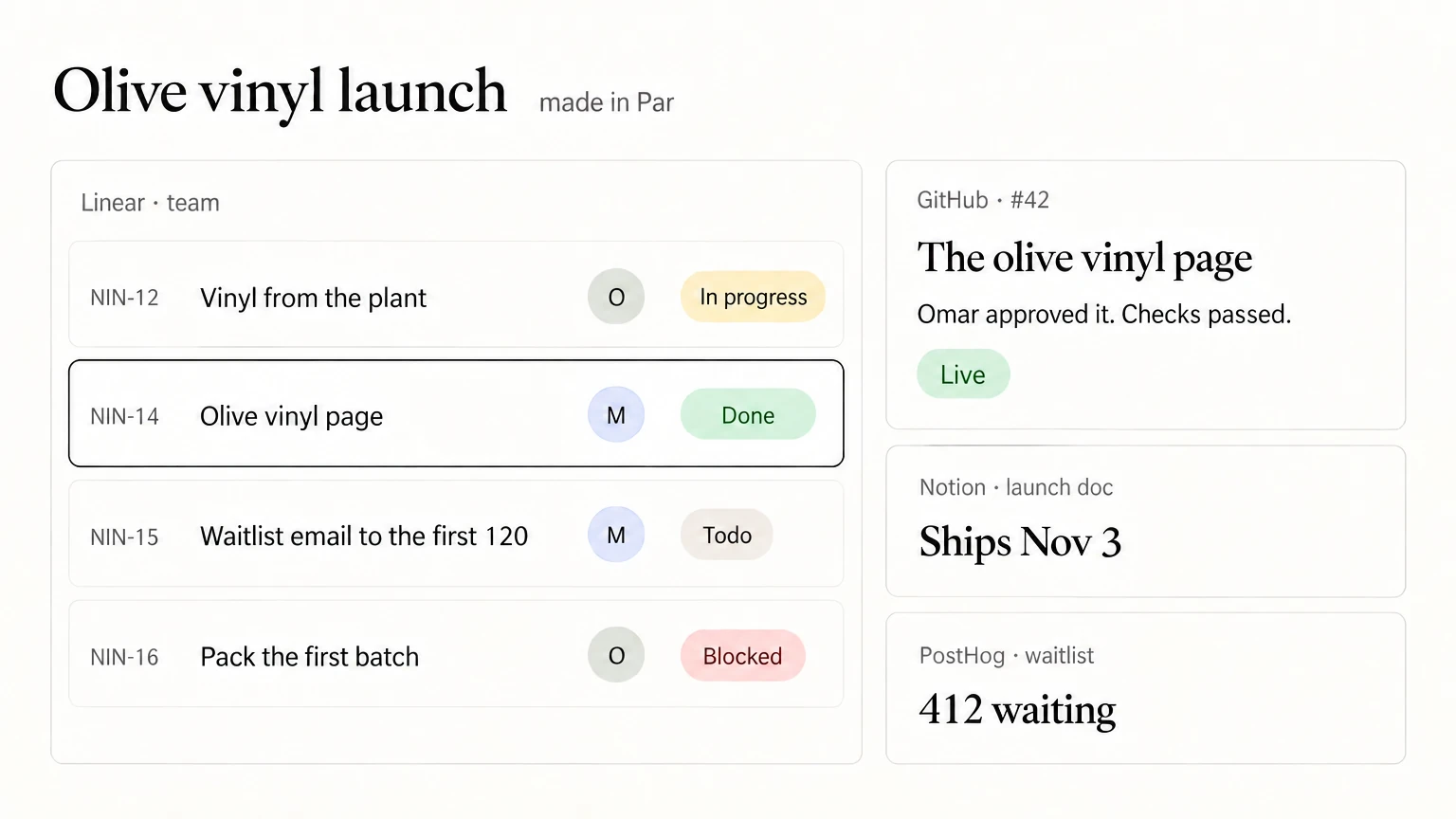
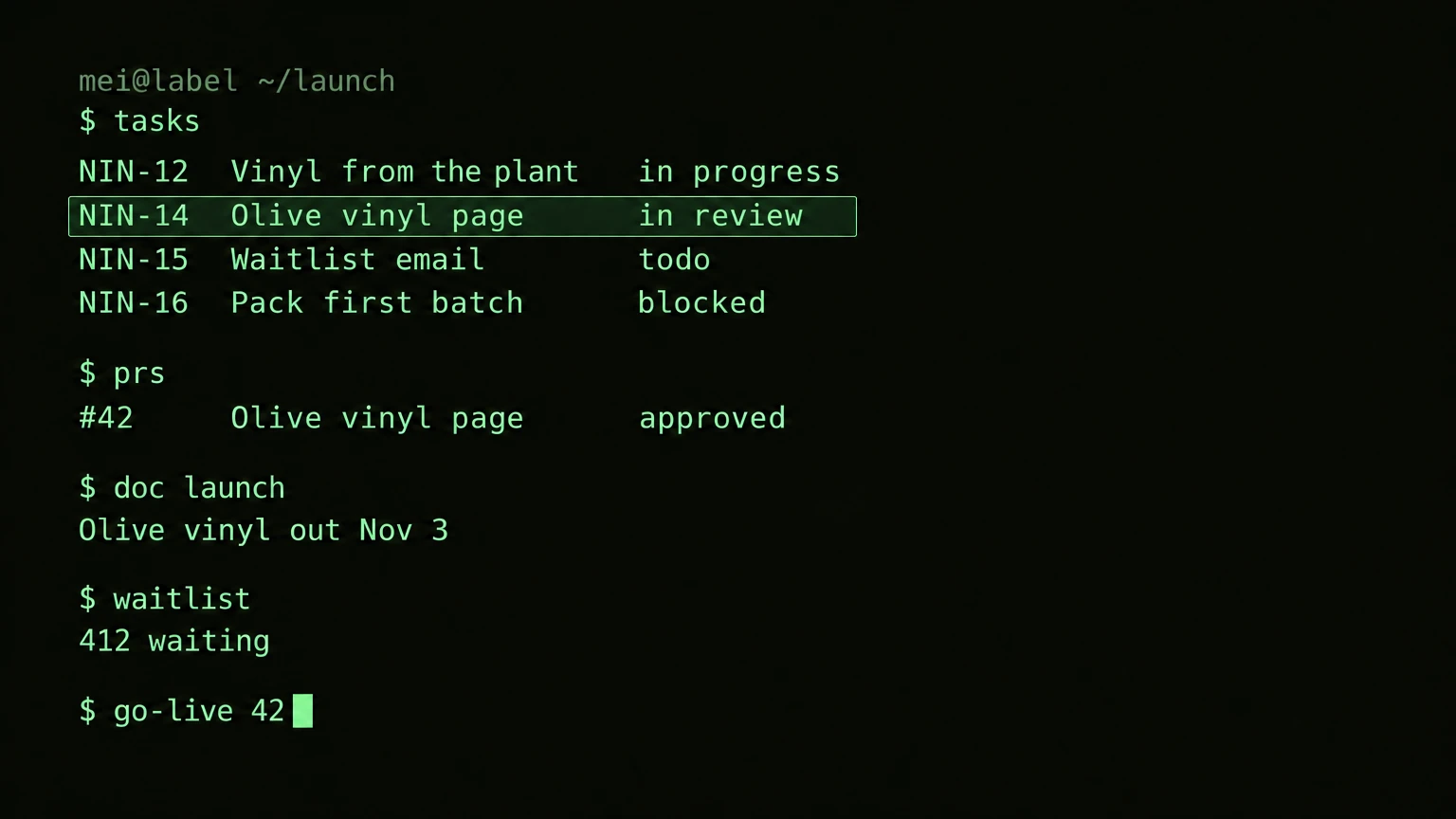
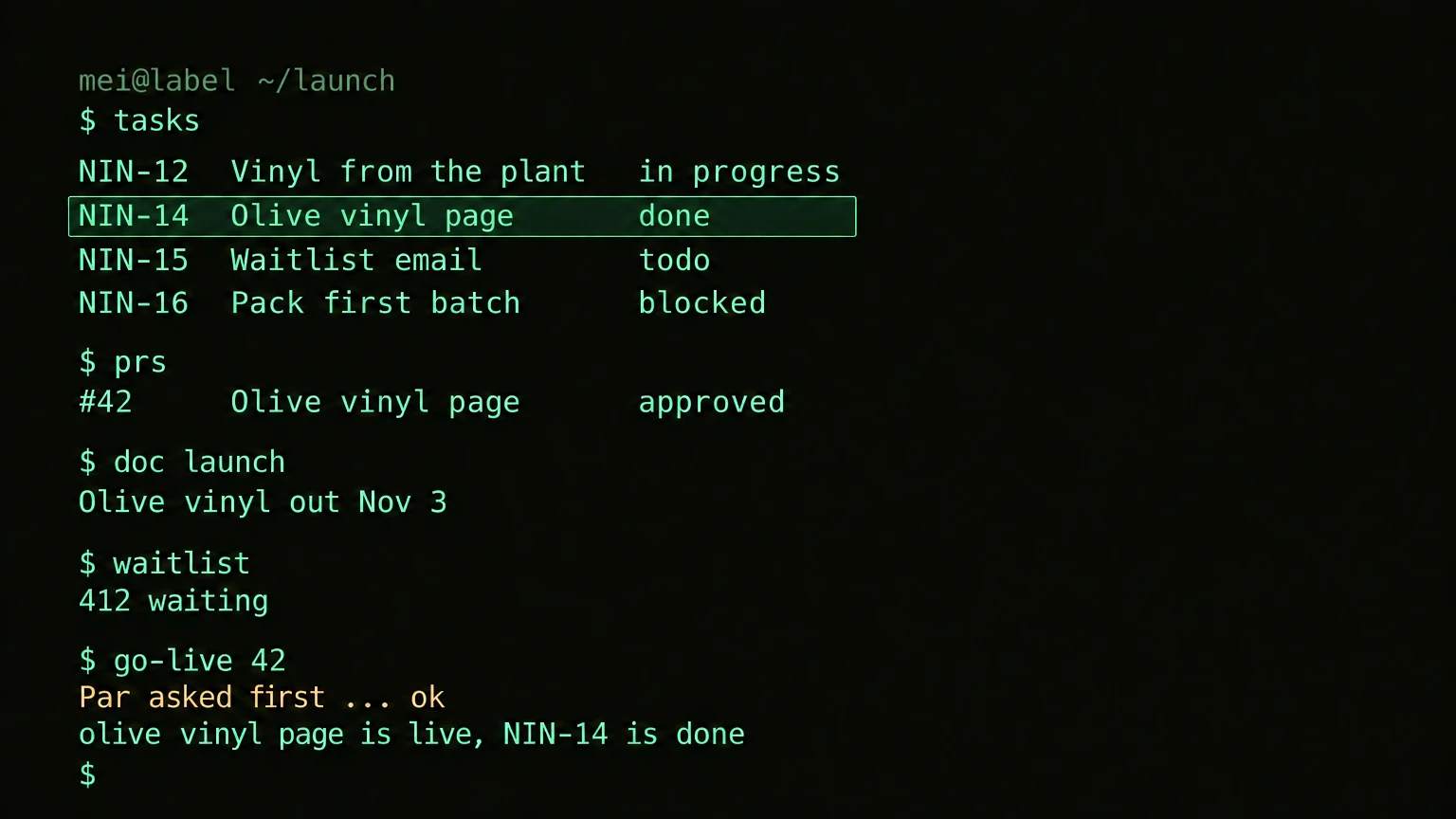





Whatever Mei asks for becomes her screen.
- "A race-day pit wall."
- "A kanban like a vinyl shelf."
- "Big buttons for my phone."
- "A launch countdown."
Omar's screenthe usual app
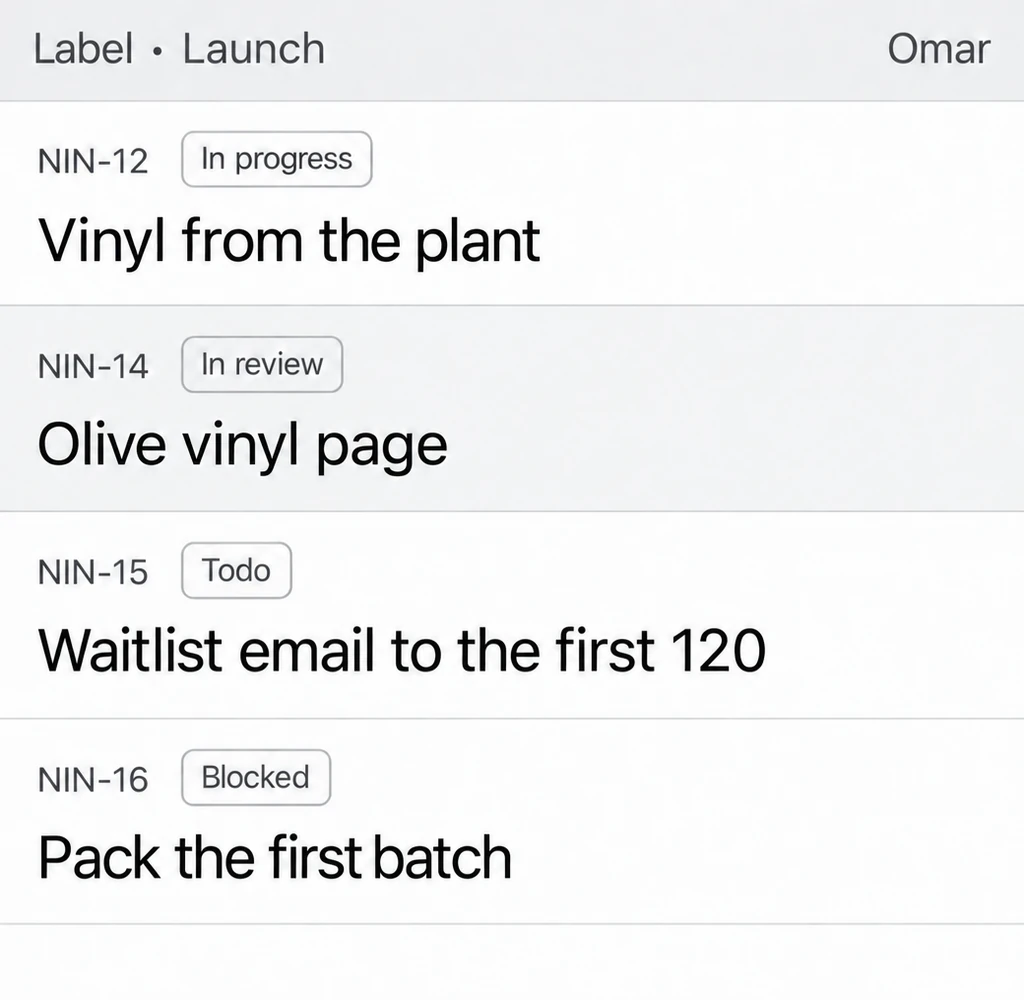
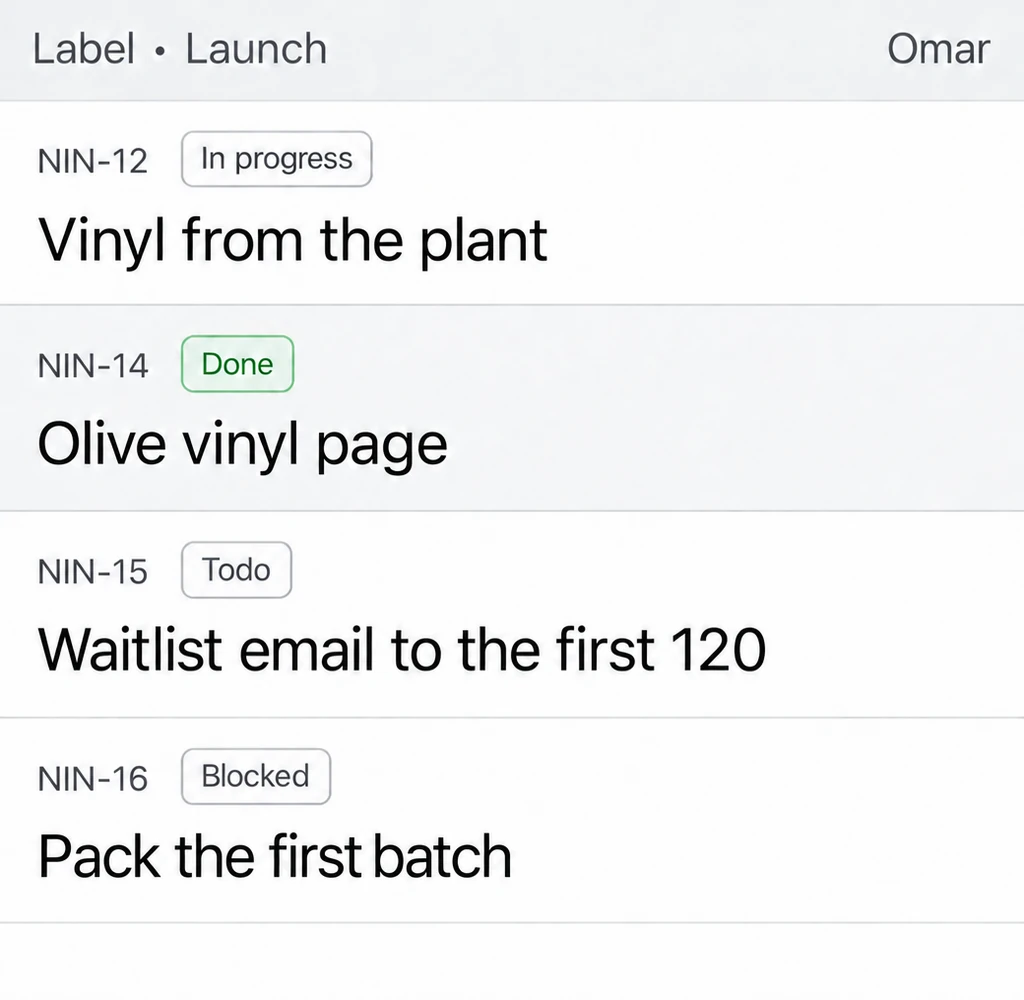
The olive vinyl page is ready. Omar approved it. In GitHub
The olive vinyl page is online. Done for Mei and for Omar.
Par asks first
Put the olive vinyl page online? In GitHub, as Mei
One screen, many tools
Linear's tasks, GitHub's pages, Notion's docs and PostHog's waitlist, all on one screen. Everyone sees each change at once.
Tap a tool
Olive vinyl launch ships Nov 3
MOMei and Omar, here now
 412on the waitlist
On track for Nov 3, if the vinyl ships Oct 20.
Live 2
Waitlist page
live since Oct 9
Care guide
published
Approved 1
Launch copy
Omar approved it
Still to go 4
-
The olive vinyl page
waiting for an OK
Omar is looking at it
Omar approved it just now
You approved it just now
Vinyl arrives
Omar · Oct 20
Pack the first batch
waits on the vinyl
Email the first 120 on the waitlist
Mei
One tool moves another
Put a page online in one tool, and the task closes in another. No chat with an AI in the middle.

- 1Mei puts the olive vinyl page online.
- 2Par asks first.
- 3The task closes for Omar too, and the launch doc gets the date.
For a minute, or for years
Some apps show up for one job and fold away. Others stay with you and change as you do.
Here for a minute Mei's AI noticed
 in Mei's AI"Four new tasks in Linear have no owner. I made you a screen for them."
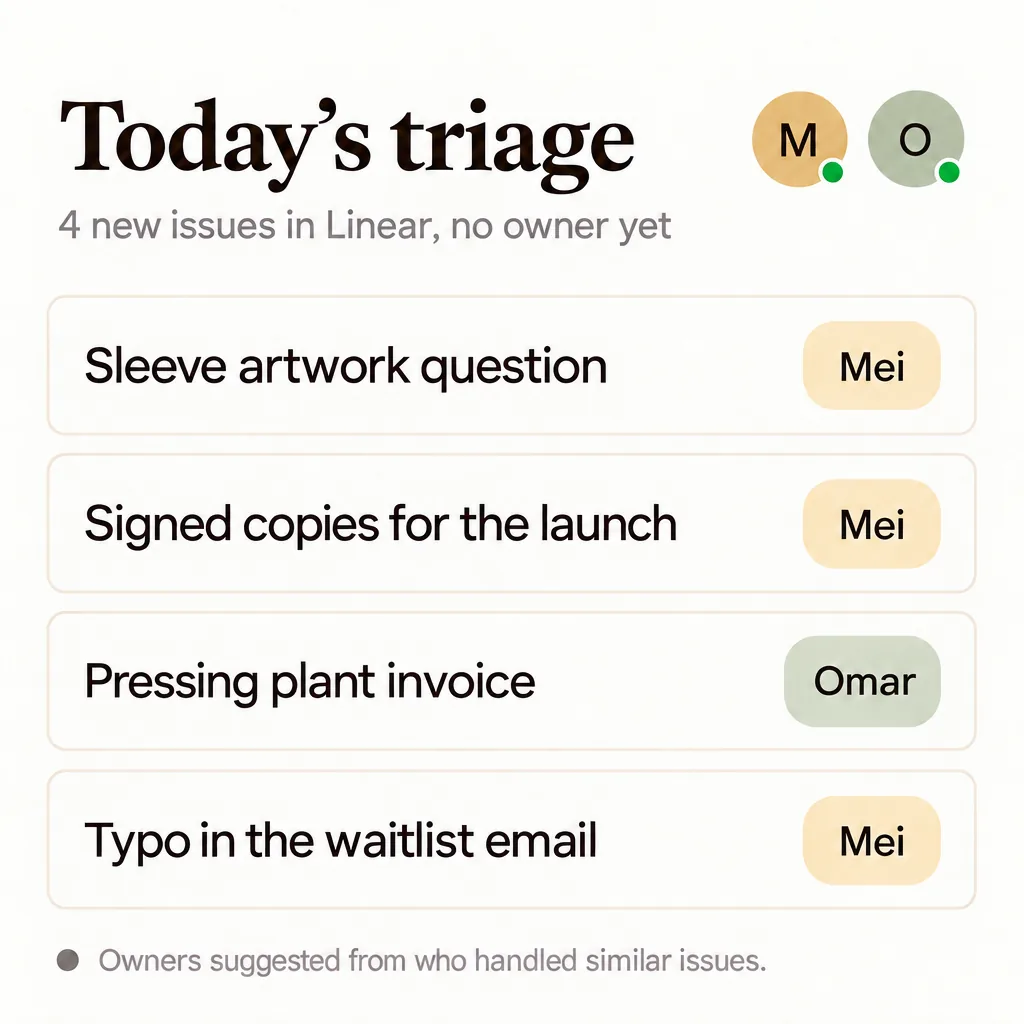
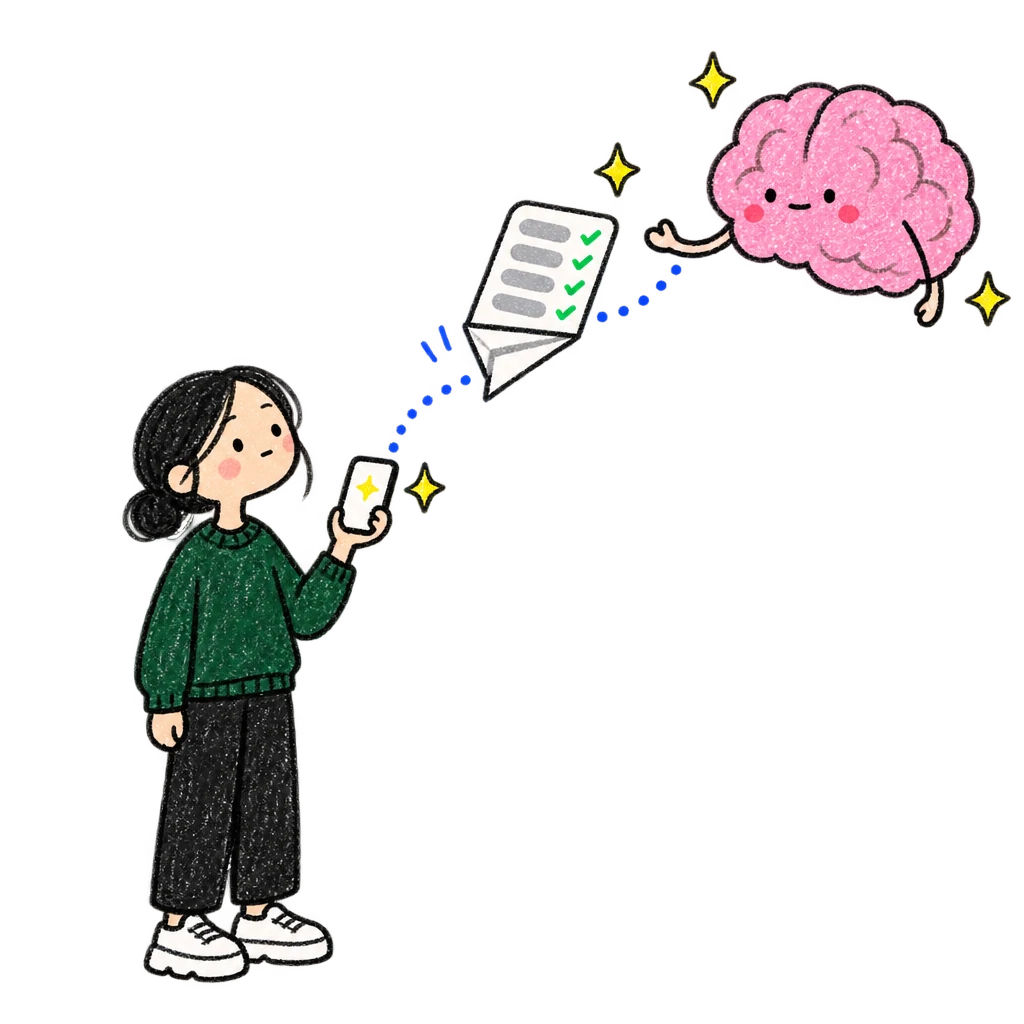
All four have an owner. The screen folded away.
Here for years Mei asked
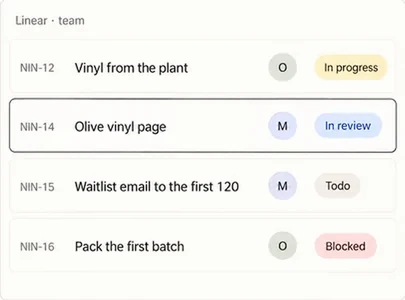
v1 a plain list
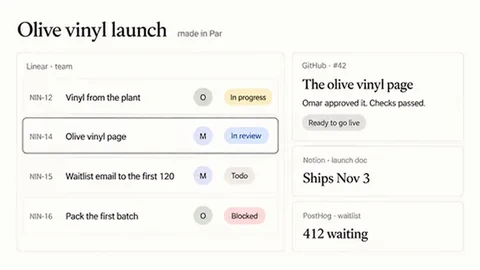
v3 "put the page to review beside it"

v6 "make it a town"
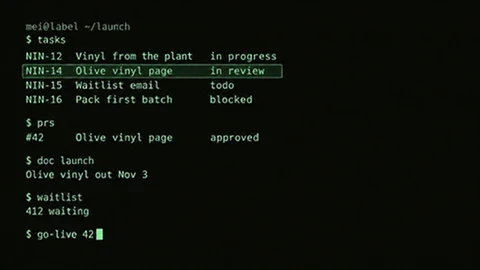
v9 "a terminal for late nights"
Every version is kept. Ask, and it changes again.
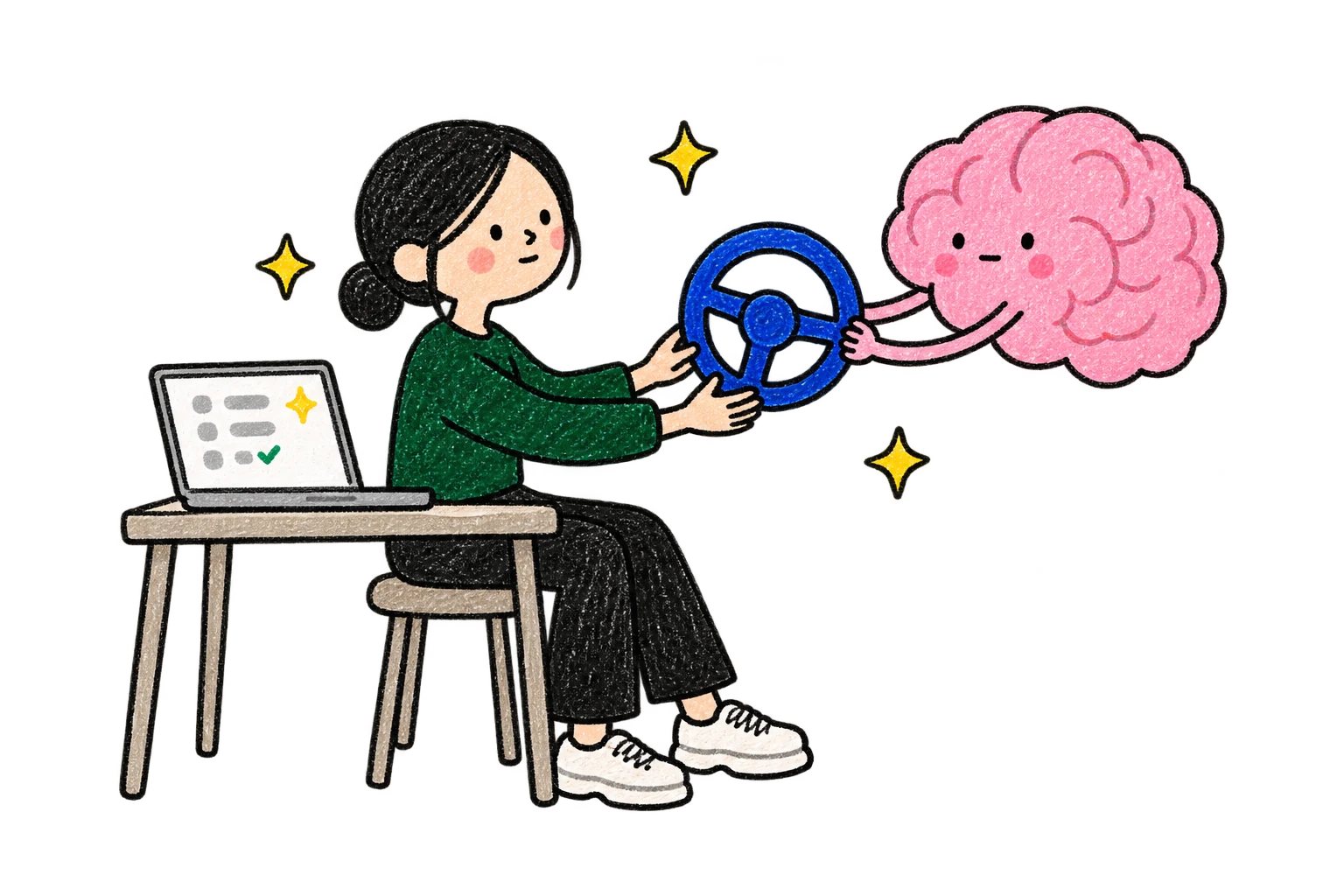
You stay in charge.
Your AI suggests. Nothing changes in your tools until you say yes.
"What's holding up the first batch?"
Your AI suggests
Packing waits on the vinyl from the pressing plant. Mark it as blocked until it arrives?
Do itNot now
Par asks first
Put the olive vinyl page online?
Put it onlineNot now
How it starts
Connect your AI to Par and paste one prompt. Your AI reads up to 90 days of your tools and leaves you two apps.
Paste one prompt
Par gives you the prompt; you paste it into the AI you already use.
Your AI reads up to 90 days
Linear, GitHub, Notion: whatever you connected. It keeps the conclusions, not copies.
Two live apps on day one
Start Here, for what to do next, and What Par Knows, for what it learned about you, in your colors. From then on, your apps stay up to date with your tools.

How it works
Your AI builds the app once. After that, the app works with your tools on its own.
Your AI builds it. Then the app does the work.
Once it exists, it talks to your tools by itself, with no AI in between.
Your connections, your account.
It uses the tools you connected to Par and sees what your account sees.
The app reads on its own. Changes wait for you.
Looking things up goes straight through. Anything that changes something asks for your OK until you allow it.
Guests never use your connections.
Share the app and people see what you share. Your accounts stay yours.
// for people who code: inside an app made in Par
const issues = await Doc.par.mcp("linear", "list_issues", { team: "Label" })
One line, straight to the tool. Works with GitHub, Linear, Notion and any tool you add by its MCP address.
Why use your tools with Par.
Your tools on one screen, made the way you work, with what your Par already knows.
| Par | Each app on its own | A dashboard tool | An AI chat linked to your tools | |
|---|---|---|---|---|
| In one place | Tasks, code and docs from your tools, together on one screen. | Only what is inside it. | Together, inside its own blocks. | Together, in one chat answer. |
| Your screen | You ask for it in words, in the look you want. Change it or put it away anytime. | The app's own screen, with some settings. | Built from its blocks. Many now help with AI. | An answer in the chat. Some draw a page there too. |
| What it knows too | What Par knows about you and your team, next to what is in your tools. The AIs you connect see the same. | What you put in it. | Only what its connections hold. | Its own memory of you, inside that assistant. |
| Each time you open it | Fresh from each tool, with no AI in between. | Fresh, always. | Fresh from its connections. | You ask again, and the AI looks it up again. |
| Your team | Keeps its usual app. You all work on the same tasks. | Everyone uses the same screen. | One board, shared by the team. | Answers are yours. You can share them as a link. |
| When steps run | While your app is open. Changes wait for your OK. | Its built-in links run all the time, like a finished code change closing its task. | Some run steps on a schedule, with nothing open. | While you chat, one step at a time. |
Ask for yours
One sentence to your AI is enough to start, and the app keeps changing when you ask.
- "Put our Linear, GitHub and Notion on one screen for the launch."
- "When a page goes online, close the task and date the launch doc."
- "Turn our Linear into a little town I can walk around."
- "Give me my work in a green terminal."
Questions
Short answers about how an app in Par works with the tools you already use.
Is there an AI between the app and my tools?
No. The AI builds the app once. After that, the app goes to each tool directly, with your account.
Which tools can I connect?
GitHub, Linear and Notion, plus any tool that offers MCP, the standard AI apps use to connect.
Can the app change things in my tools?
Yes, with your account. An action that changes something asks for your approval until you allow it.
Will my team see what I change?
Yes. You work on the same tasks and pages they do. Only the look is yours.
Does my team need Par?
No. They keep the app they know.
Does Par decide for me?
No. Nothing changes in your tools until you say yes.
Connect your AI to Par, add Linear, GitHub or Notion, paste one prompt, and your first two apps appear.