An album, as a game
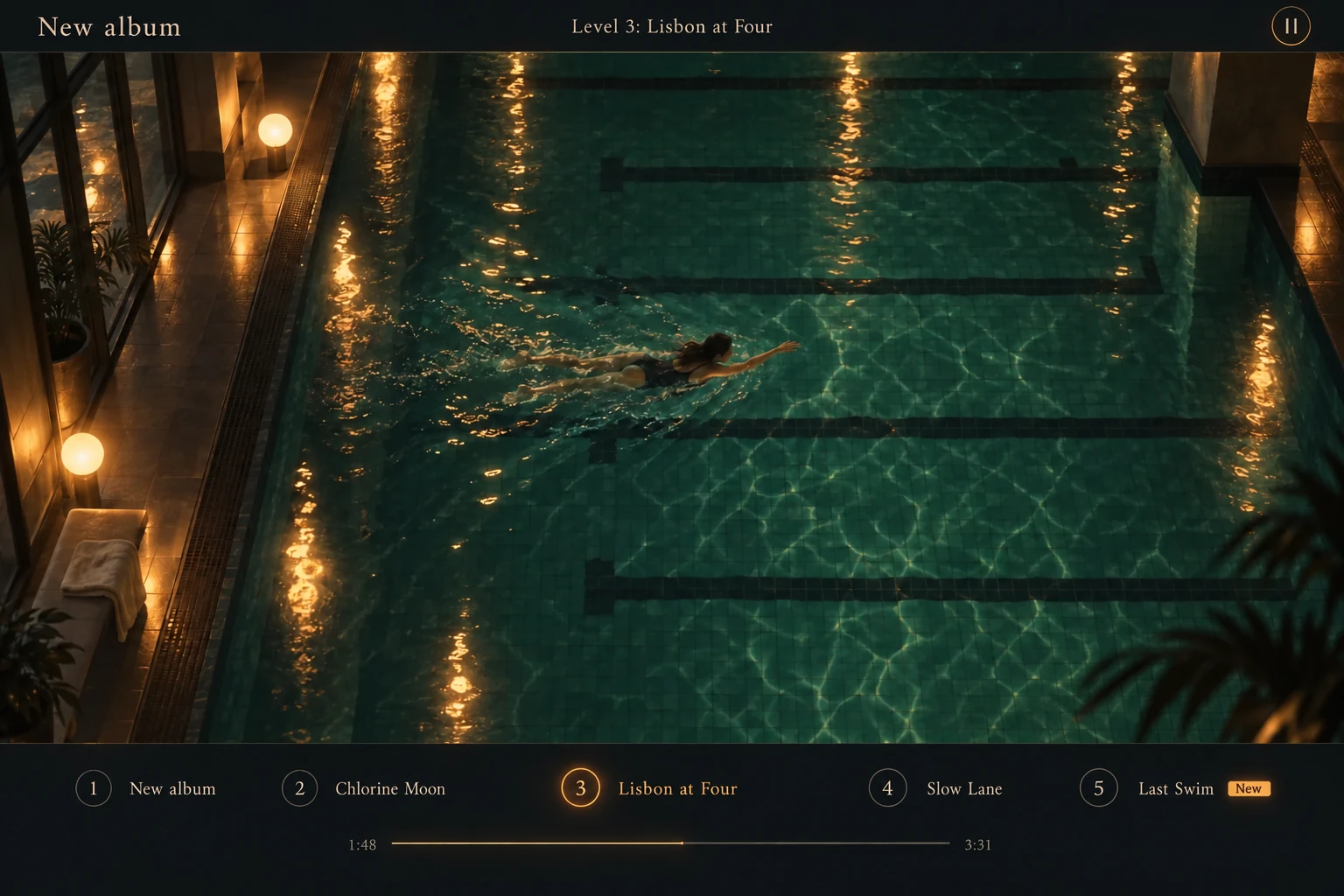
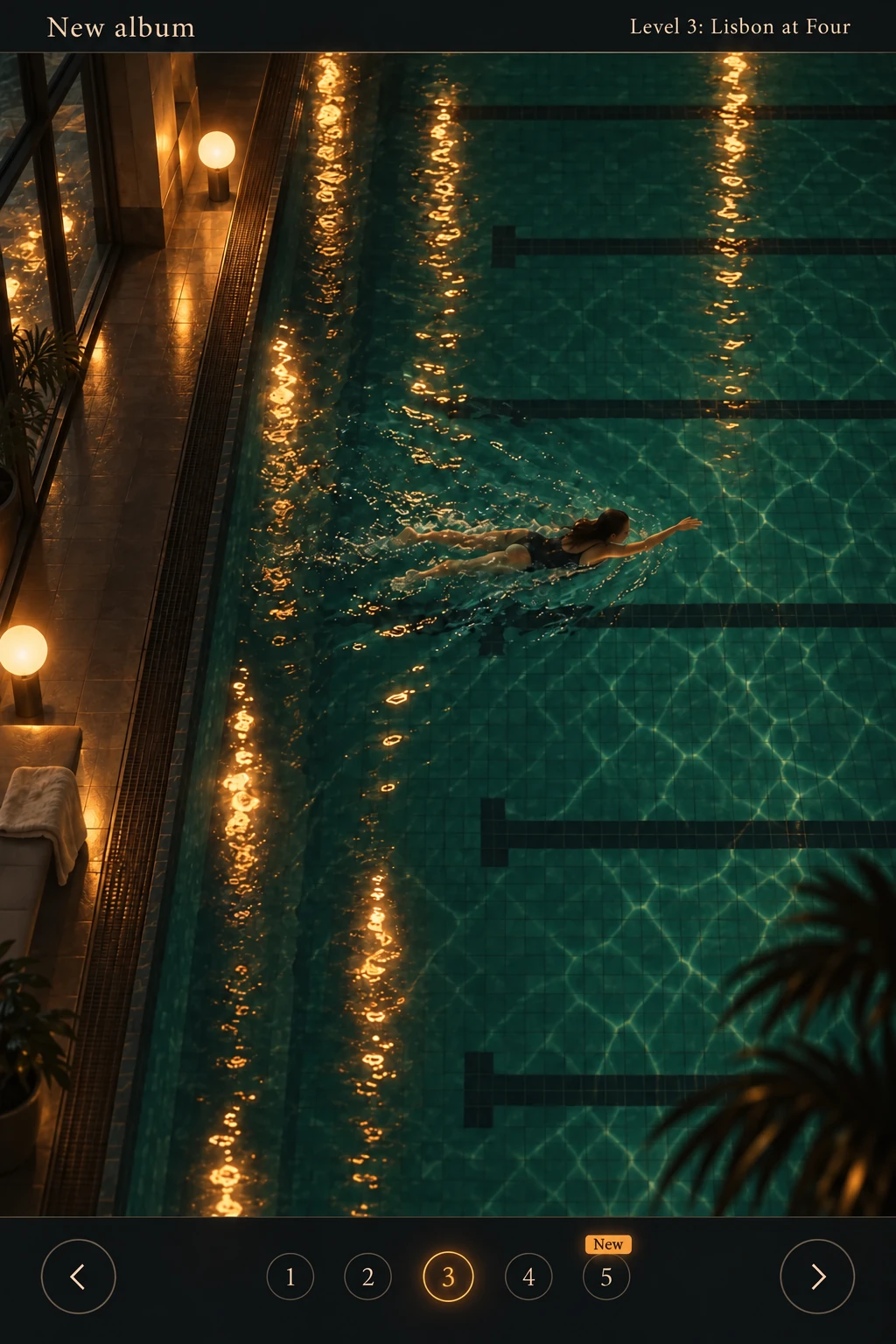
Juno's new album is a game: every level is a song. Friends she shares it with play it on their phones.

Juno, to her AI Add the song Last Swim as level 5.
 Her AI Done. Five levels now.
Tell the AI you already use, like Claude or Gemini, what you want: a page, a menu, even a game. It makes it in Par, the place that remembers your life, and it's online right away.
Vibe coding vibing.
Vibe deploying vibing²
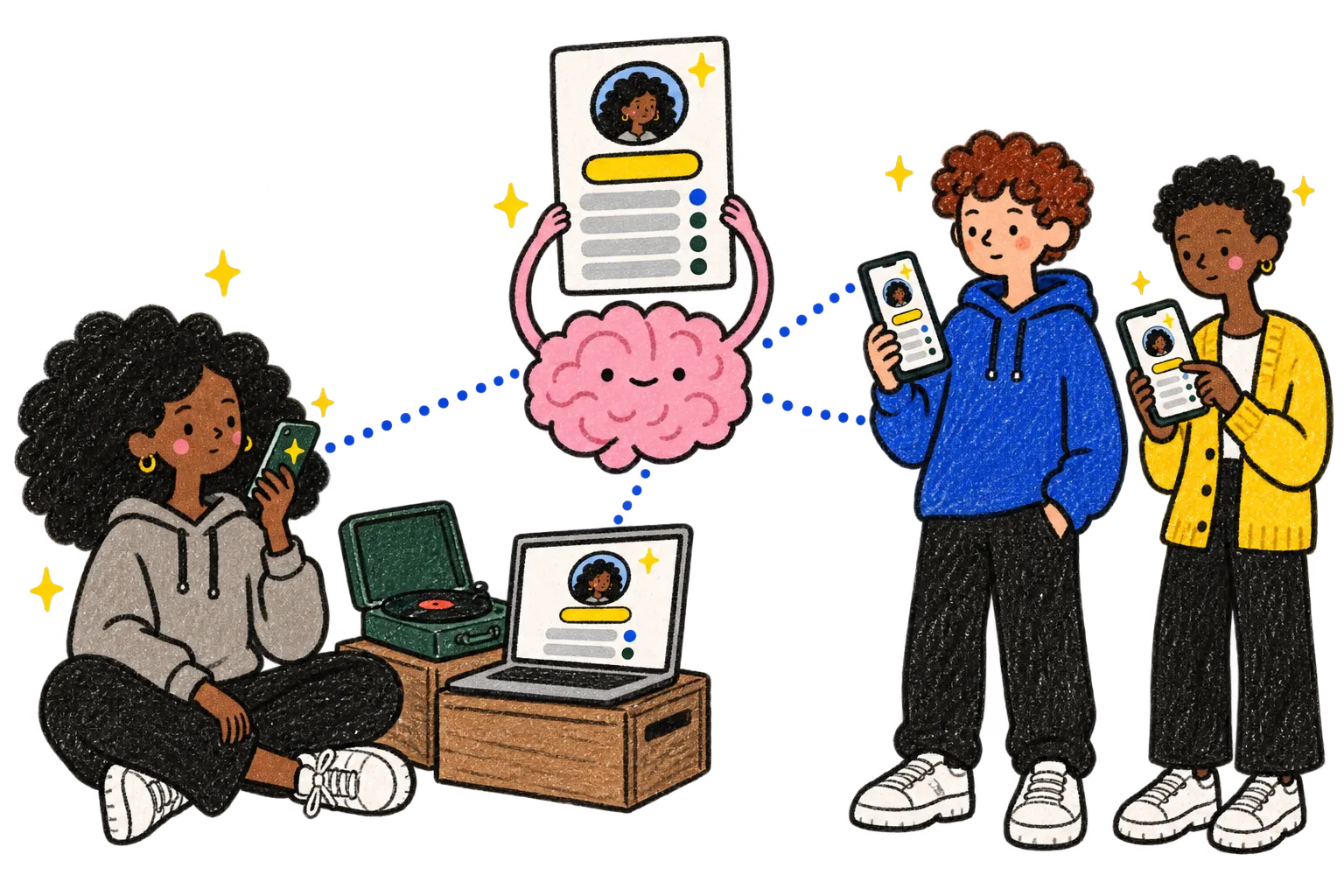
You don't write code and you don't publish. You ask your AI, and your site is up, at its own address.
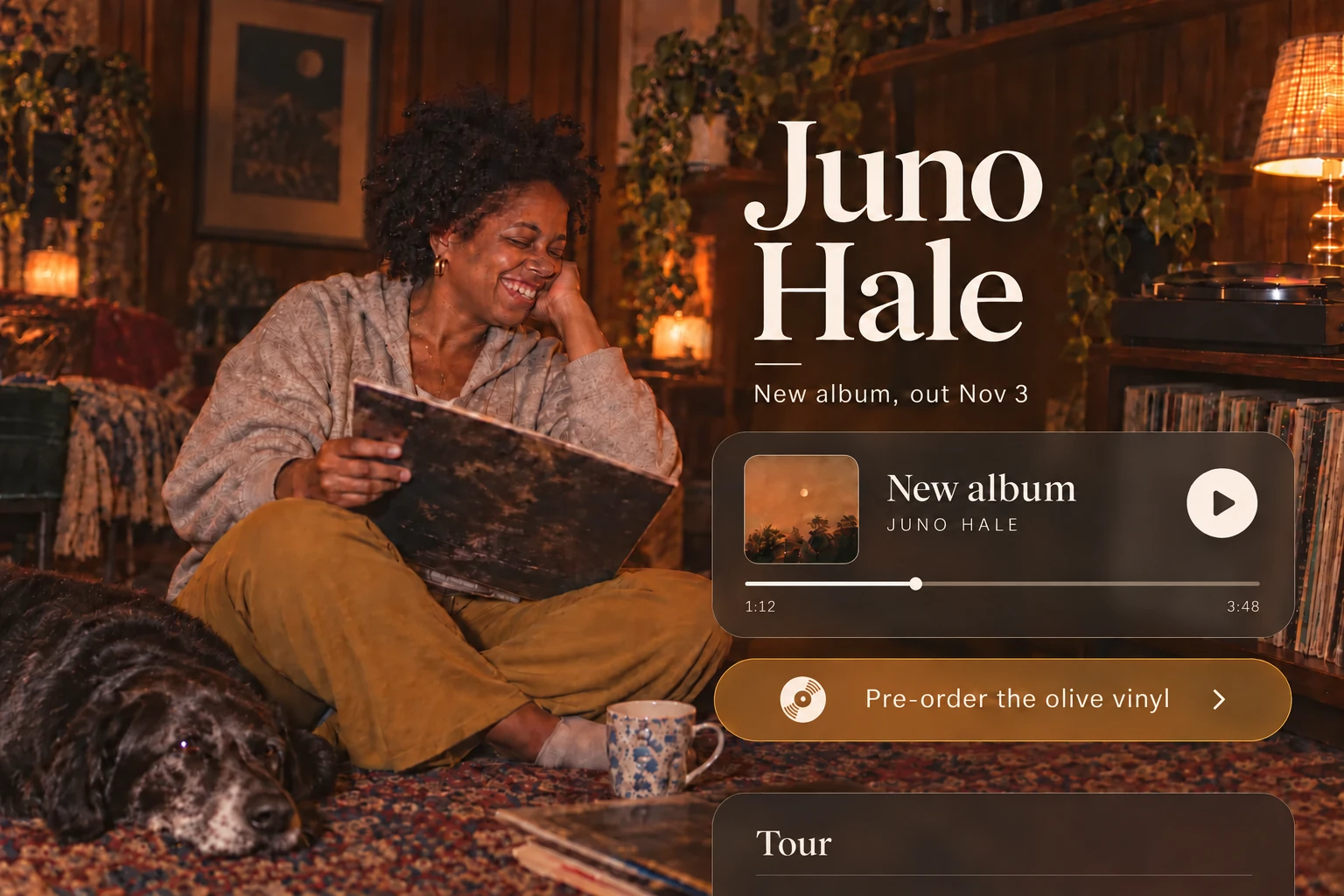
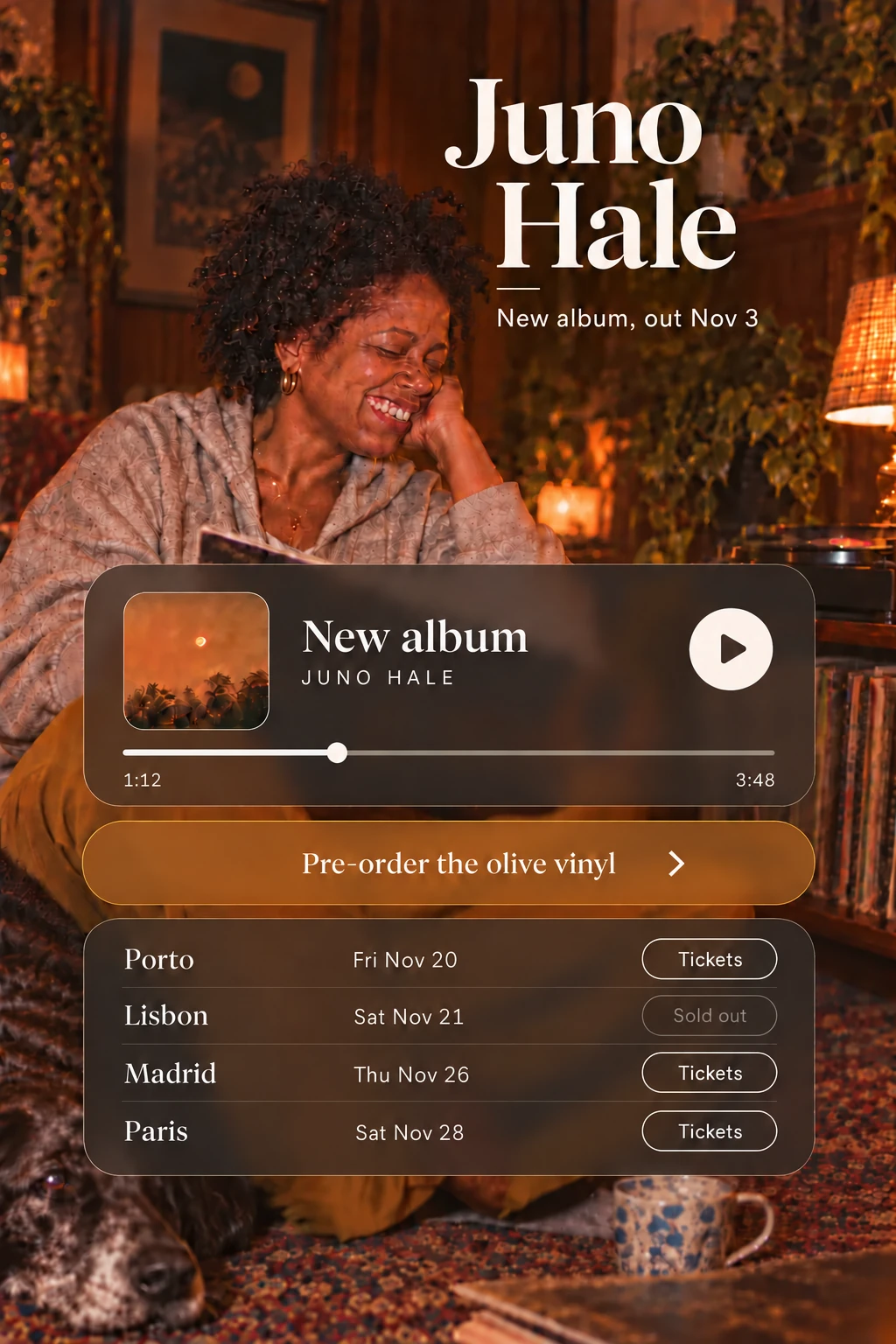
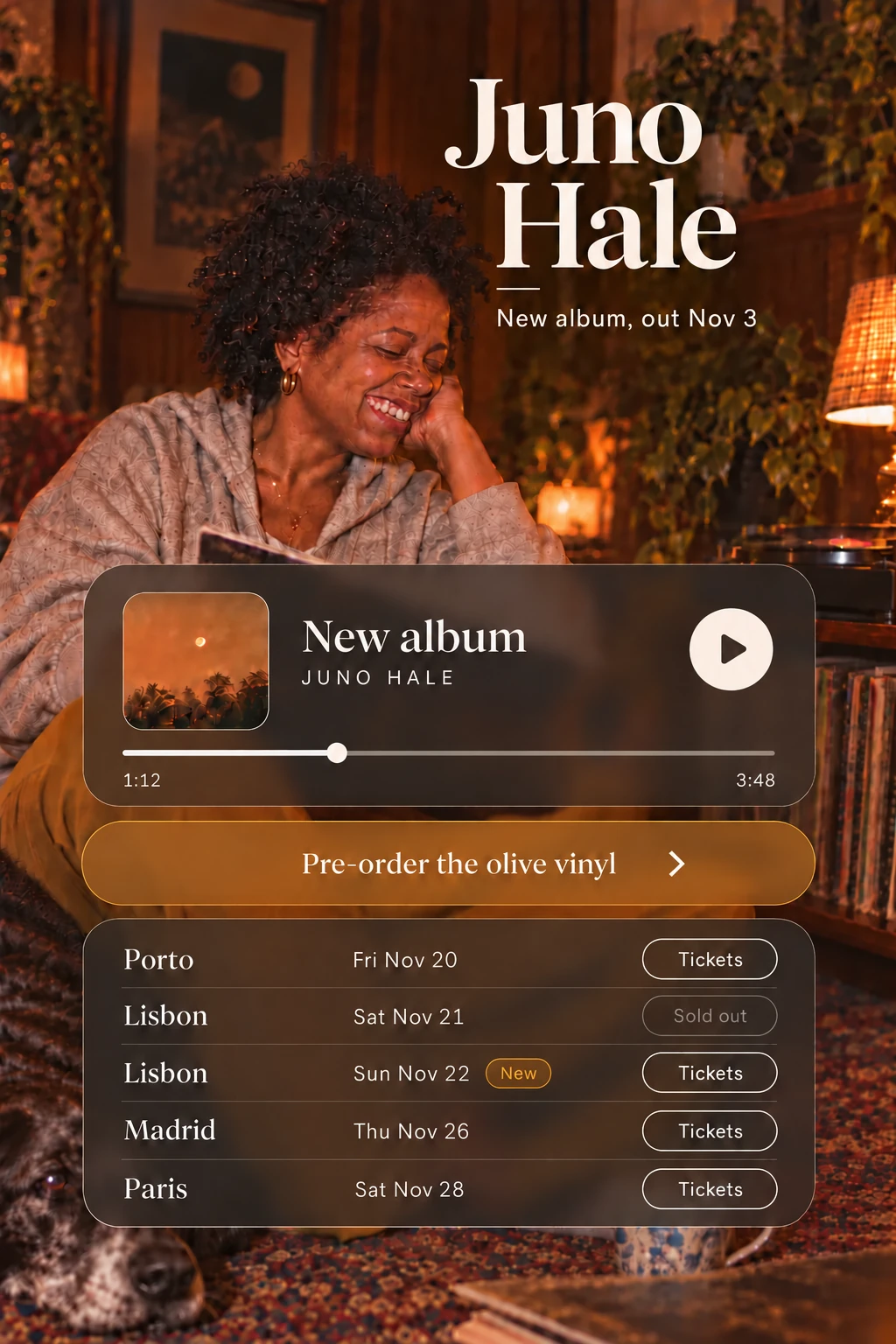
Example: Juno is a singer. Her page is the link on her social media profile, and anyone can open it, no account needed.
Juno, to her AI Lisbon sold out. Add a second night, Sunday the 22nd.
Her AI Done. It's on your page.
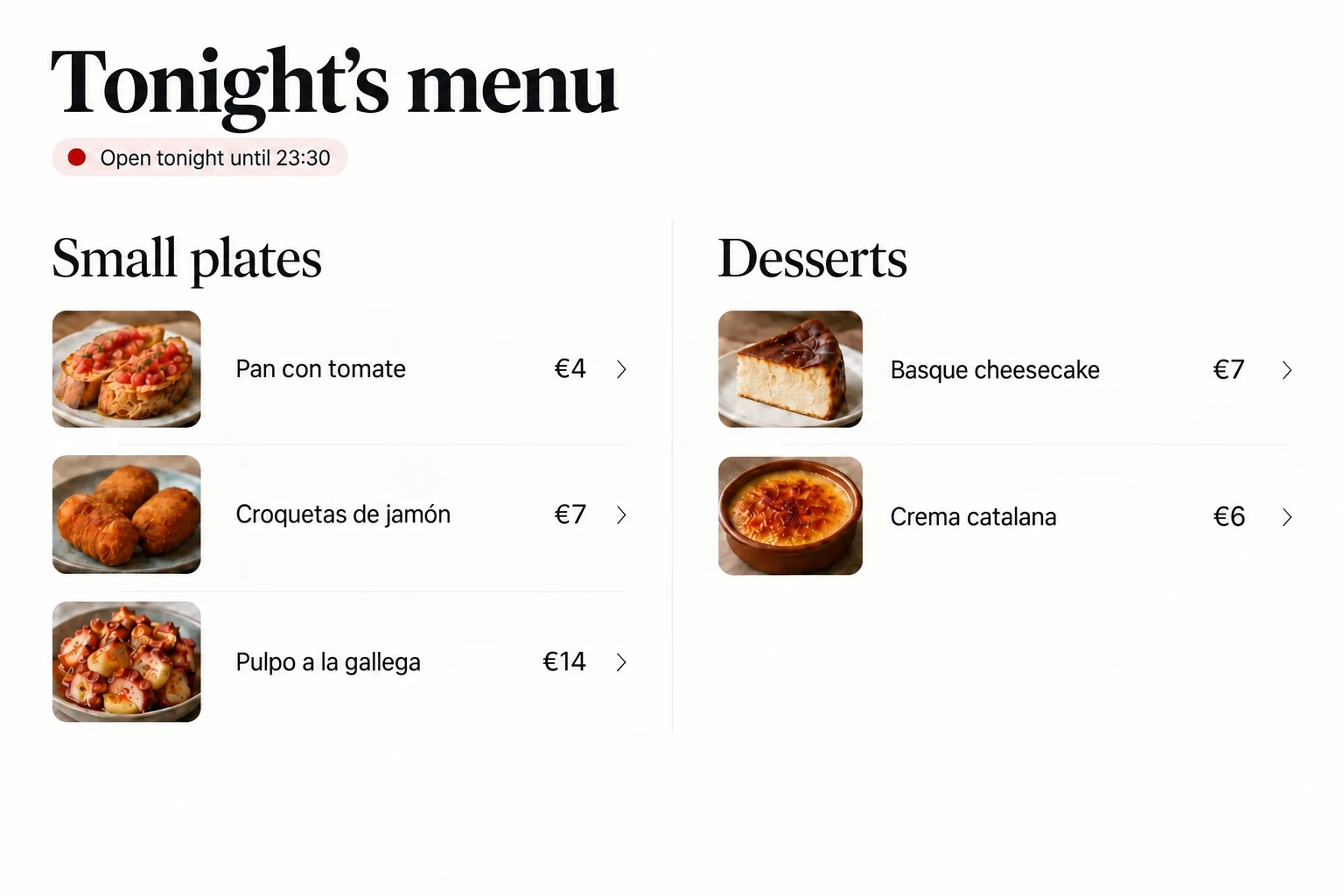
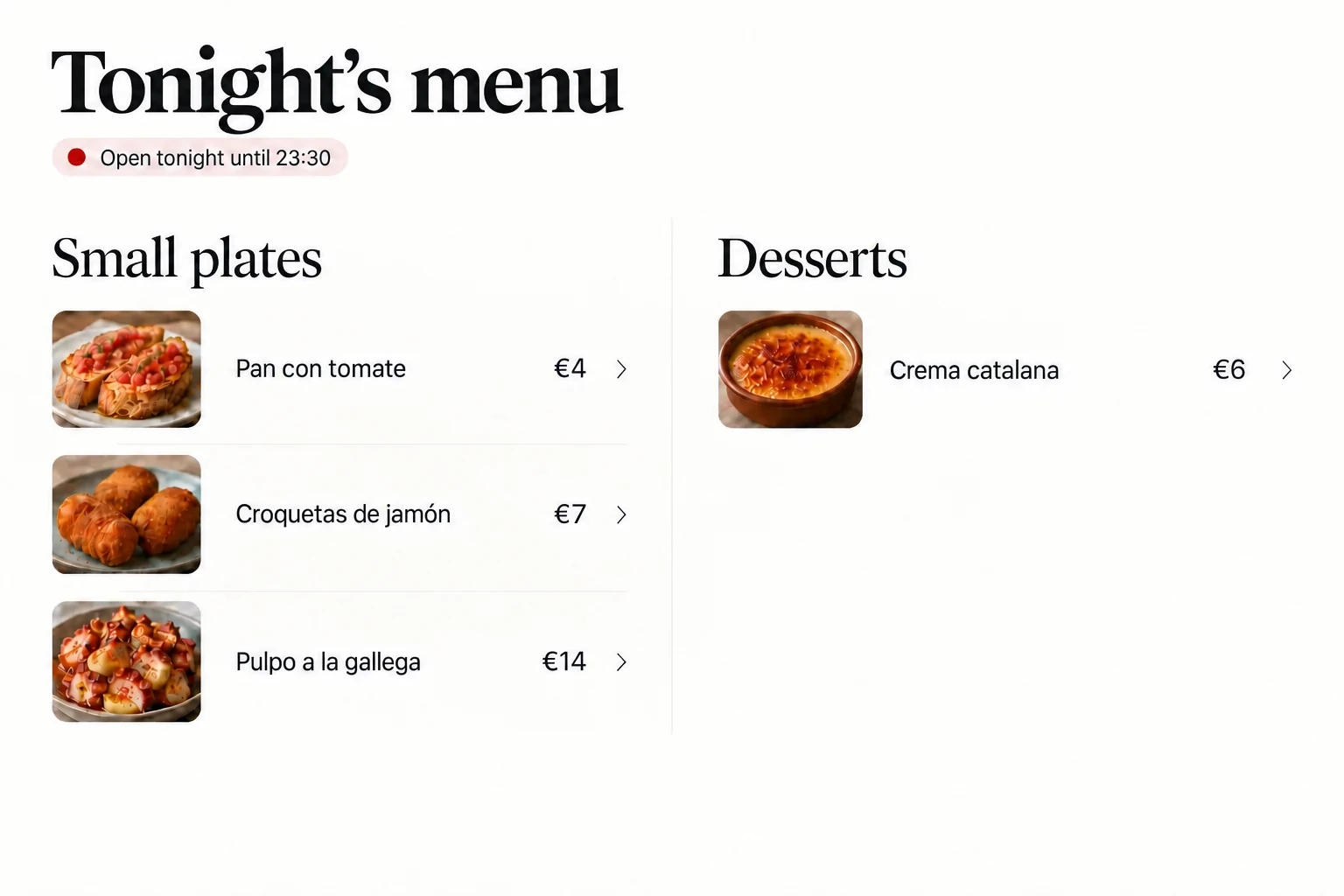
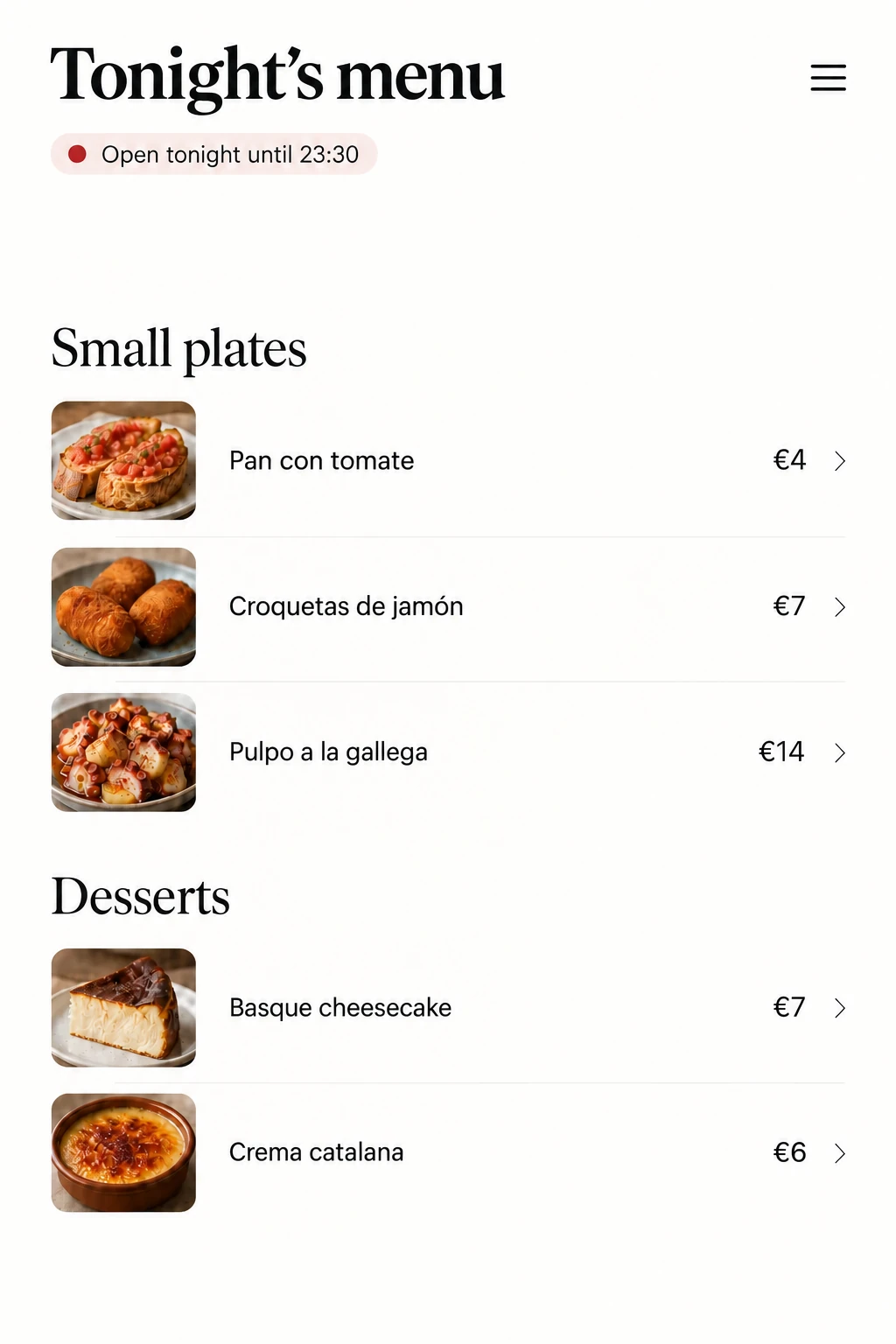
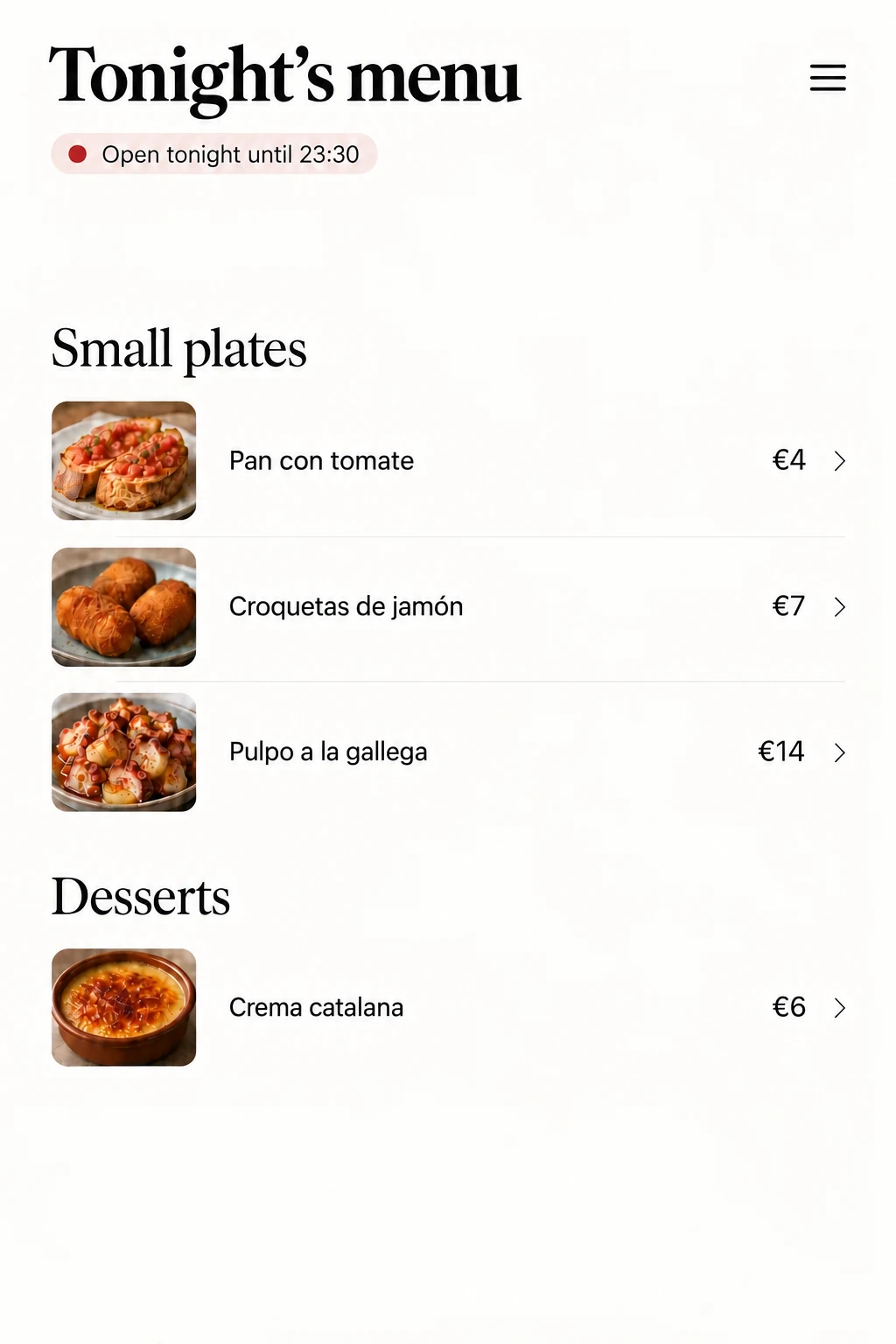
Example: Alba runs a small restaurant. She tells her AI from the kitchen, and the menu on the bar's screen and on her team's phones changes.
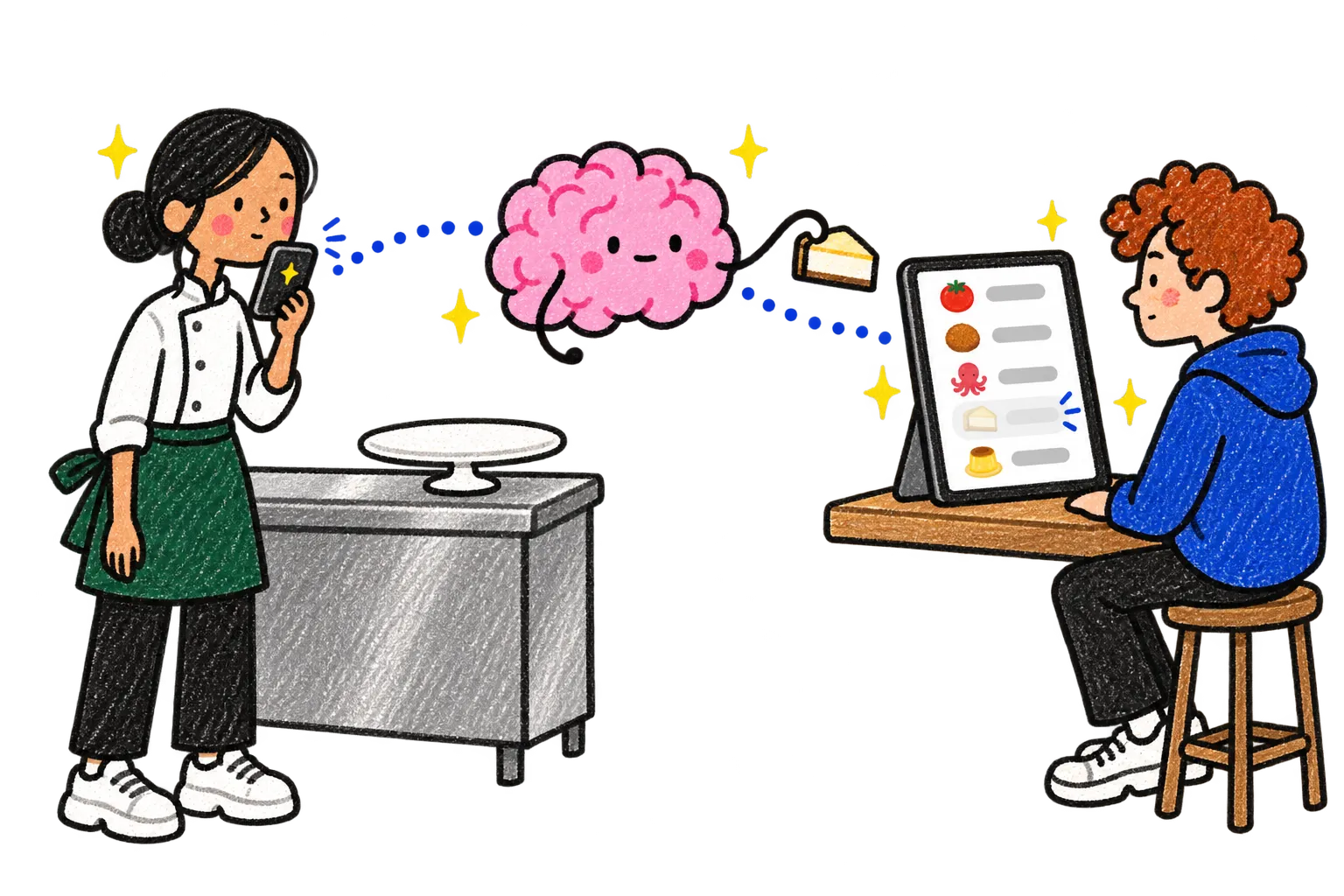
Alba, to her AI The cheesecake is gone for tonight.
A site can be a game, a room to walk around or a map that moves as you play. Ask for it.
Juno's new album is a game: every level is a song. Friends she shares it with play it on their phones.
Juno, to her AI Add the song Last Swim as level 5.
Her AI Done. Five levels now.
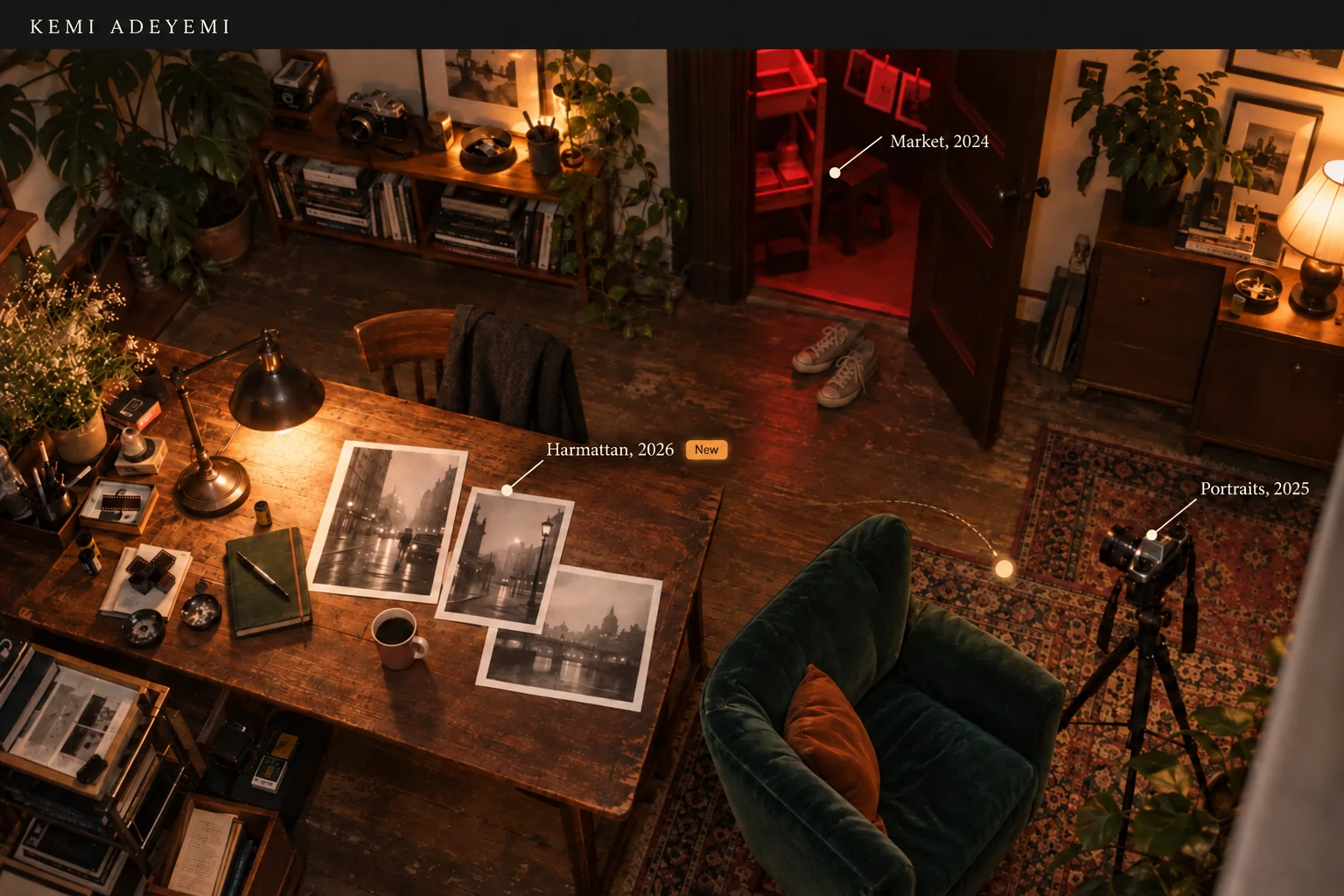
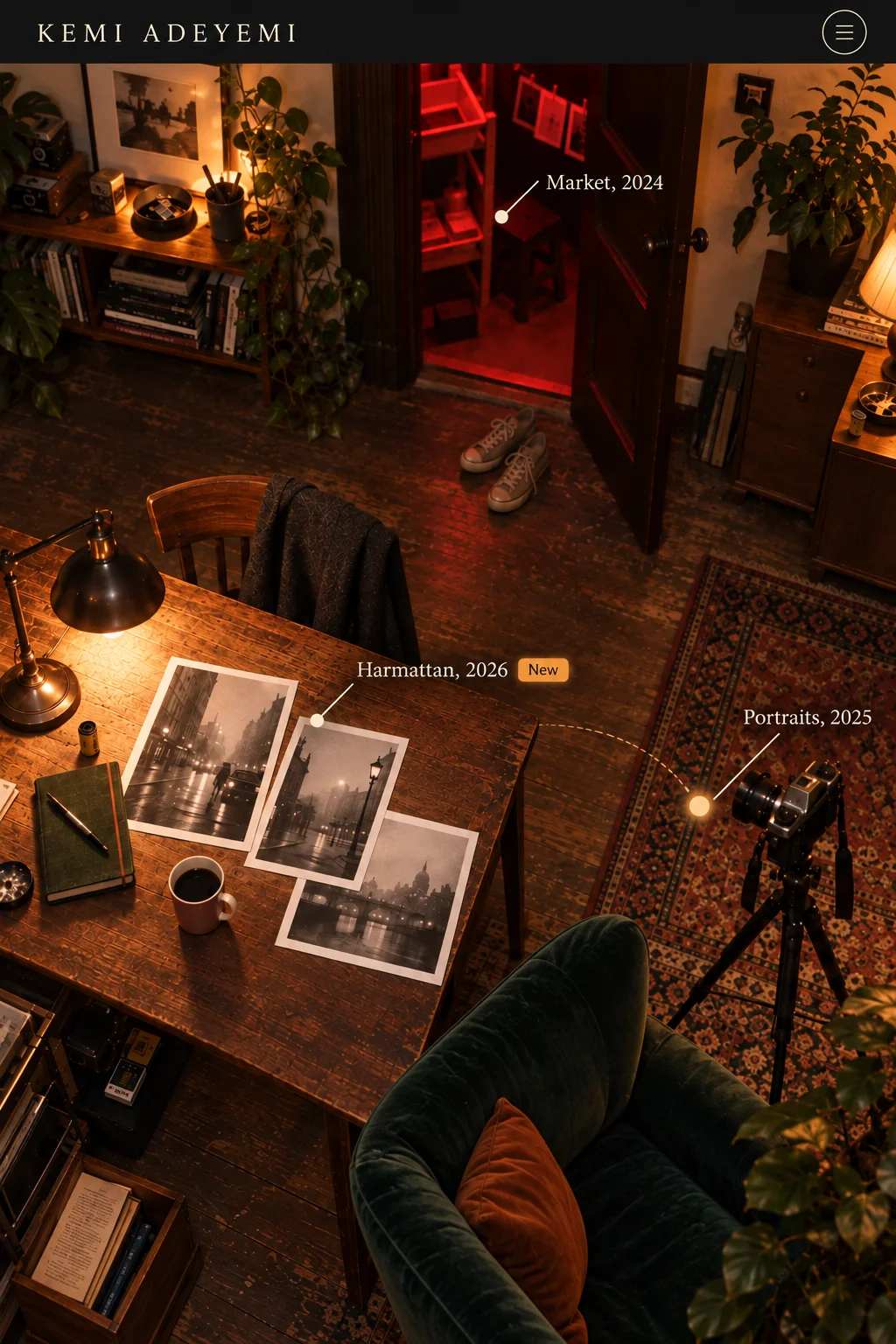
Example: Kemi is a photographer. Clients she shares her portfolio with walk around her studio and tap things to see her photos.
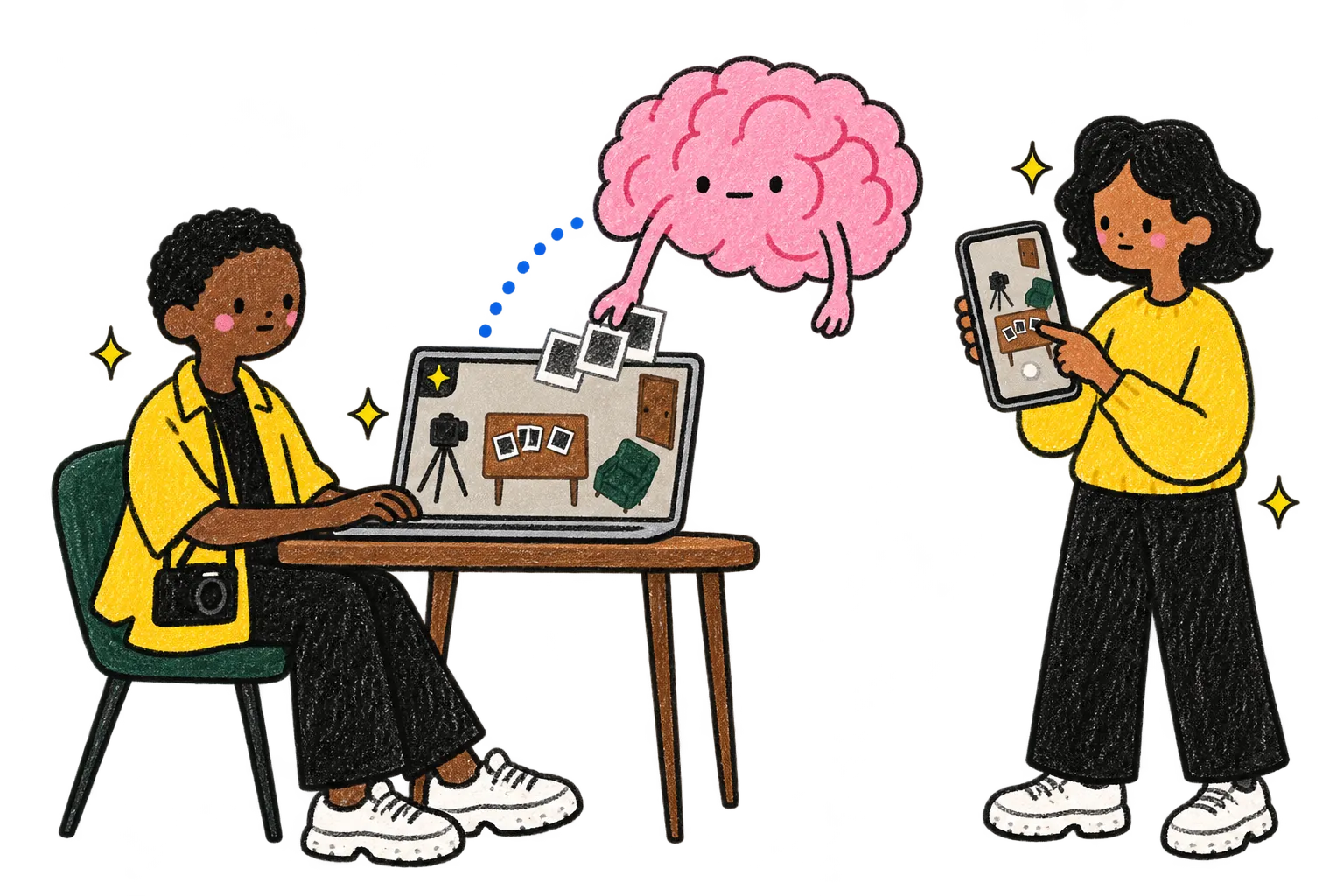
Kemi, to her AI Put the new shoot on the table.
Her AI Done. It's on the table.
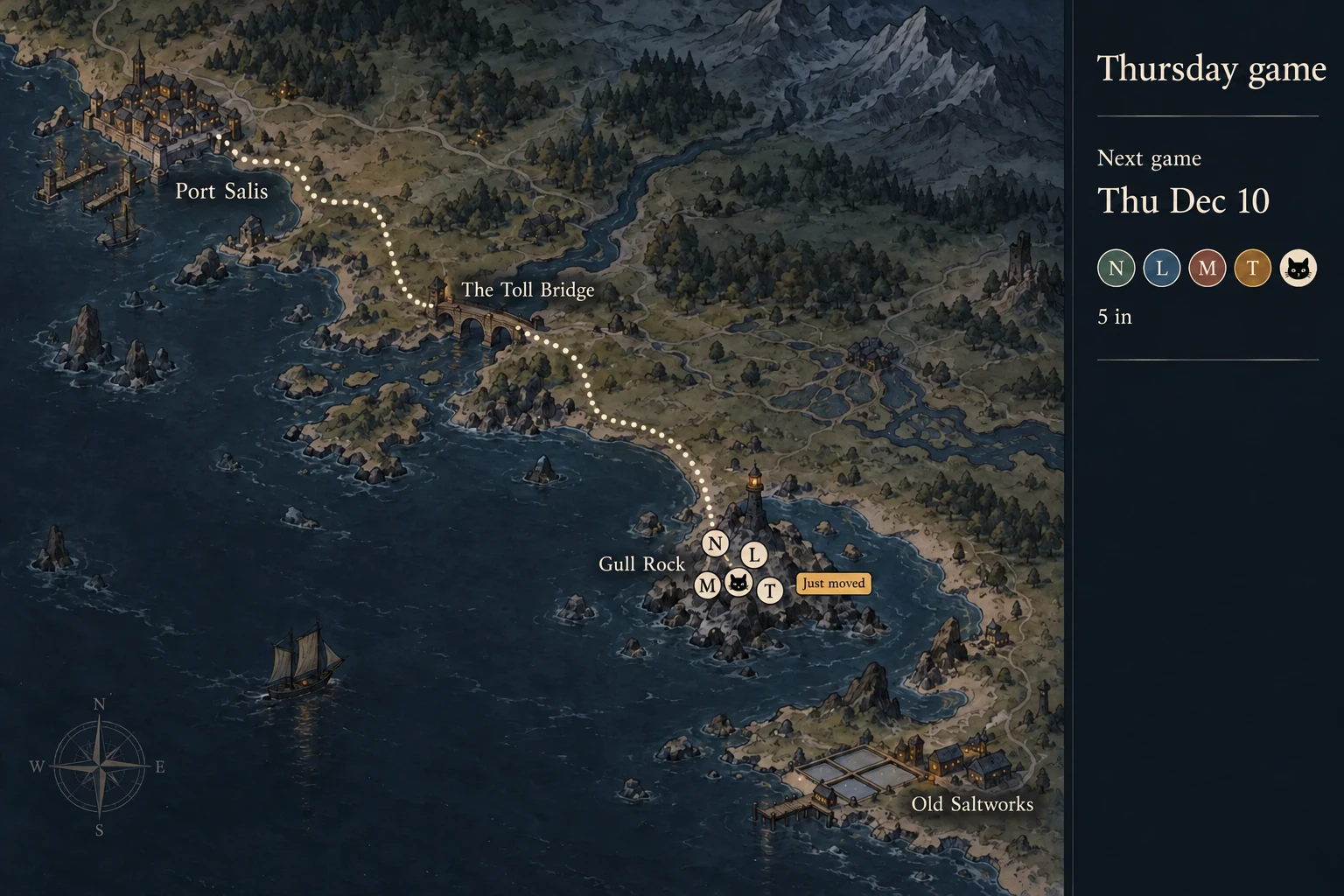
Example: Inês runs a game for her friends every Thursday. Everyone's piece moves on the map as they play, and friends who use Par move their own.
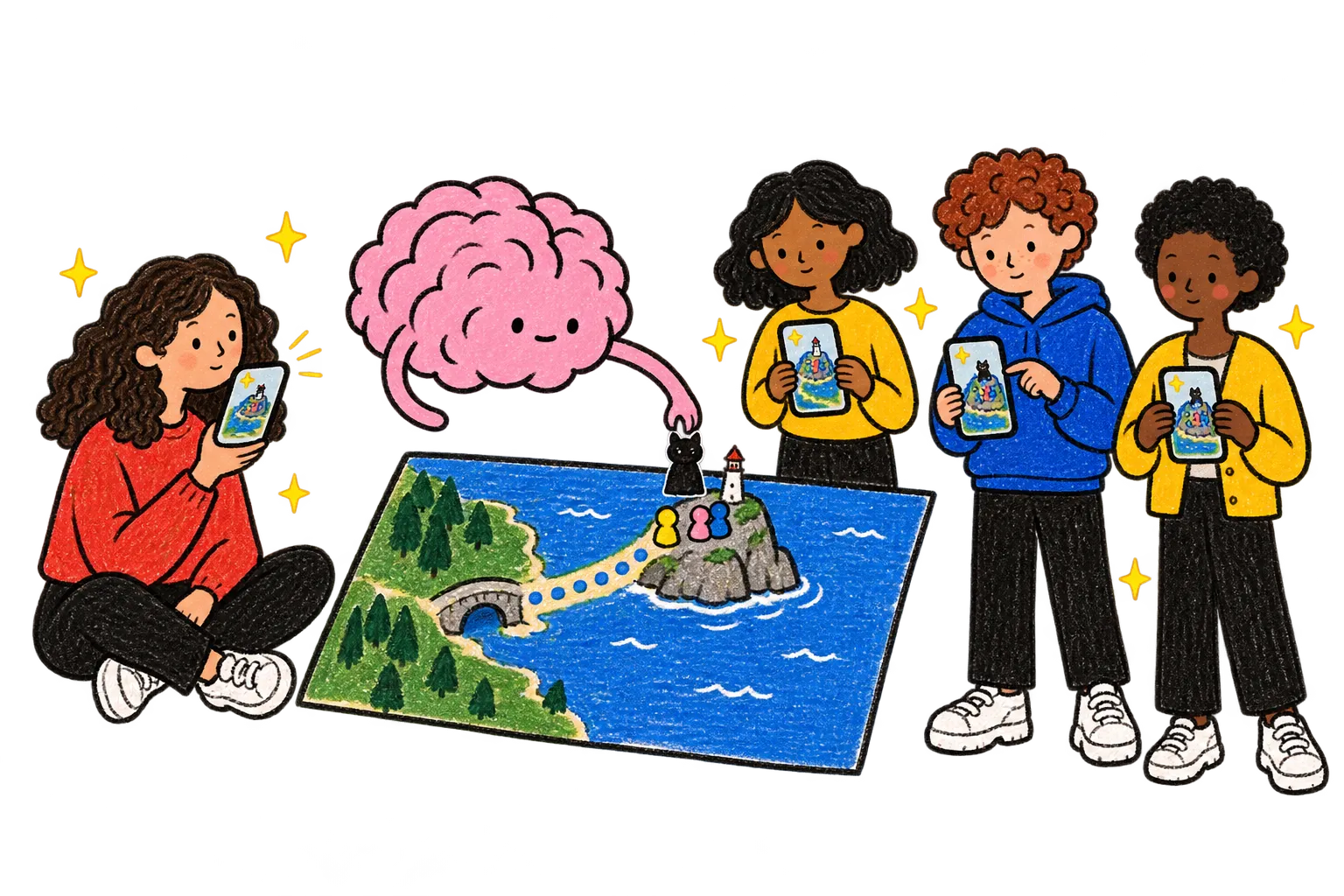
Inês, to her AI Move our pieces to Gull Rock.
Her AI Moved. Everyone sees it.
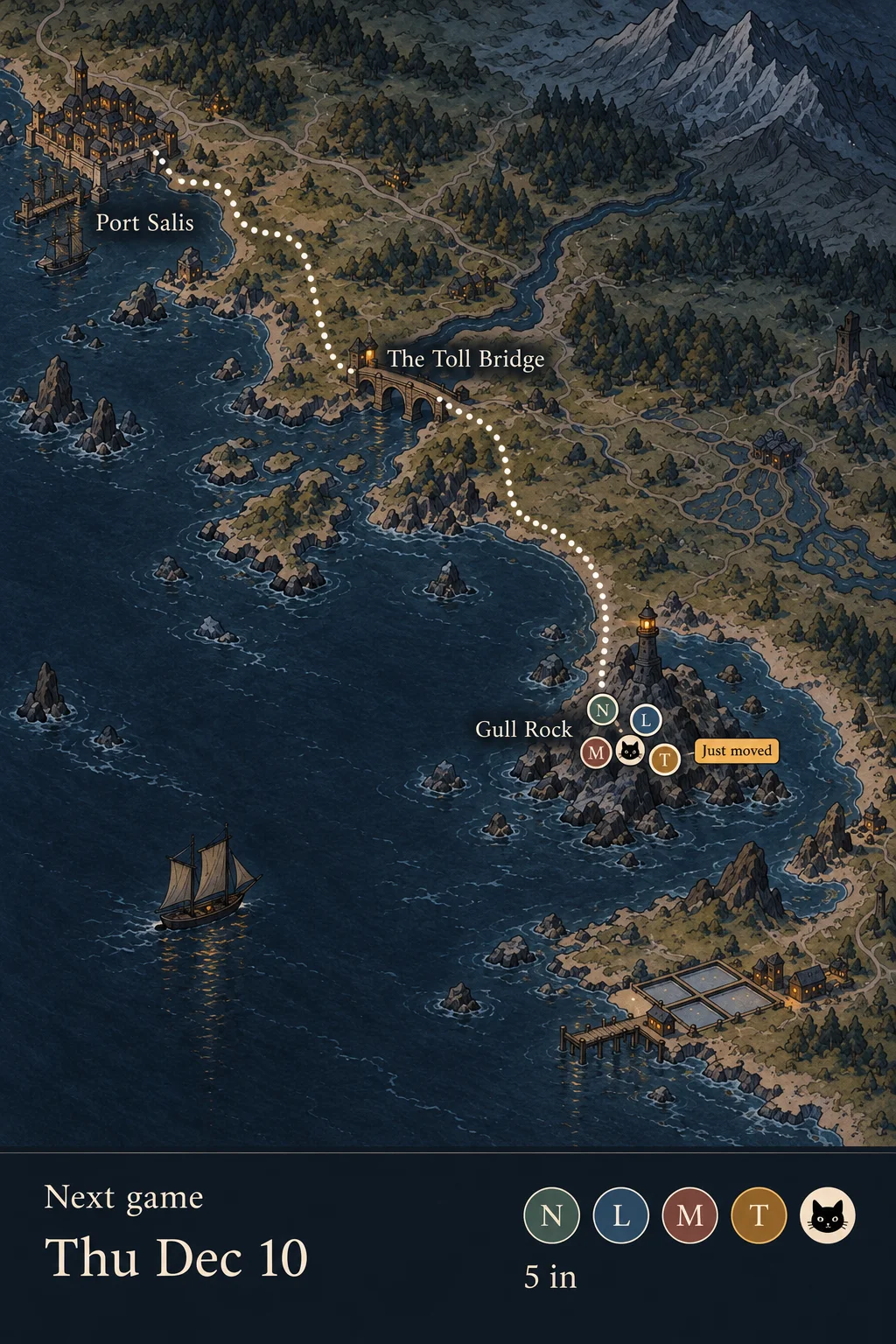
Ask in a sentence, and it becomes your site.
Three steps.
Ask, and it's online. Send a message, and every open screen changes.
| Par | A website builder | A link-in-bio page | An AI site builder | |
|---|---|---|---|---|
| How you make it | You ask your AI in a sentence. | You pick a template and edit it. | You fill in a list of links. | You describe it in its chat. |
| How you change it | Send a message. Every screen with it open changes. | Edit it, then save or publish. | Edit the list in its app. | Ask in its chat, then publish. |
| When it's online | The moment it's made, at its own address in your Par. | After you publish it. | Once you save. | After you publish it. |
| What it can use | What your Par already keeps, like your plans and lists. | What you type or upload. | The links and photos you add. | What you tell it, or data you connect. |
| Who can open it | Anyone with the link, no account needed. People you add by email can change it with you. | Anyone on the web, at your own domain. Search finds it. | Anyone with the link. | Anyone on the web, at your own domain. |
| What it can be | A page, a menu, a game or a live map, with people together, built by the AI you already use. | Pages and a shop, from templates. | A list of links. | Pages and apps. |
Where the others win: a website builder or an AI site builder puts your site at your own domain, where search can find it. In Par, the link is Par's, and the page asks search engines not to list it.
Compared by type of tool, checked on Oct 18, 2026.
Short answers about making a site in Par.
No. You tell your AI what you want, and it makes and changes the site for you.
In your Par, at its own address. Nothing else to set up.
Anyone with its link sees it live, with no account. People you add by email can change it with you.
The AI you already use, once you add Par to it: Claude, Gemini, Grok and more. Get started lists them and shows how.
Ask for your site.
Ask your AI for your page, then change one thing by sending it a message.
Get started