Par / company Sign in

Your company's brain.
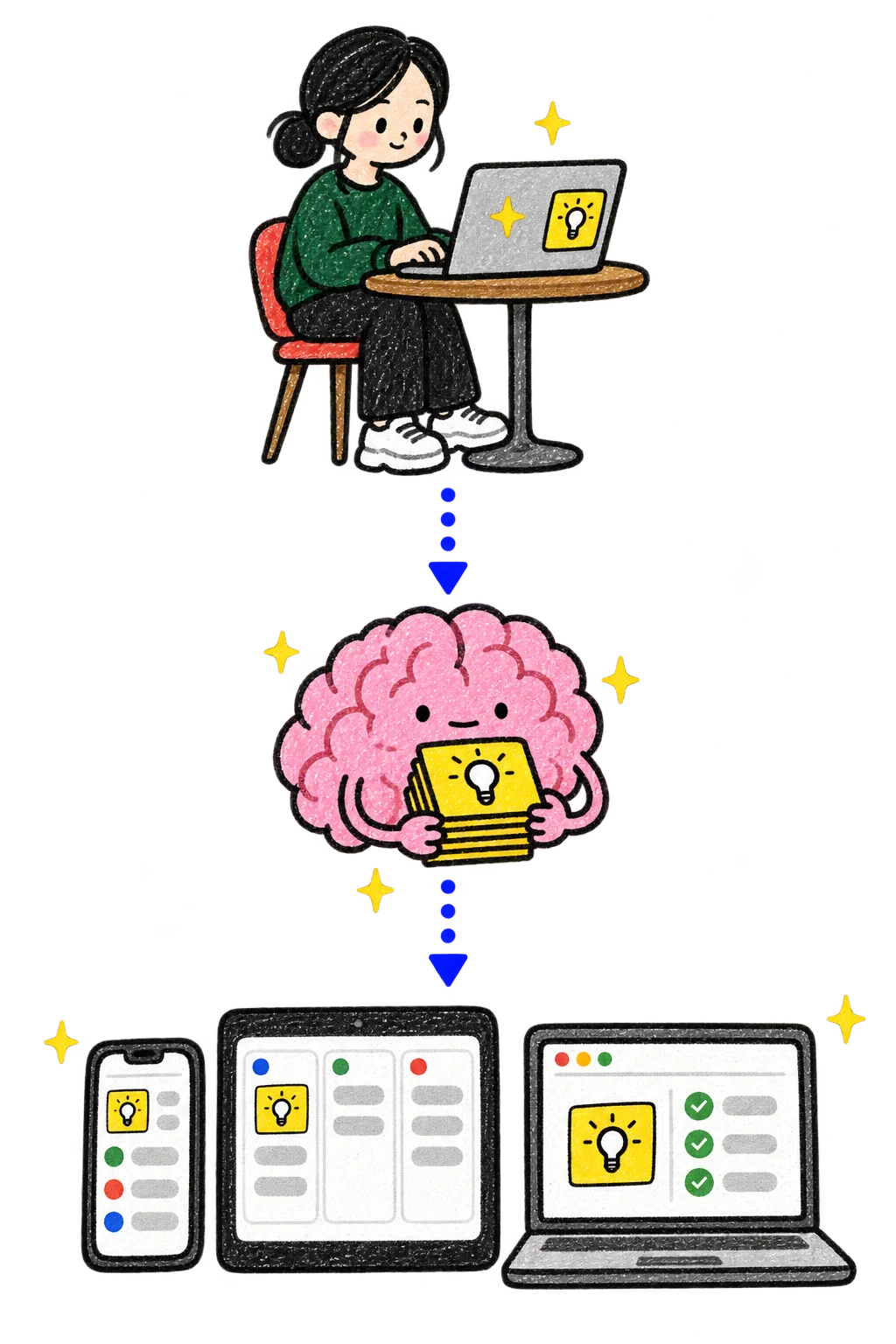
Crayon diagram from top to bottom: someone works on a laptop with their AI; the pink Par brain keeps the cards it learned; a phone, a tablet and a laptop show different apps with the same card.

Your team works.Par remembers.Your AIs make the apps.
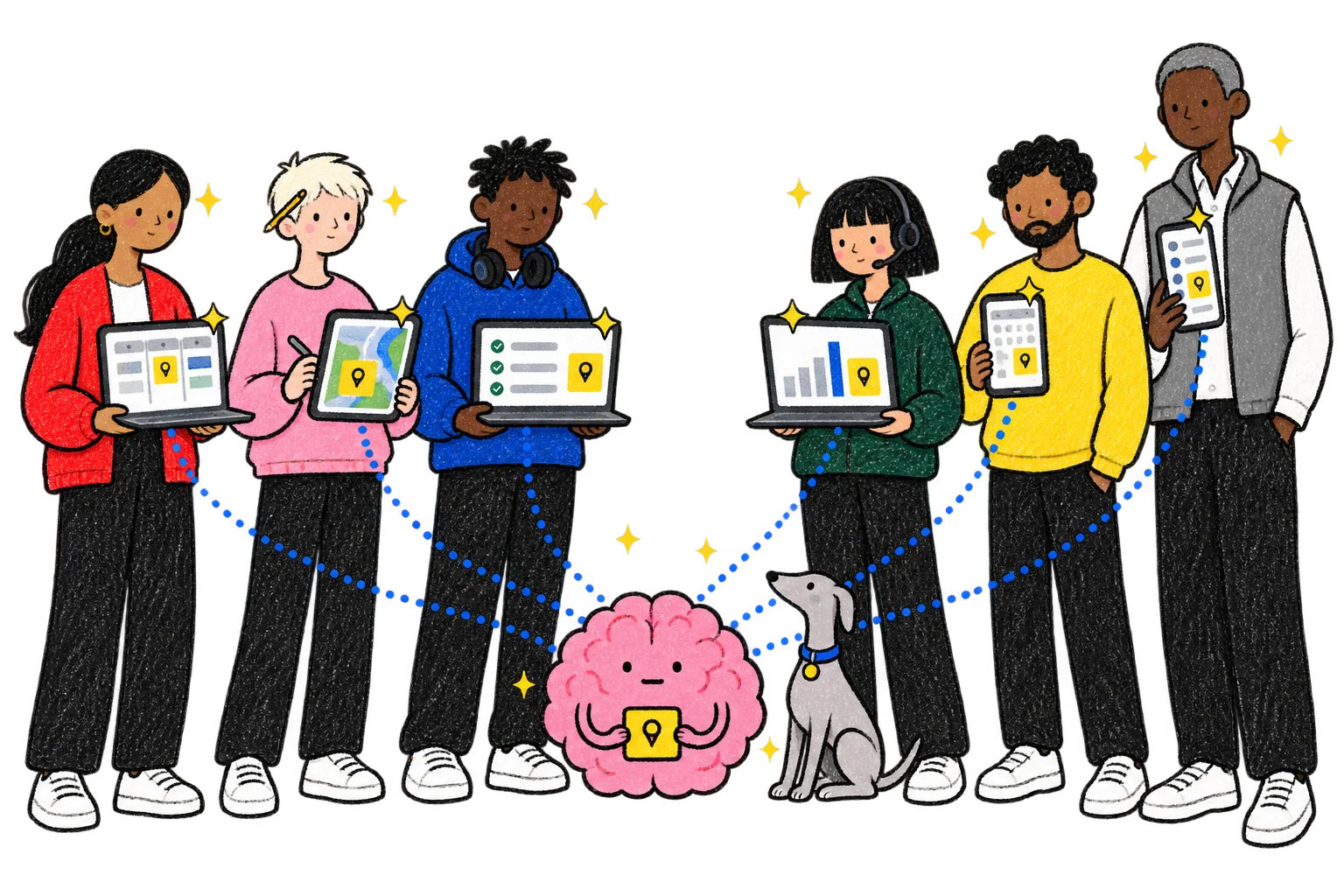
A crayon drawing of six colleagues at a startup: Product, Design and Engineering use laptops or a tablet; Support has a laptop and headset; Marketing and Sales use phones. Each screen shows a different app with the same small yellow card, and dotted lines run from every screen to a big pink brain sitting on the floor, holding that card. The team's grey dog sits beside it.

Picture a startup testing a tracker for dog collars. Its teams share one Par.

Built from our own conviction. Reinforced by the market.

They gave a name to a direction we were already building.

“…a living map of how a company works.” (opens in a new tab)
Tom Blomfield · Y Combinator, Requests for Startups, Summer 2026 · April 2026 Copy link

Different AI. Different computer. Same Par.
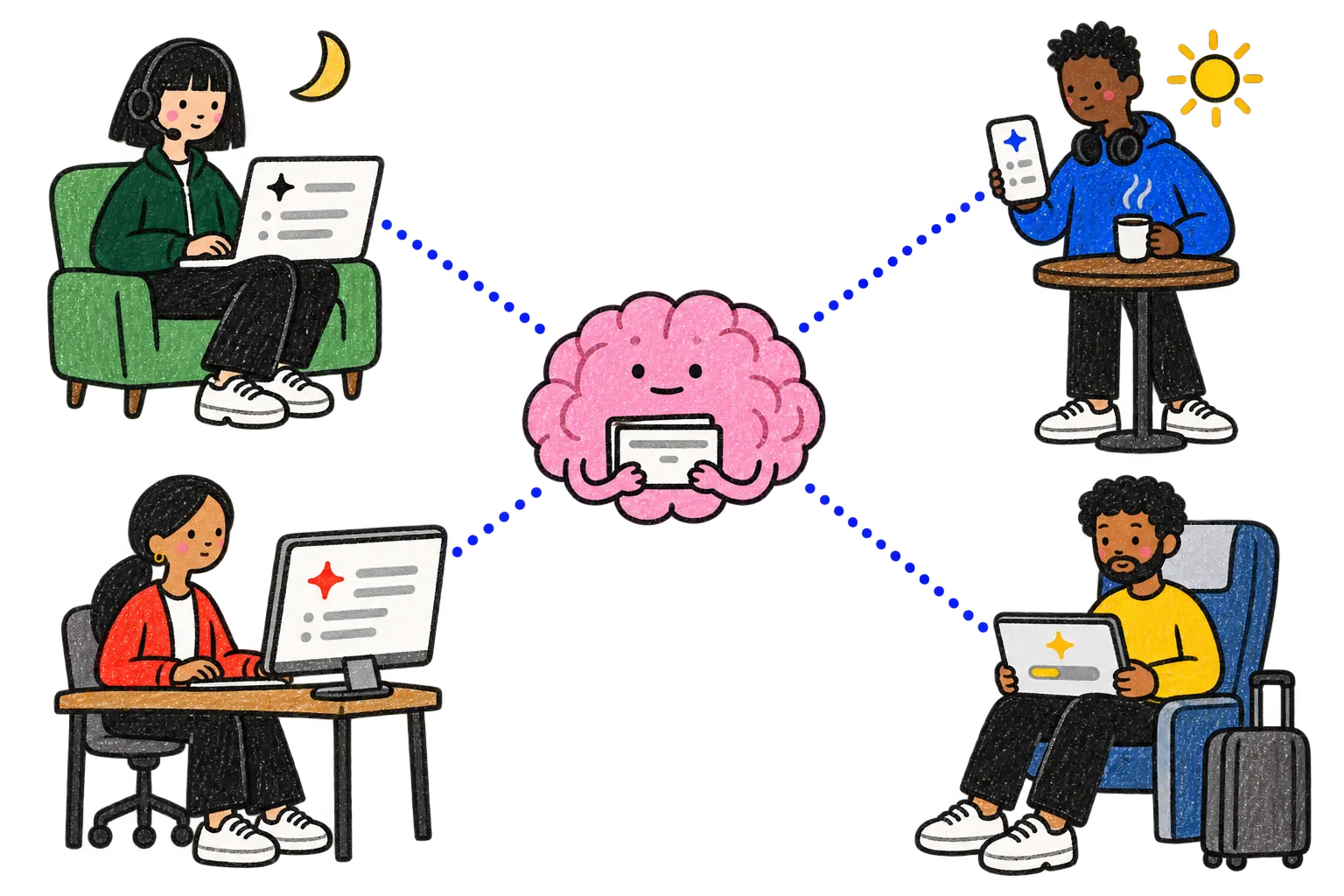
Crayon drawing of four teammates far apart, each with a different AI: late at night, Hana in Support works on her laptop on her sofa; the next morning, Kofi in Engineering reads his phone over a coffee at a café; Noor in Product sits at a desktop computer at the office; Mateo in Marketing has his tablet on a train. Dotted lines run from all four screens to Par's pink brain in the middle. Hana's research travels through it to the other three, and progress, a task and a skill pass between them the same way.
  1. Beta testers say the map puts their dog on the wrong street.

  2. Hana, in Support, asks her AI to investigate. After two hours, it saves the answer in Par.

  3. The next morning, her teammate Kofi, in Engineering, asks his AI about the same problem. It finds Hana’s answer in Par.

The team’s Beta map app, live for Hana in Support, Kofi in Engineering and Noor in Product: a city map with six dog pins; one pin has a dashed line to an empty circle on the next street, marked 9 min ago. A card on the right: Why some dogs show on the wrong street. On battery saver, the tag sends its place every 10 minutes. The map shows where the dog was. Saved by Hana's AI · Tue 21:40. Beta testers: Pepper · Lisbon · 4 reports. Miso · Toronto · 2 reports.
Tuesday night: Hana in Support saves the answer in the team’s beta map.
Engineering teammate Kofi’s AI on his phone. He asks: Why do some dogs show on the wrong street? The AI answers: Hana's AI found this last night. On battery saver, the tag sends its place every 10 minutes, so the map shows where the dog was. Under it, a source card: From the team's Par. Saved by Hana's AI · Tue 21:40.
Wednesday morning: her Engineering teammate Kofi asks his own AI.
What did Hana's AI save?

The answer, and where it came from. Why dogs showed on the wrong street, the beta notes it read, how sure it was, and the date.

Who sees it. Everyone on the team, through the AI each of them already uses.

Is this a wiki? No. Nobody wrote a page. Hana asked a question, and her AI kept what it found.

It happened to us first. One of us spent two hours with an AI finding out why an automation kept stopping. The next person who asked got the answer in seconds.

Why any AI can read it…machine-readable interfaces like APIs, MCPs, and CLIs. Aaron Epstein · Y Combinator, Requests for Startups, Summer 2026 · May 2026 · from the video's automatic captions (opens in a new tab)

Par is built that way, so the AI each person already uses, Claude, Gemini, Cursor and others, connects to the same Par.

“…AI hasn't had its multiplayer moment yet.” (opens in a new tab)
Aaron Epstein · Y Combinator, Requests for Startups, Fall 2026 · July 2026 Copy link

Everyone keeps their own AI. The work is shared.
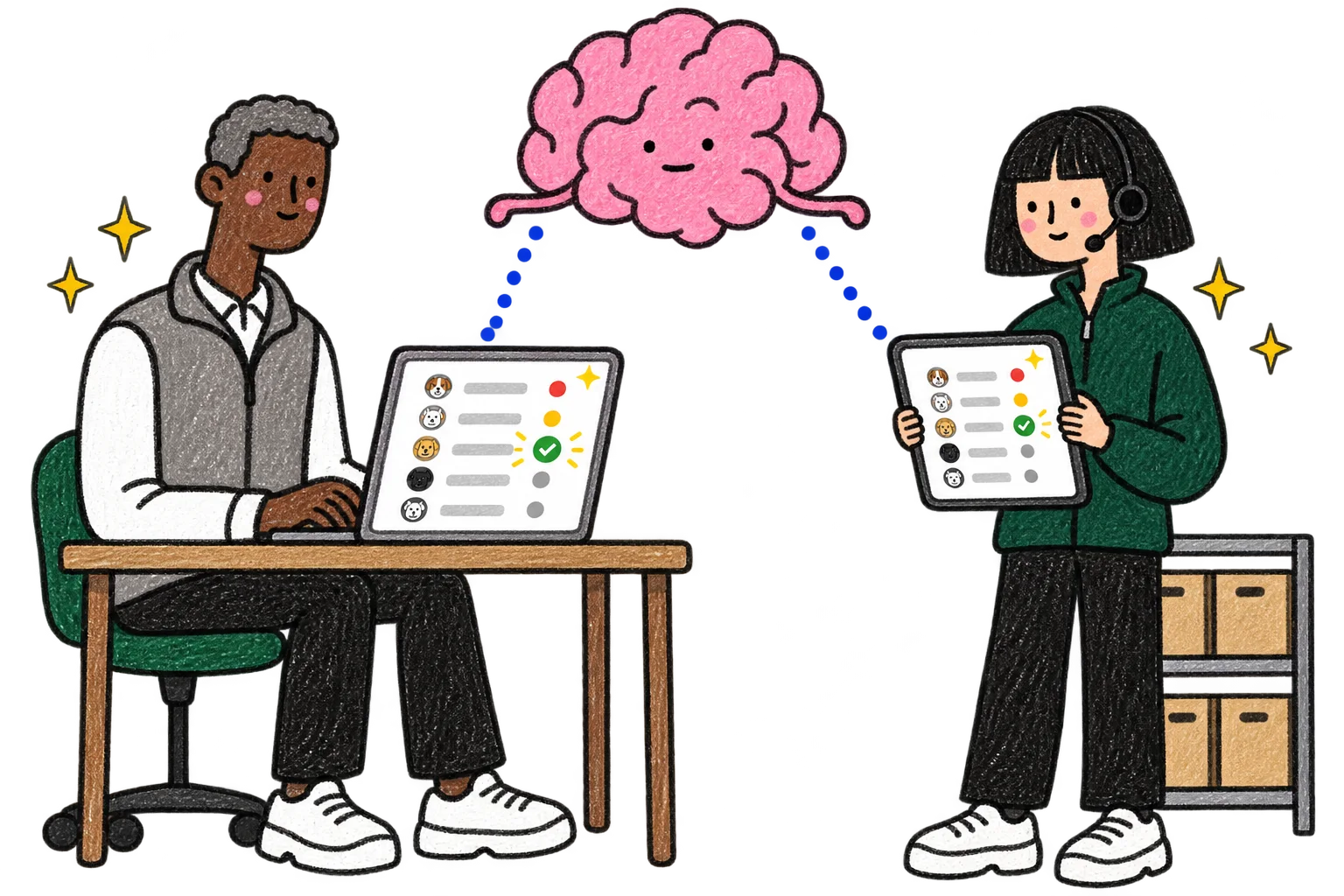
Crayon drawing: Sales teammate Sam at his laptop and Support teammate Hana with a tablet next to a shelf of small boxes. Both screens show the same list of pet shops, and the same row turns green with a check on both screens at once. The pink brain floats above, with dotted lines to both screens.
  1. Forty pet shops get their tags on 9 November.

  2. Sam in Sales and his Support teammate Hana each use their own AI on the same list of shops.

  3. Each one sees, right away, what the other's AI changed.

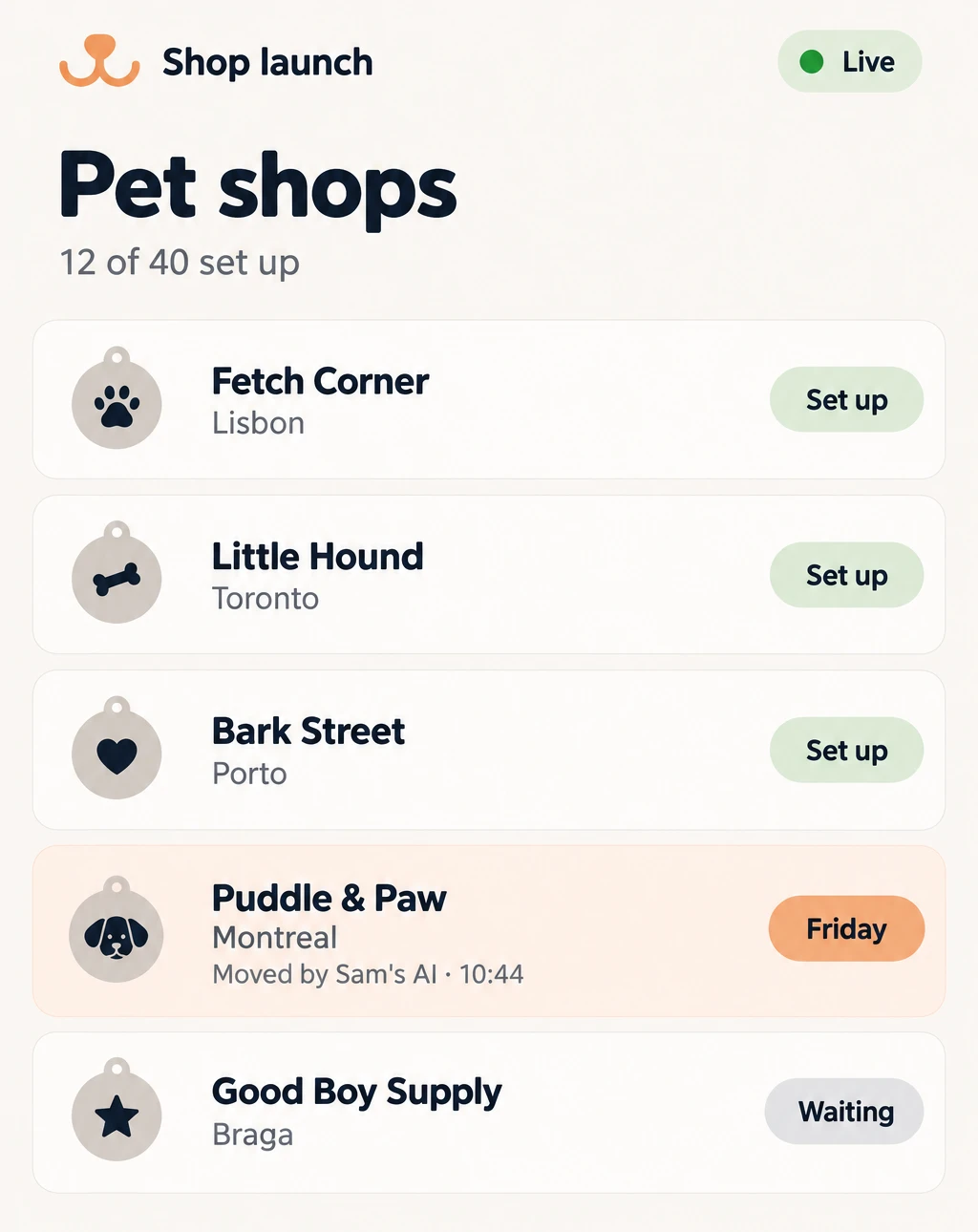
The team’s Shop launch app on Sales teammate Sam’s laptop, live for Sam and Hana in Support. Pet shops, tags arrive 9 Nov, 12 of 40 set up. Fetch Corner, Lisbon, 60, set up. Little Hound, Toronto, 40, set up. A shop in Porto, 25, set up, highlighted: Hana's AI · 10:42. A shop in Montreal, 30, waiting. Good Boy Supply, Braga, 20, waiting.
Sam's laptop: Hana's AI just set up a shop in Porto.
The same Shop launch list on Support teammate Hana’s tablet, live. Pet shops, 12 of 40 set up. A shop in Montreal is highlighted with a Friday tag: Moved by Sam's AI · 10:44.
Hana's tablet: Sam's AI just moved a shop in Montreal to Friday.
How do they see it right away?

Every change an AI saves shows up at once on every screen that has the app open.

Nobody passes messages along. Each person keeps the AI they already use.

“Small software should be as easy to share with your colleagues as a Google Doc.” (opens in a new tab)
Pete Koomen · Y Combinator, Requests for Startups, Fall 2026 · July 2026 Copy link

Like Notion, but for the apps your team runs on.
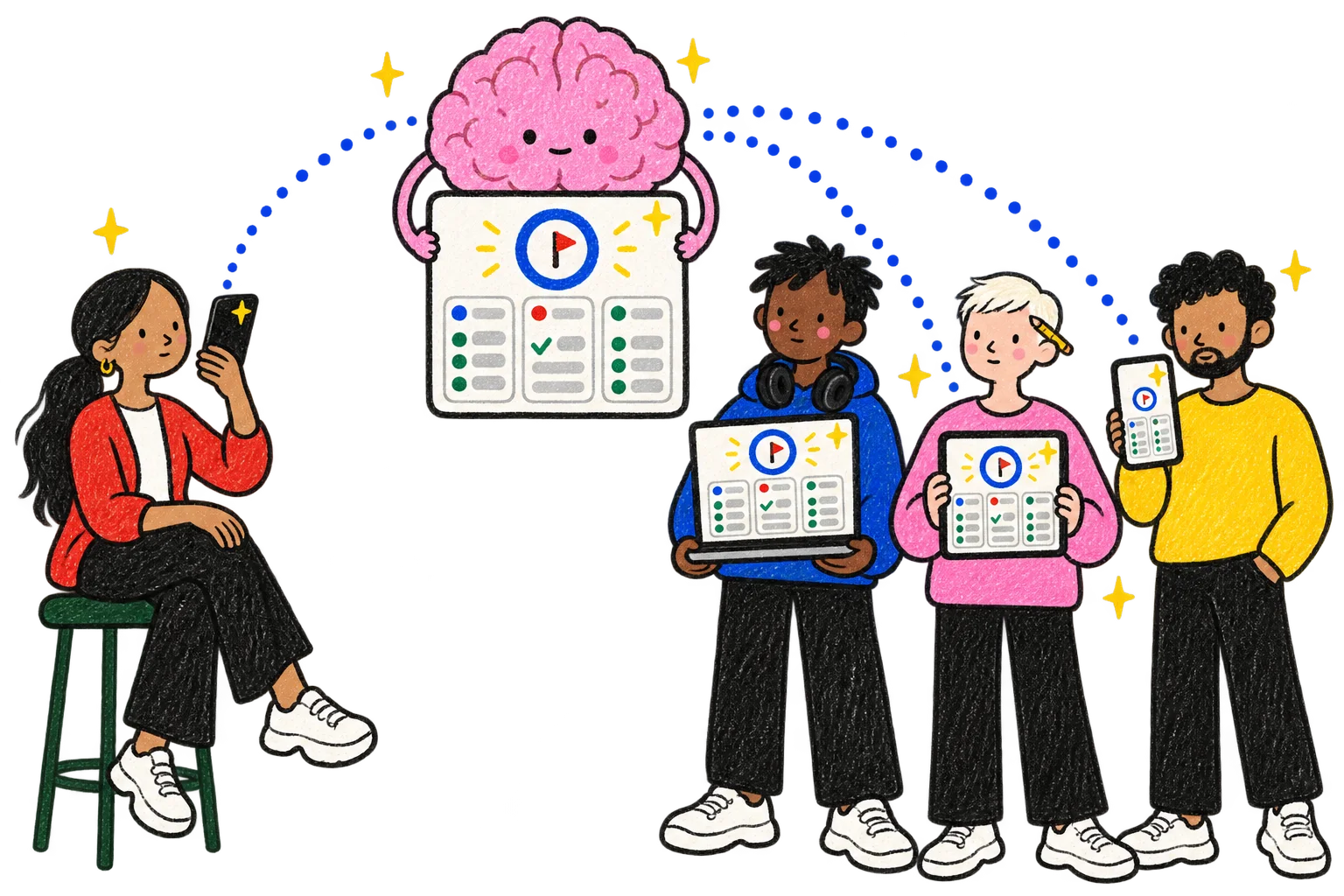
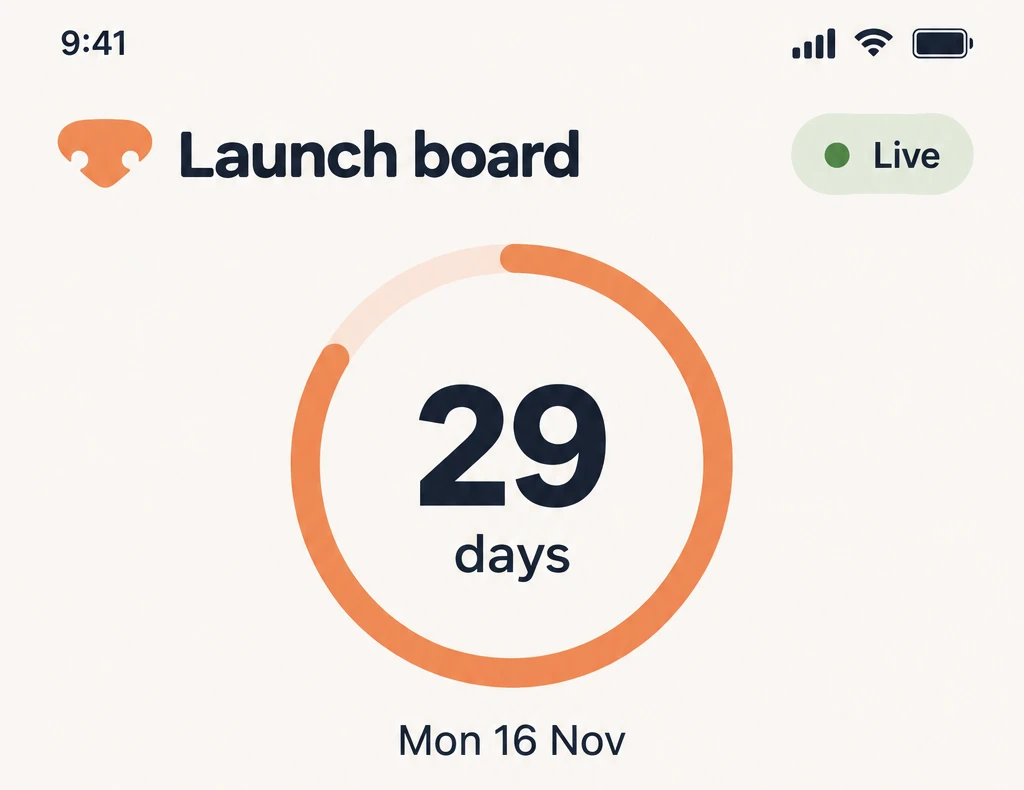
Crayon drawing: Product teammate Noor on a stool speaks into her phone. The pink brain holds up a finished launch board with a countdown circle and three columns, and the same board is open on Kofi's laptop, Wren's tablet and Mateo's phone.
  1. The tag launches on 16 November.

  2. Noor, their teammate in Product, asks her AI for a launch board.

  3. Minutes later, the whole team has it open.
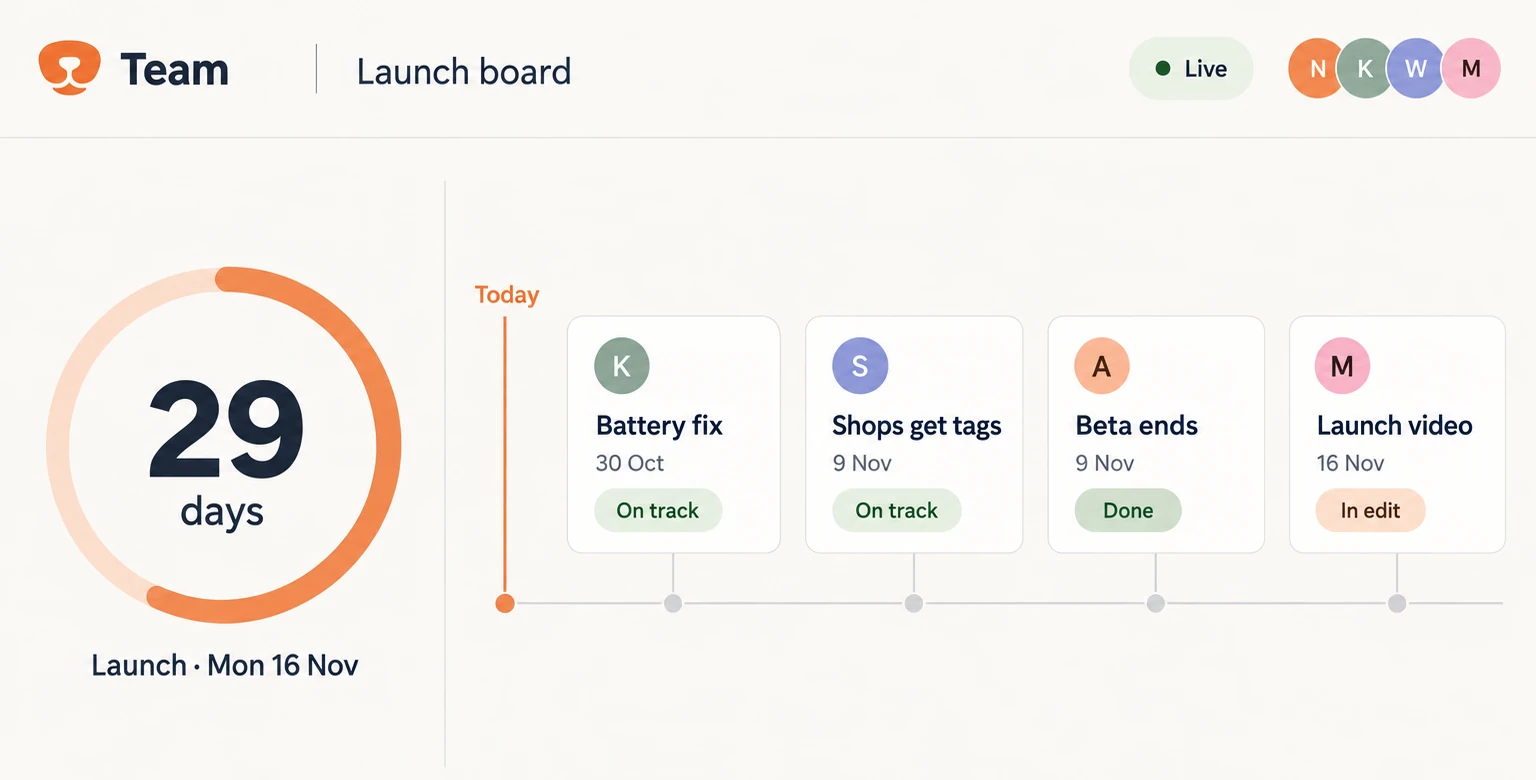
The team’s Launch board, live for Noor in Product, Kofi in Engineering, Wren in Design and Mateo in Marketing: a countdown ring, 29 days, Launch · Mon 16 Nov. A timeline from Today: Battery fix, 30 Oct, on track. Shops get tags, 9 Nov, on track. Beta ends, 9 Nov, done. Launch video, 16 Nov, in edit.
Product teammate Noor’s laptop, minutes after she asked.
The same Launch board on a phone, live: a countdown ring, 29 days, Mon 16 Nov.
The same board, on a Marketing teammate’s phone.
Who can open it?

Everyone on the team. The board reads and writes the same Par as their AIs, so it is never out of date.

Someone from outside the company can join just this one app, to look or to edit.

“…users will heavily modify the final interfaces.” (opens in a new tab)
Ankit Gupta · Y Combinator, Requests for Startups, Summer 2026 · April 2026 · from the video's automatic captions

One Par. A screen for each person.
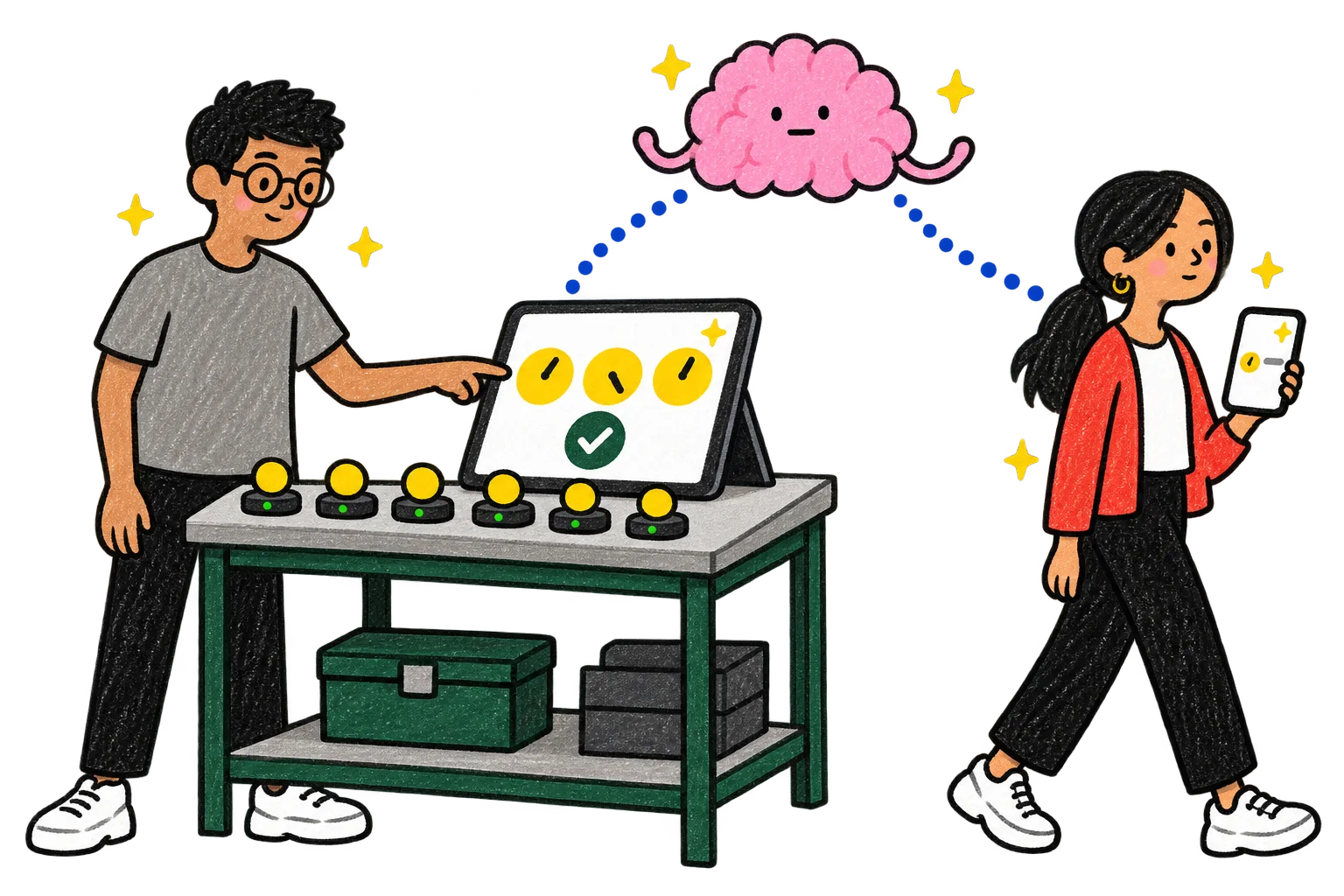
Crayon drawing: Engineering teammate Yusuf at a test bench with a row of yellow tags on chargers points at a tablet with three huge dials and a big check mark. Their Product teammate Noor walks past with her phone, which shows just one small line. The pink brain sends dotted lines to both screens.
  1. Their Engineering teammate Yusuf tests tags at the bench all day.

  2. He asks for today's battery tests, big, on the bench tablet.

  3. His AI makes him his own screen from the same Par.
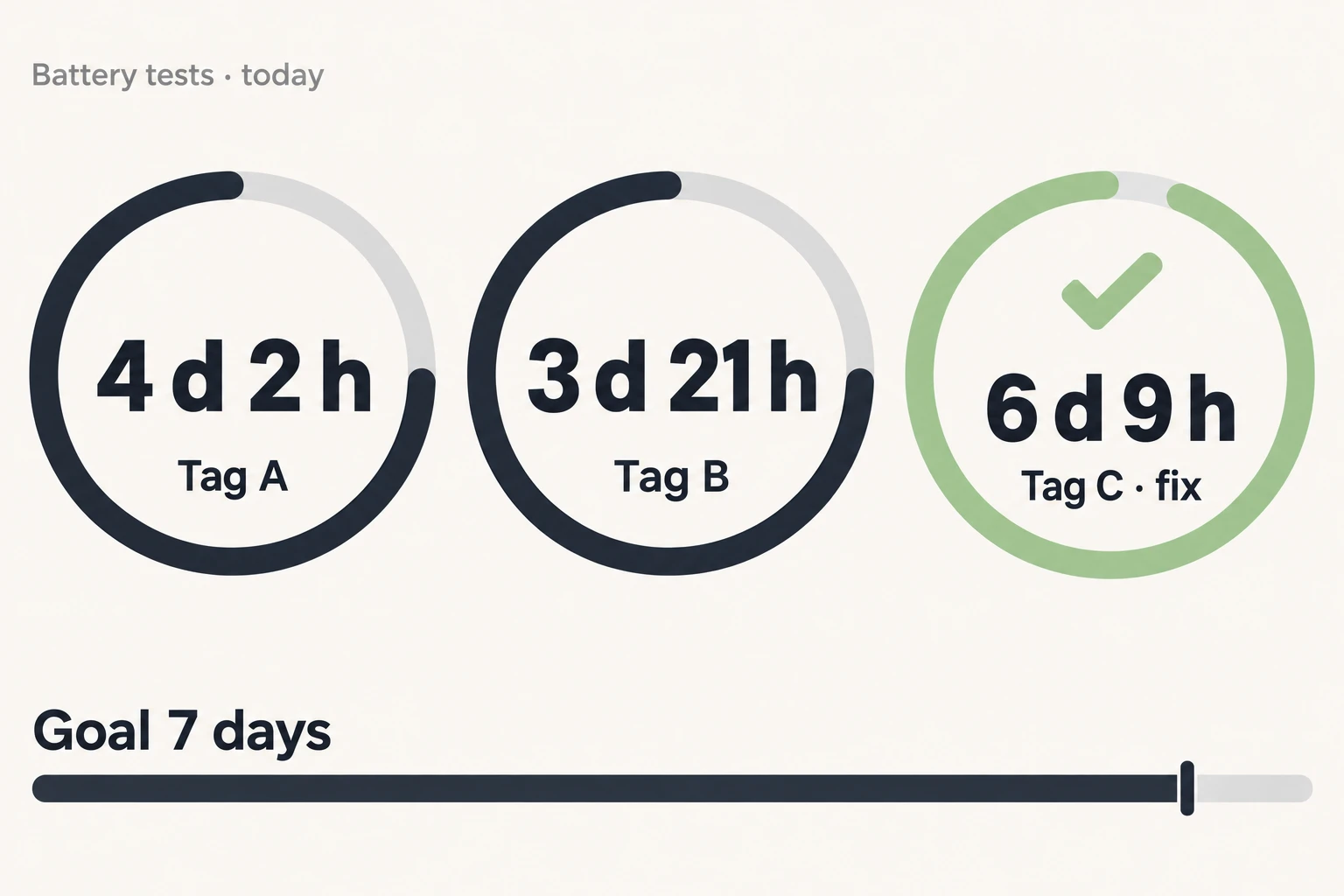
Engineering teammate Yusuf’s bench screen: Battery tests · today. Three huge dials: Tag A, 4 d 2 h. Tag B, 3 d 21 h. Tag C · fix, 6 d 9 h, green with a check. Goal 7 days.
Engineering teammate Yusuf’s bench tablet, readable from across the room.
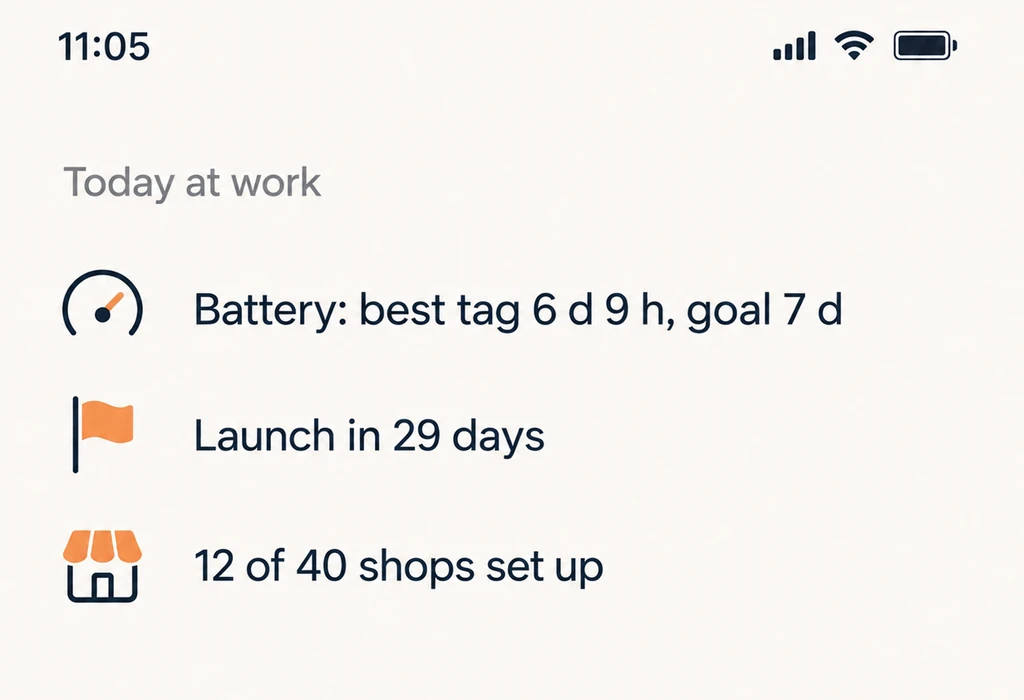
Product teammate Noor’s phone: Today at work. Battery: best tag 6 d 9 h, goal 7 d. Launch in 29 days. 12 of 40 shops set up.
Noor in Product sees the same tests as one line on her phone.
“…a living map of how a company works.” (opens in a new tab)
Tom Blomfield · Y Combinator, Requests for Startups, Summer 2026 · April 2026 Copy link

Show your AI once. The whole team can do it. No code to keep.
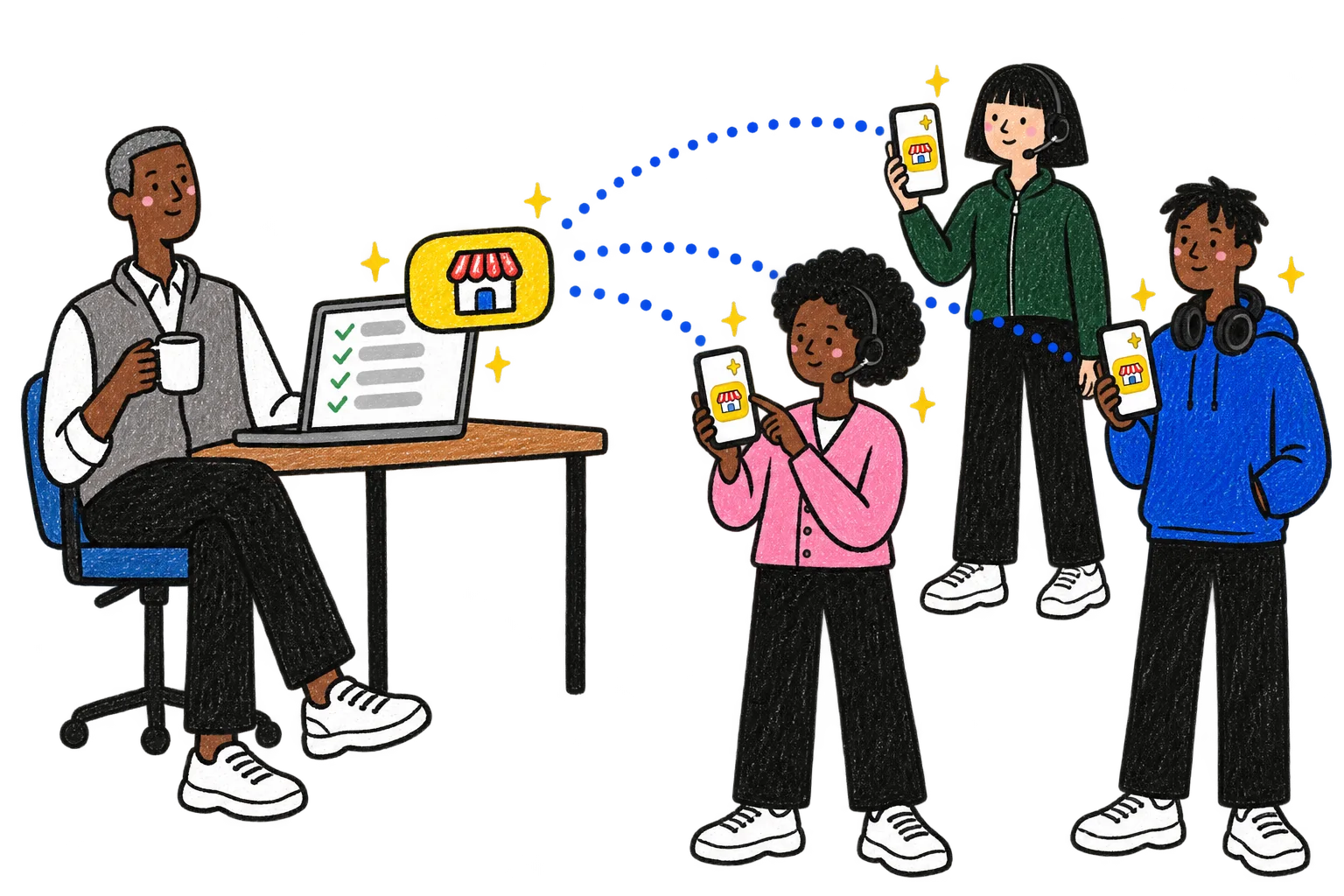
Crayon drawing: Sales teammate Sam drinks tea at his desk while his laptop shows a checked list. A yellow button with a little shop on it floats out and lands on the phones of Bea, Hana and Kofi. His Support teammate Bea presses it.
  1. Sam in Sales knows how to bring a new pet shop on board.

  2. He does it once with his AI and says: save this as our way.

  3. Now it's a command in everyone's AI.

Support teammate Bea’s AI on her phone. Team commands: /shop-setup, Sam's steps to bring a new pet shop on board. /walk-report, this week's walks, per dog. /beta-feedback, sort this week's beta notes. /launch-notes, what changed for the launch.
Their Support teammate Bea types a slash in her own AI.

Shop setup

Team command · saved by Sam's AI · 12 Oct

  1. Ask the shop's name and how many tags they want.
  2. Create their shop account and the tag codes.
  3. Send the welcome kit and the window sticker.
  4. Check in after their first week.

Used 14 times this month · Bea, Hana, Kofi

The same steps, as a page in the team’s Par.
Who can change it?

Anyone on the team, through their own AI. Each person can keep their own version, and the ones the team uses most show up first.

Copy link

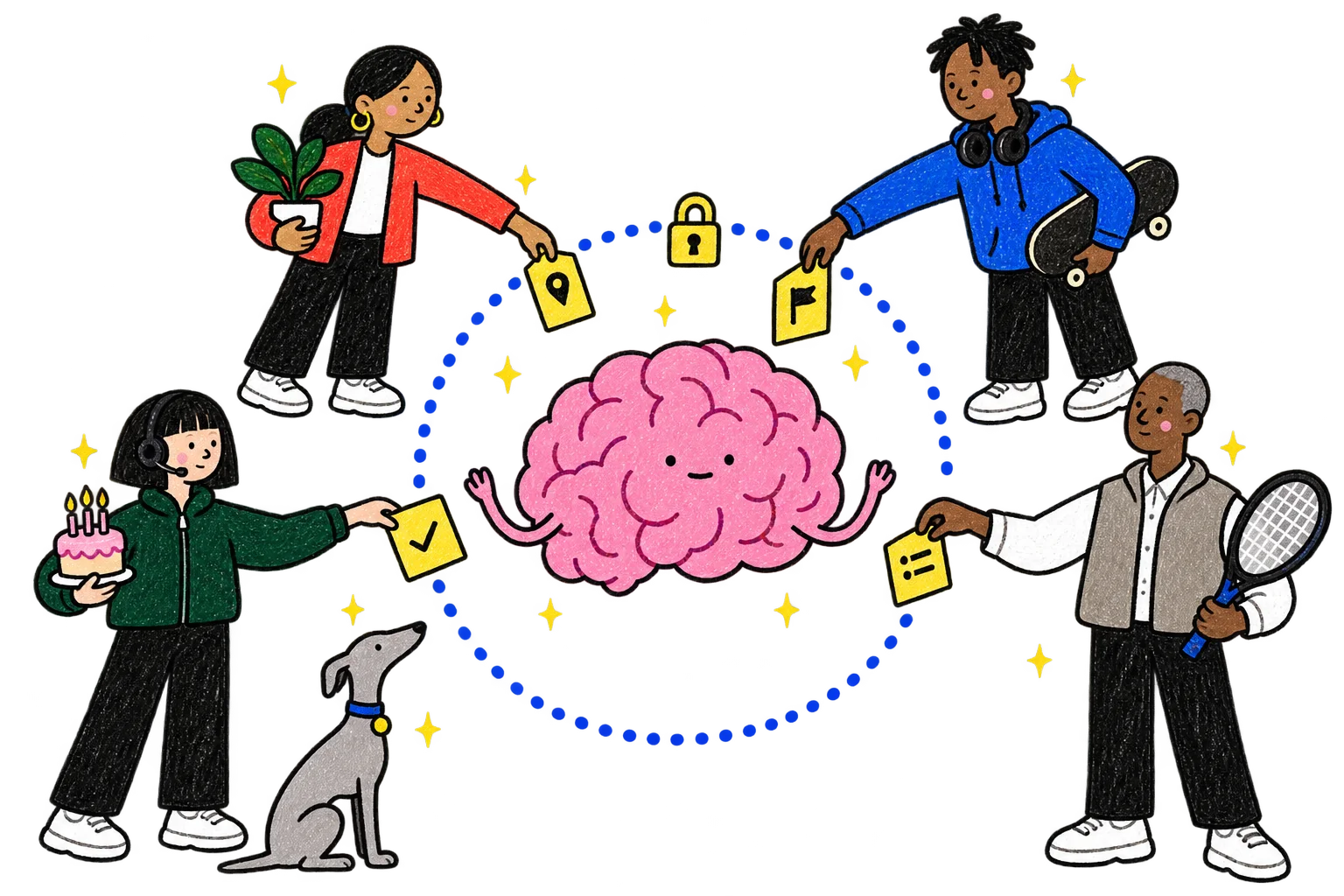
Who sees what.

Crayon drawing: a dotted circle with a padlock on top holds the pink brain and a few yellow work cards. Colleagues in Product, Engineering, Support and Sales each drop a work card into the circle, and each keeps something personal outside it: a plant, a skateboard, a birthday cake, a tennis racket. The grey dog sits outside, looking in.
The details

Roles. Owners and members. A guest can join one app only, and sees nothing else.

Ask first. Each person can choose to approve every save their AI makes.

Nothing disappears quietly. Deleting is logged.

One company, one Par. Each company's Par is separate.

The same Par works for you, your family, your friends, your team and your company.
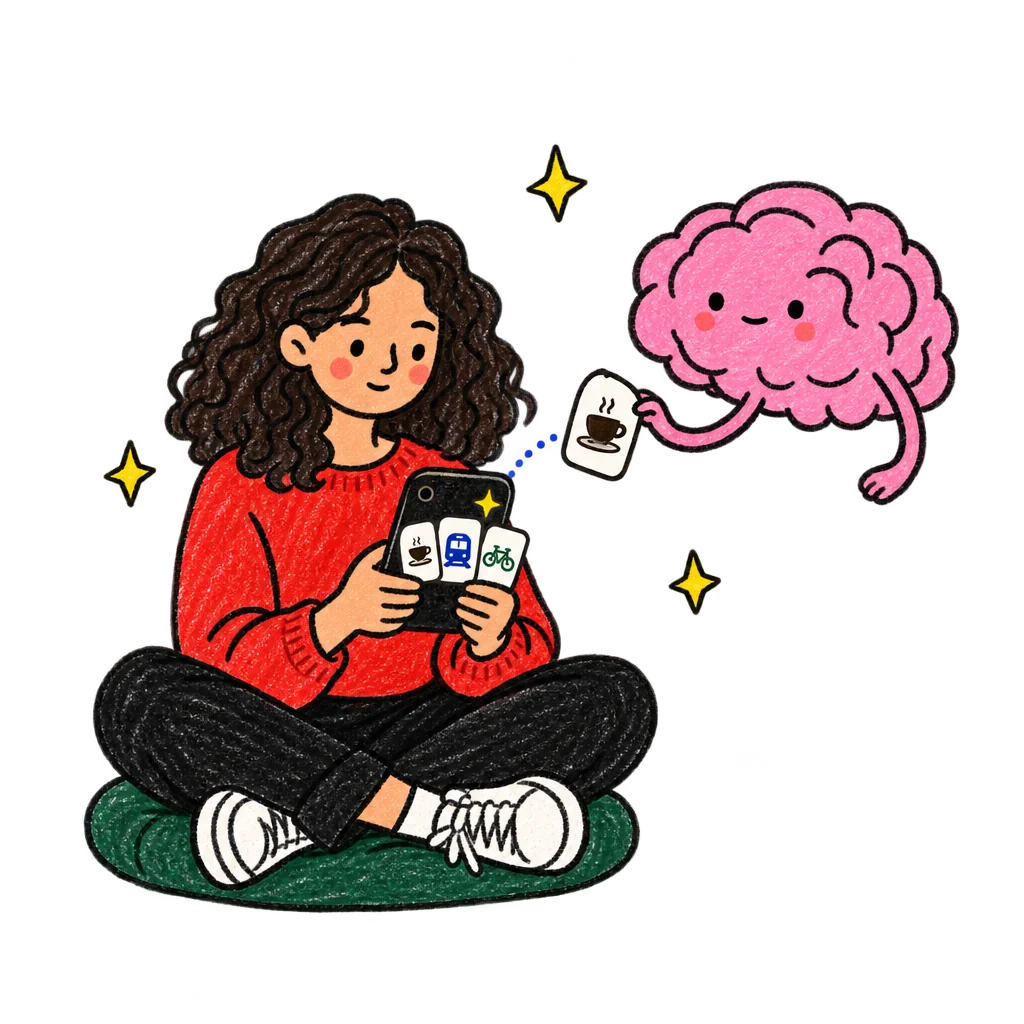
Nobody figures out the same thing twice.

Connect your AI to Par, ask it one question your team keeps asking, and save the answer for everyone.

Every quote links to where it was said. Y Combinator and the funds quoted here wrote in public; none of them speaks for Par, and none of them is connected to Par.