Apps used to start empty. Yours start with your life.
Par remembers your life and work. Ask the AI you already use, like Claude or Gemini, for an app, and it makes one from what Par knows.
 Knows your life
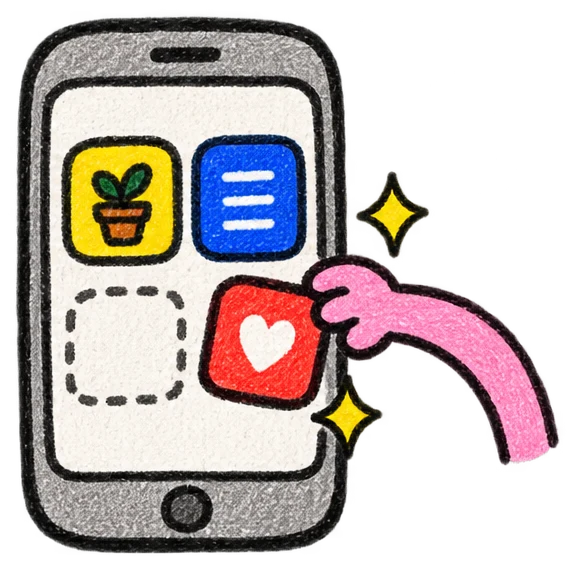 Changes live
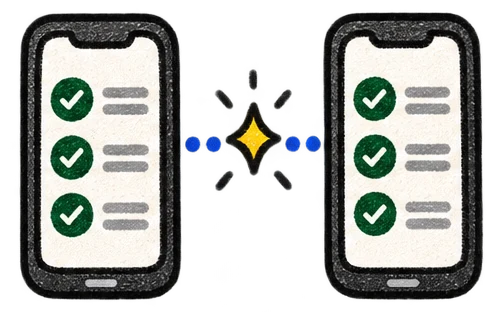 Has your people in it
 Built by the AI you already use
Or anything you want.
- “Track my sourdough starter and tell me when to feed it.”
- “A seating chart that moves when someone RSVPs.”
- “Turn my lease into a page of what I can and can't do.”
- “Every bird I spot this year, on a map.”
- “Split the beach house bills with my brothers.”
These are examples. Ask for yours, and it becomes your screen.
And you keep working on it together.
Every app in Par is for people and their AIs.
Use it on screen. Work with it in chat.
Your AI can read what’s in the app, save changes to it and change how it works, right from the chat.
Ask about it.
“What’s the total for our first 120 copies?”
Mei, to her AIUpdate it.
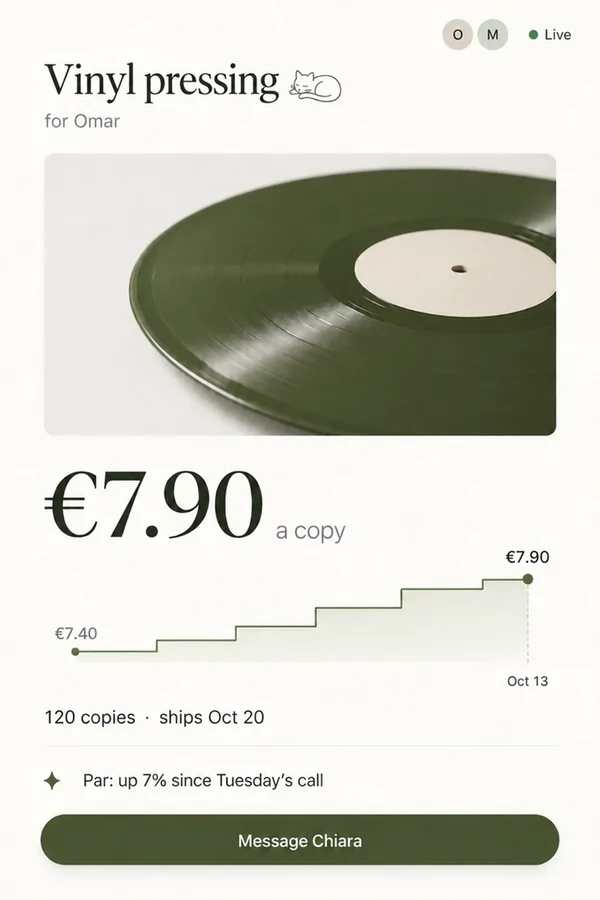
“The vinyl is €7.90 a copy now.”
Omar, to his AIChange the app itself.
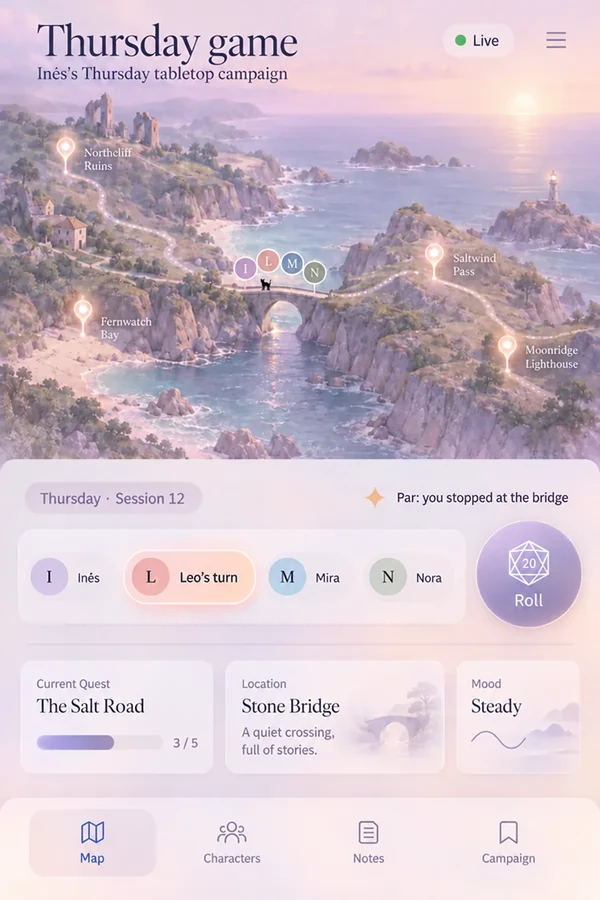
“Show me the map instead of the list.”
Inês, to her AI · the app’s screen changes too
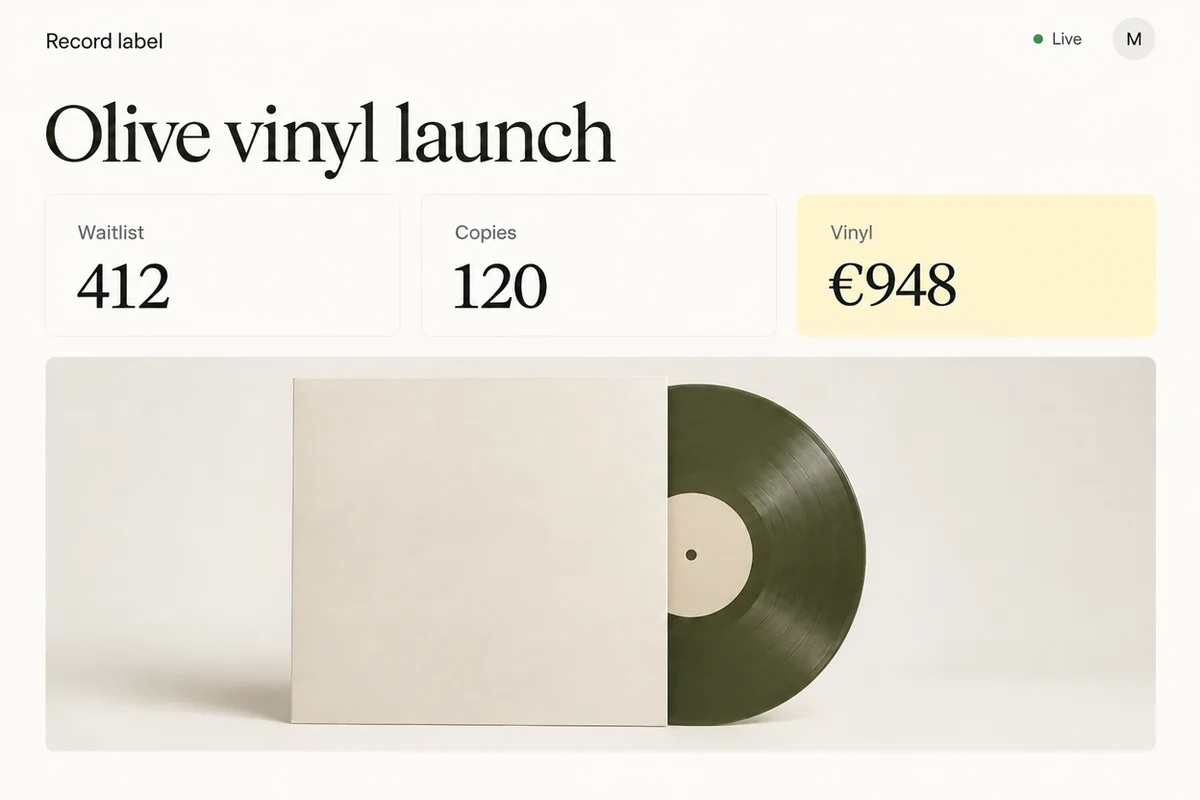
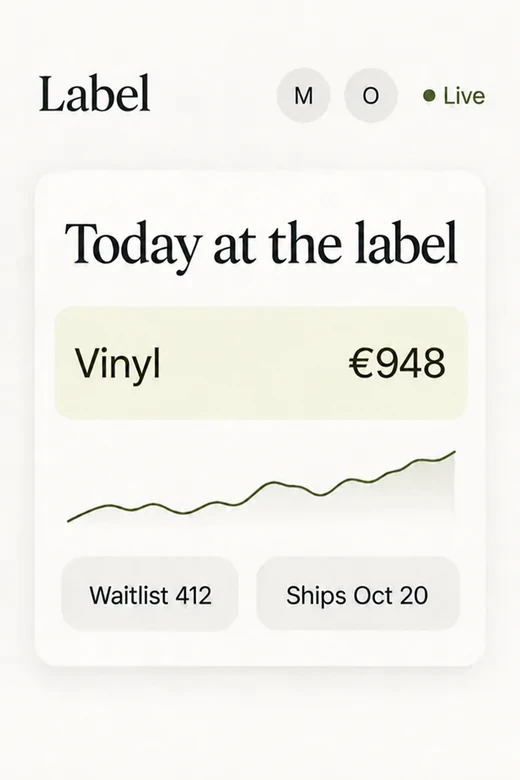
The same update, visible on both screens.
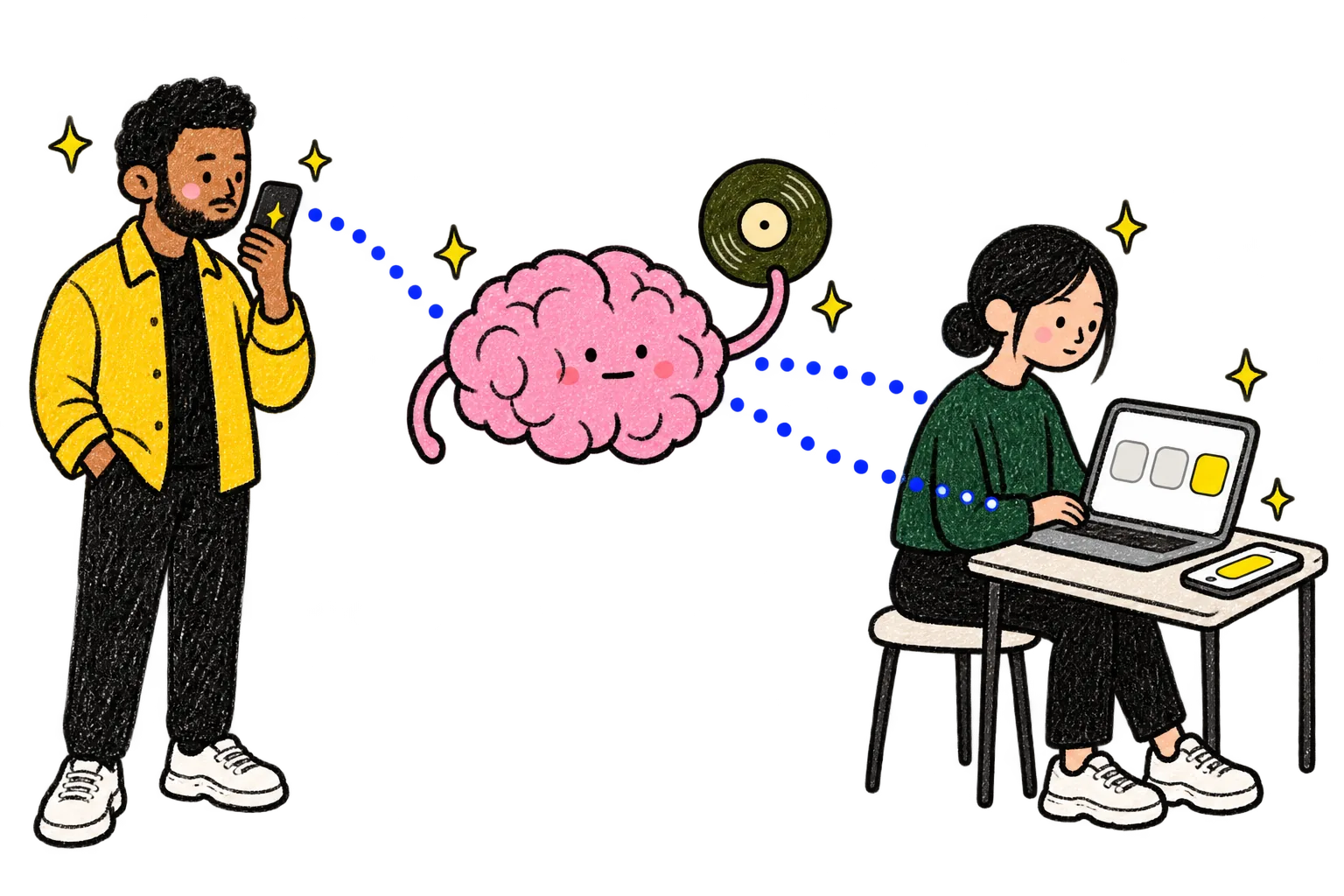
The same app, live for everyone.
You, your team and the AIs you choose.
You choose who can use it, and you approve any change that needs your OK.
Every screen updates right away.
Omar, to his AI The vinyl is €7.90 a copy now.
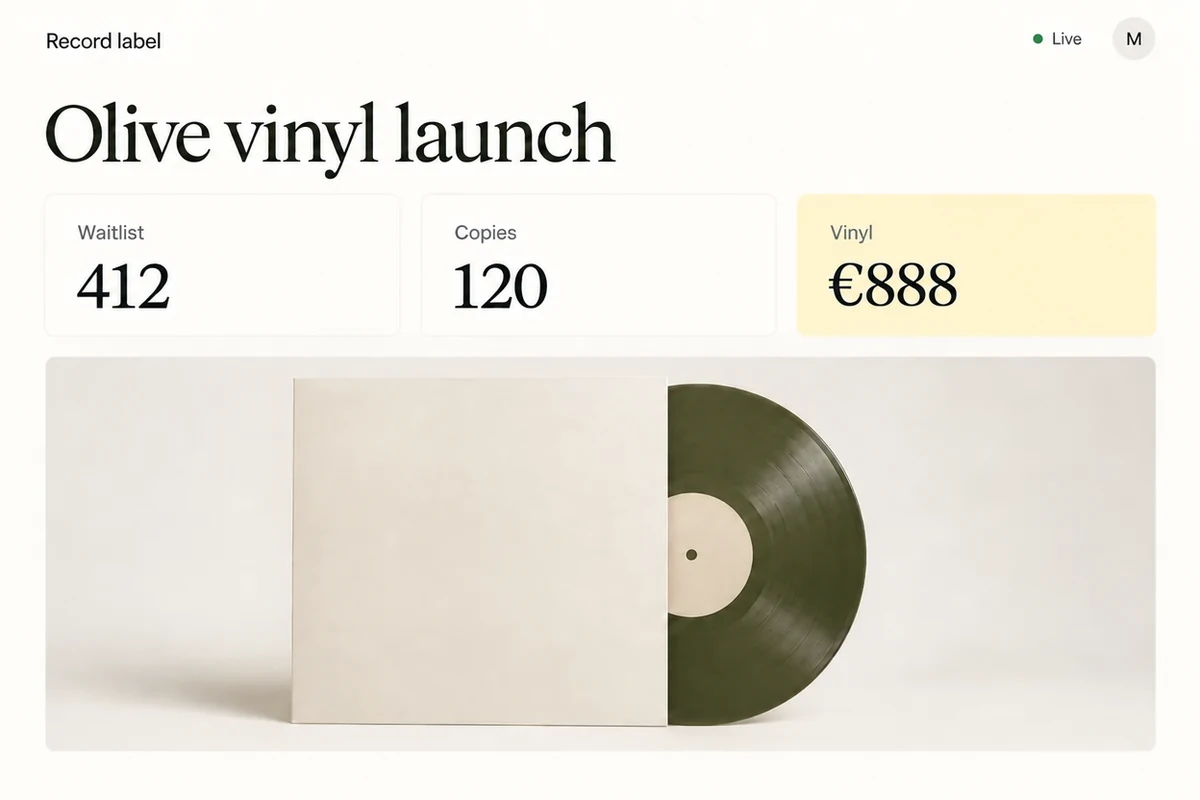
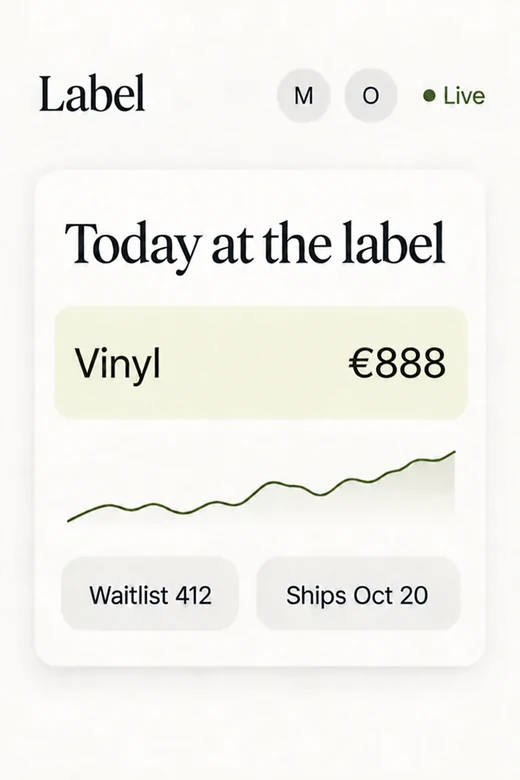
Change a number once, and every report and page that uses it changes too.
Some apps are for one evening.
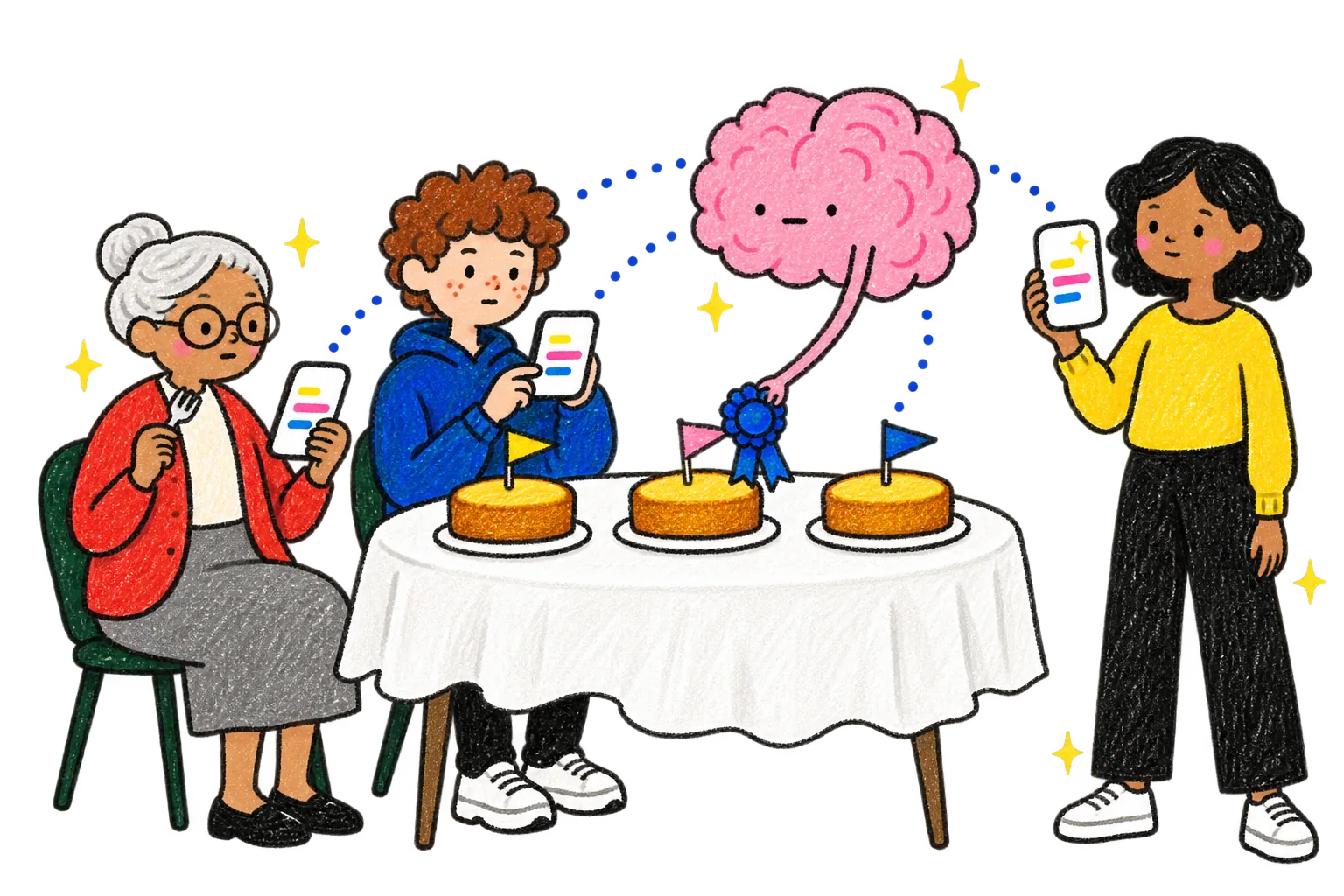
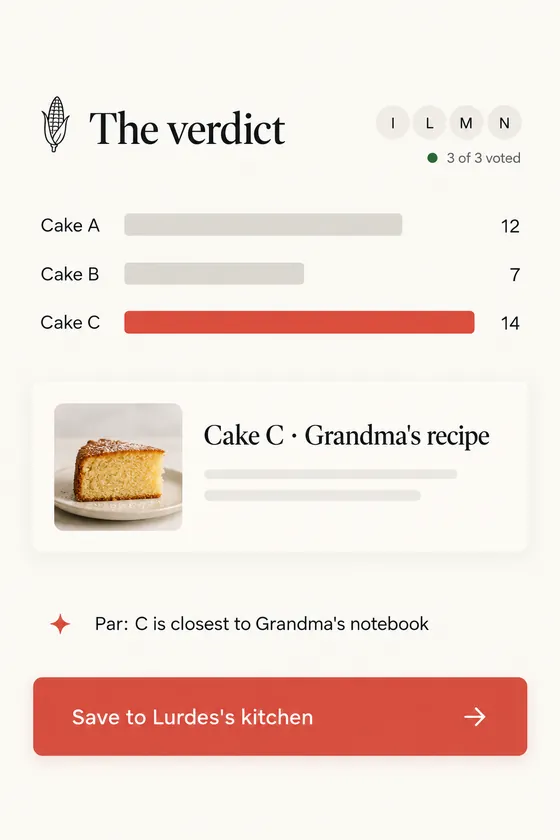
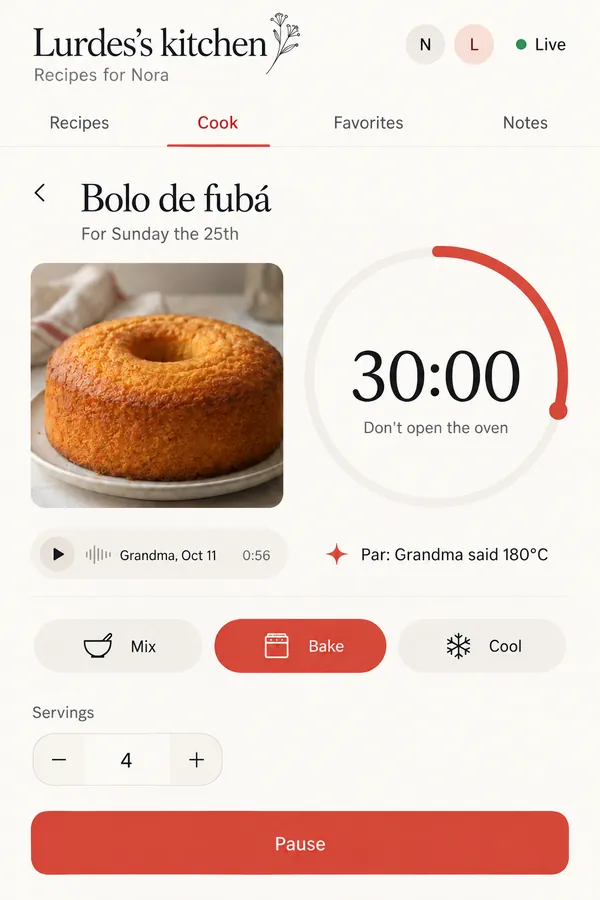
Nora's cake tasting got an app for the night: each friend scores on their phone, and Par names the winner.
Some follow a project from sketch to the first record.
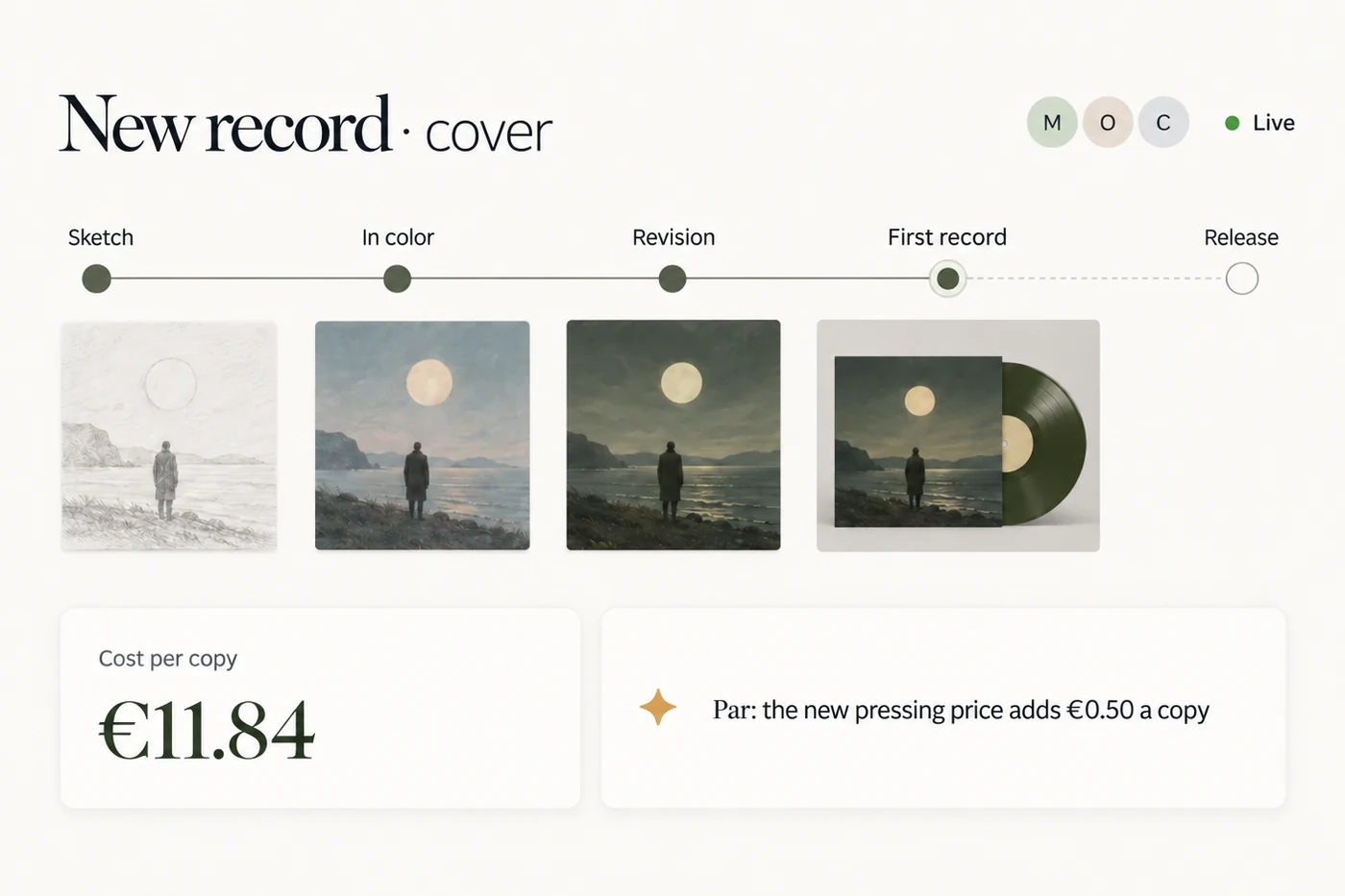
Omar and Mei’s new record: every version of the cover, the pressing plant and the cost of each copy, in one app that keeps up.
No app is ever finished. Ask, and it changes.
Inês, to her AI Show me the map instead of the list.
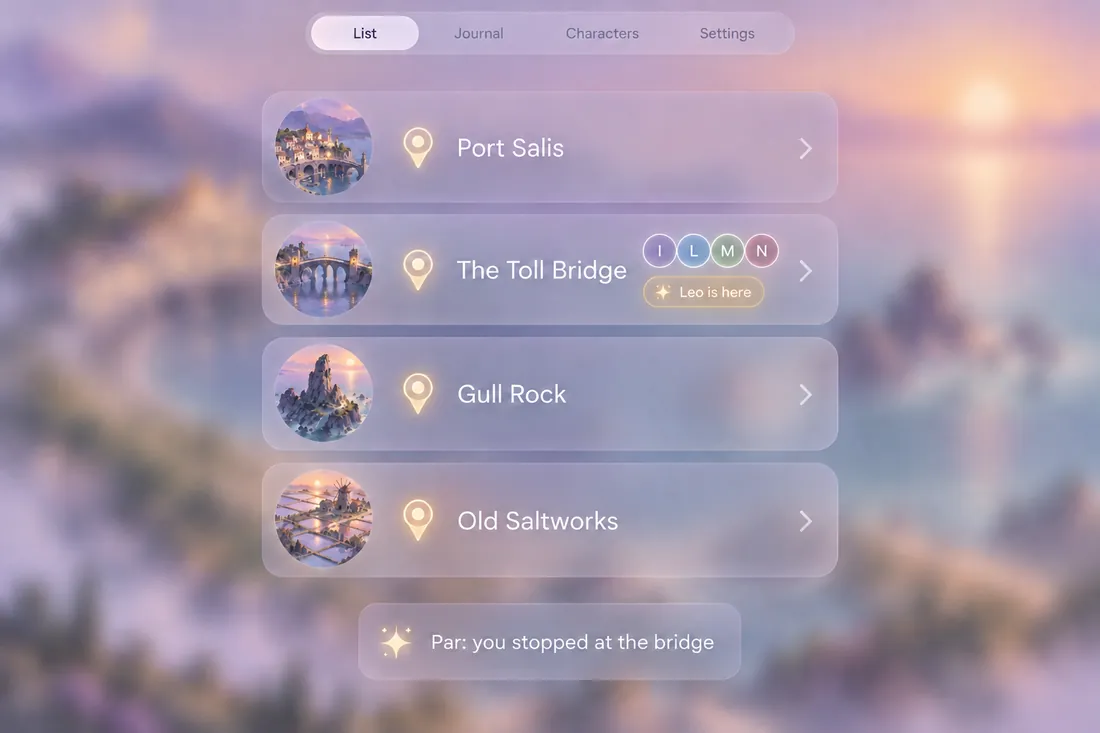
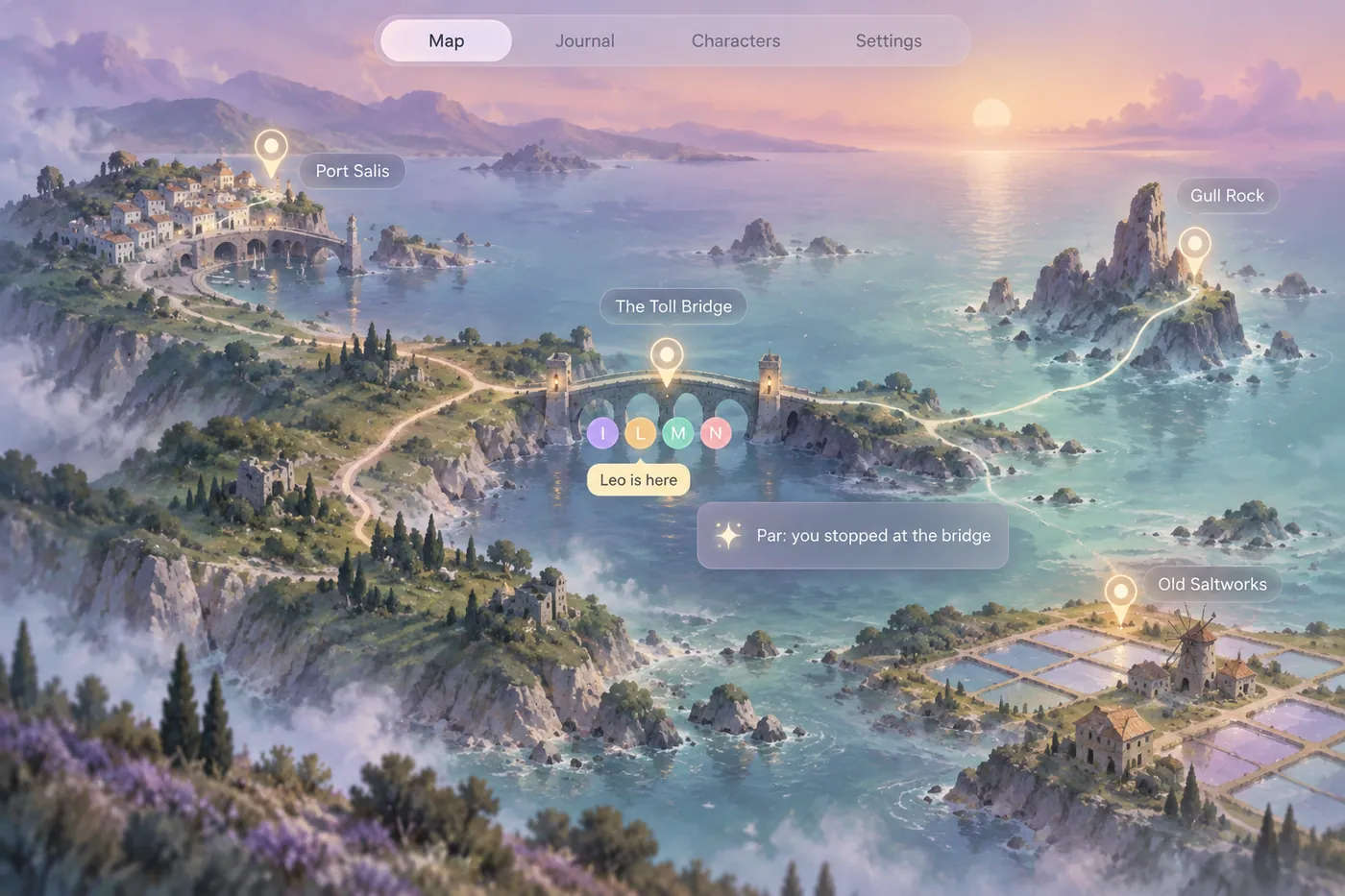
Every version is kept, so you can always go back.
When something breaks, everyone meets in one room.
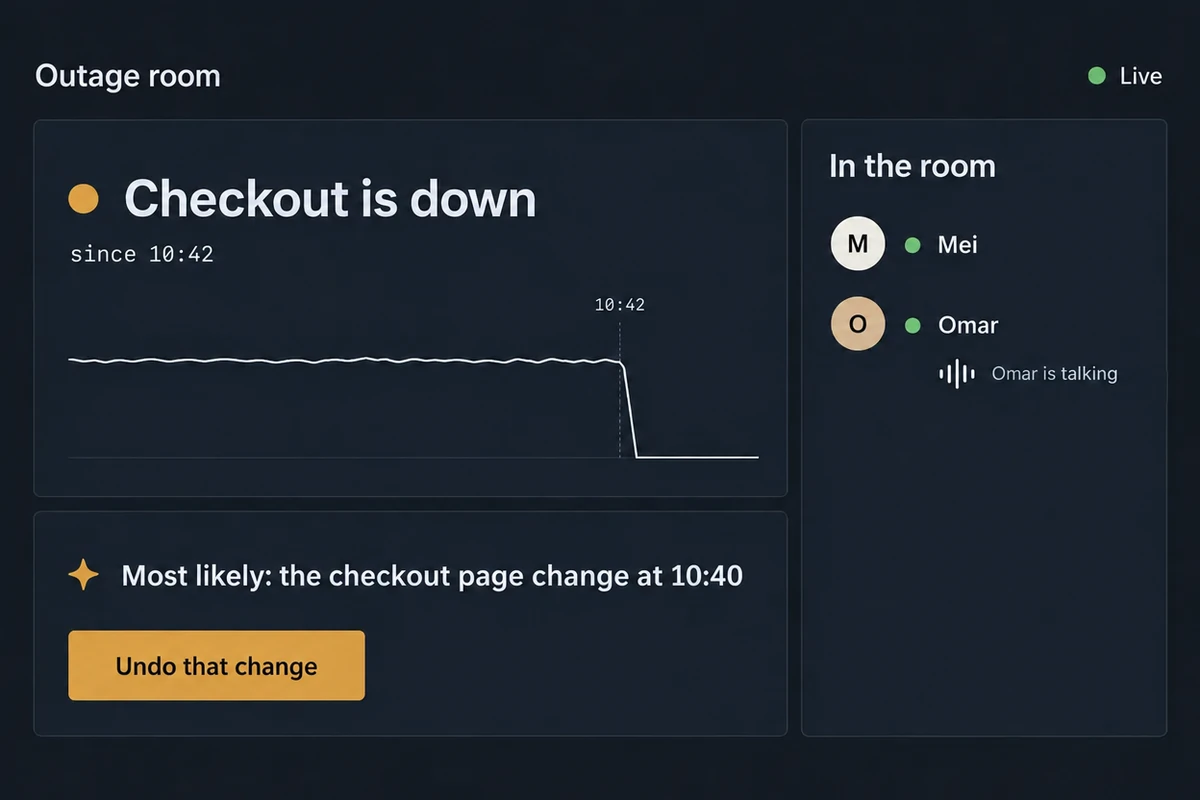
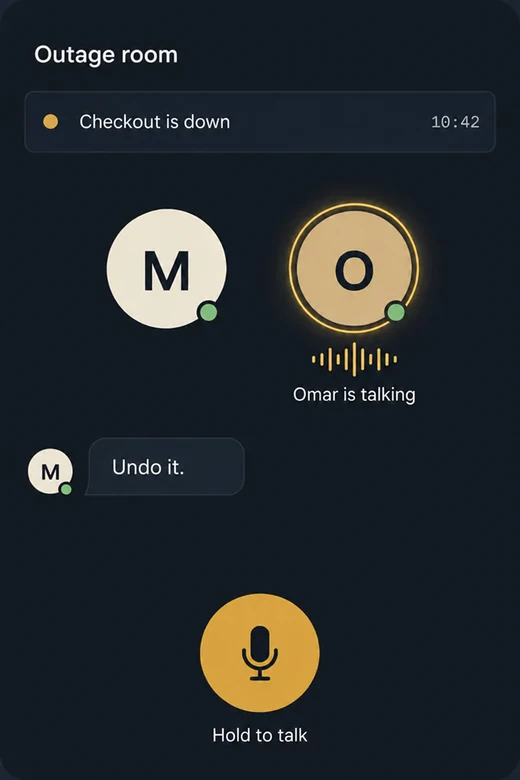
No more scrambling for a group chat: ask your AI for a room, and it opens with what broke, since when and its best guess.
Vibe coding, without the coding: just vibing. No deploying either: vibing, squared.
Make it in Claude. It's already online.
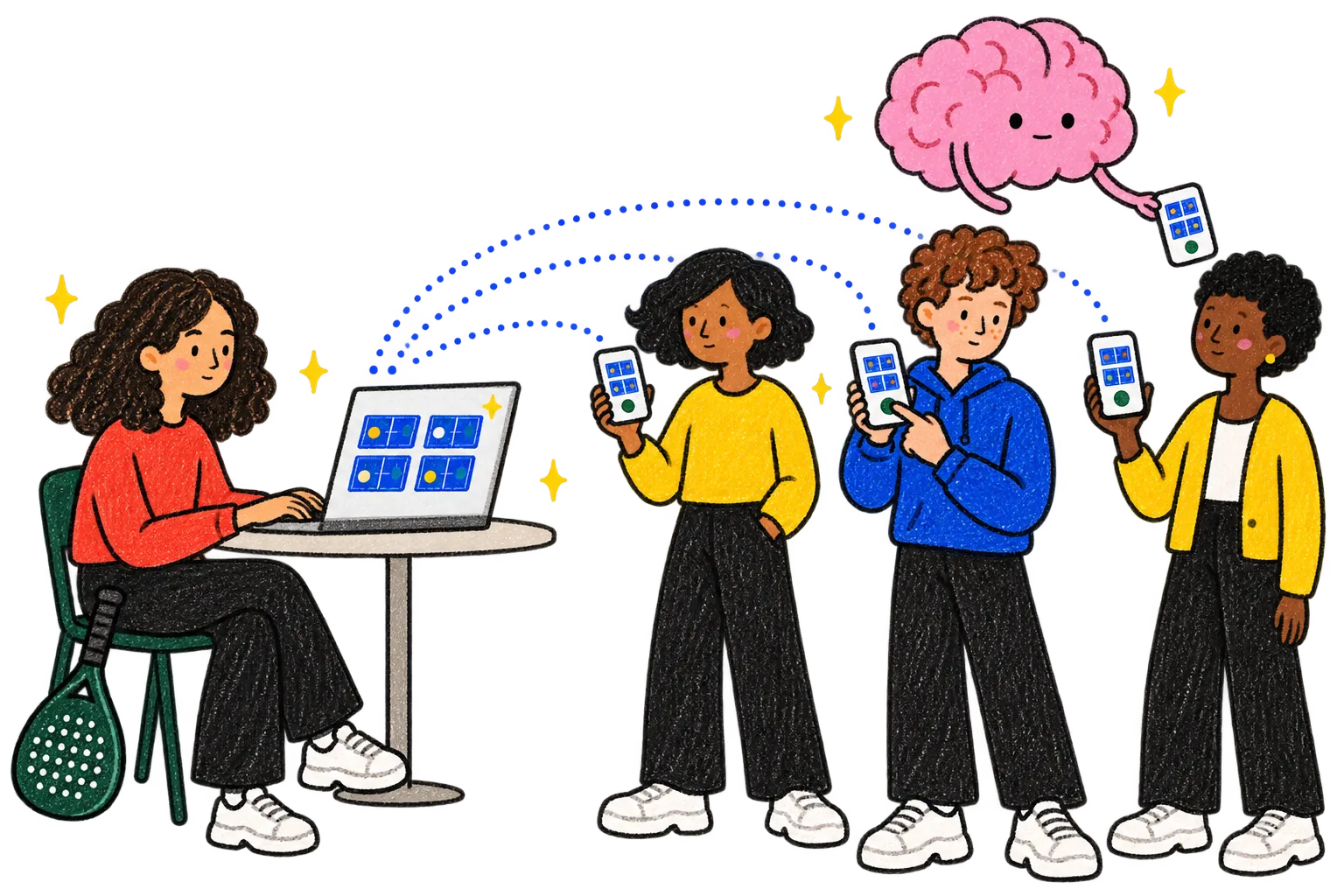
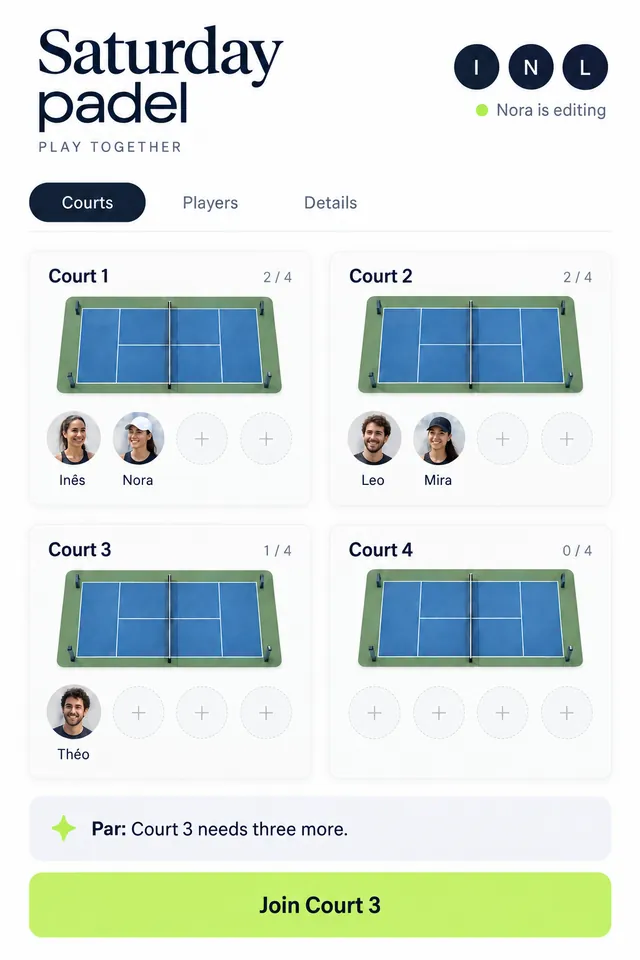
Ask your AI for an app, and it opens on every phone, only for the people you choose.
Works with Claude and Gemini.Teach it once. Your whole team has it.
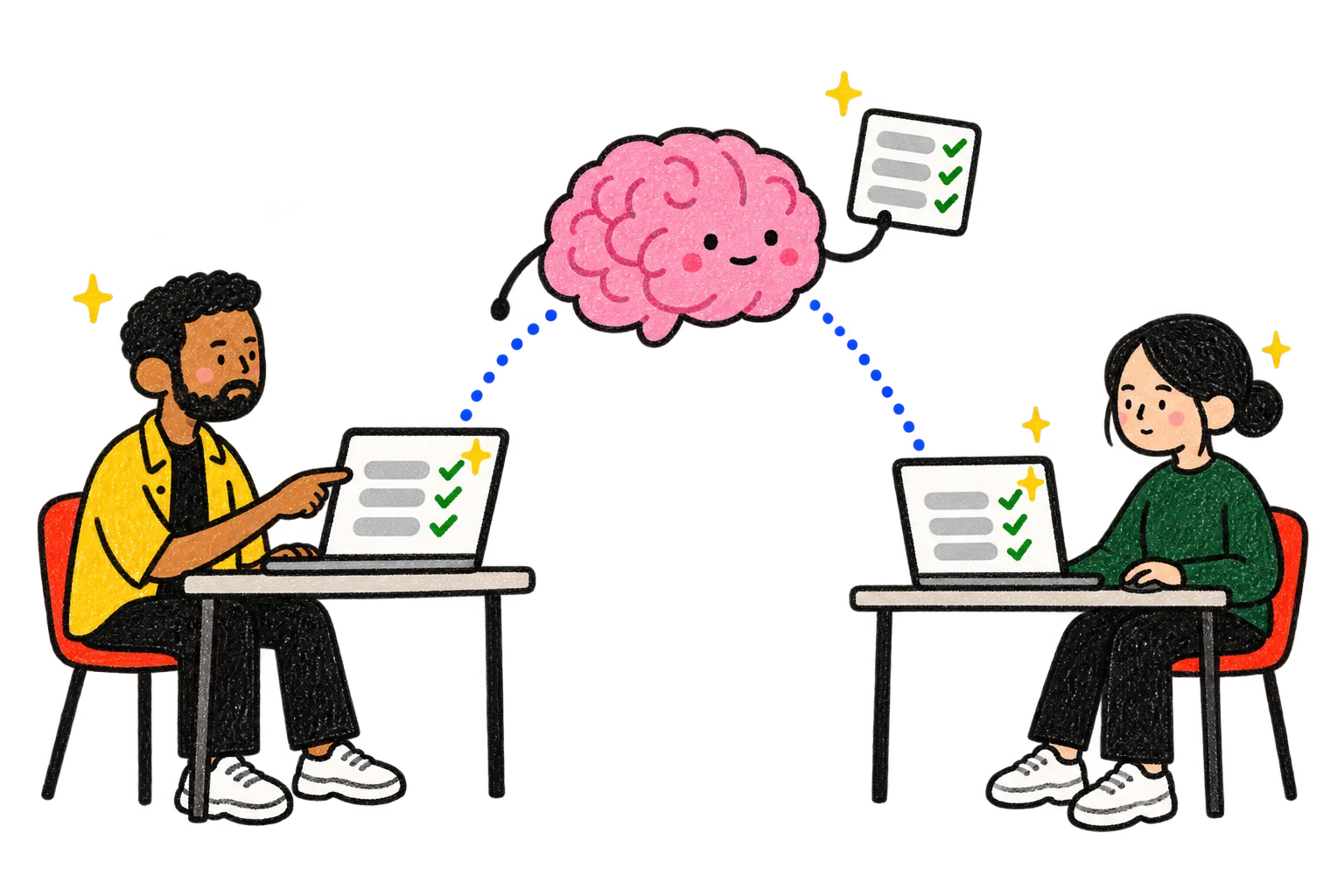
Omar teaches Par how he checks a supplier, and it shows up in Mei's AI too.
Why make apps in Par.
Your app starts with what Par already knows, and it changes the moment you ask.
| Par | An app from the store | A no-code app builder | An AI app builder | |
|---|---|---|---|---|
| What it starts with | What Par already knows: your plans, your people, your numbers. | Its own empty screens. You fill them in. | Your tables, once you build or import them. | What you describe, and the data you add. |
| To change it | Ask in one message. The old version is kept. | Wait for its maker's next update. | Open the editor and change it yourself. | Ask in its chat, then publish the new version. |
| Everyone sees it live | Yes. Every open screen updates as it happens. | Depends on the app. | Often. Some update on a schedule. | Only if it was built that way. |
| Who opens it | Anyone with the link watches it live, no account. People you share it with use and change it too, with a Par account. | Anyone who downloads it. | People you share it with, or a public link. | Anyone with the link, or a login you add. |
| Where it's all kept | In Par's memory. Your other apps and the AIs you connect use it too. | Inside that app. | In the builder. Other tools reach it through the builder. | Inside each app, kept apart. |
Where the others win: a store app installs for anyone and can work offline, a no-code builder has years of templates and features, and an AI app builder can hand you the code to put online anywhere.
Compared by type of tool, checked on Oct 18, 2026.
Questions, answered
Do I need to code?
No. You describe the app to the AI you connected, and it writes, saves and changes it in Par.
Where do the apps run?
Inside Par, in the browser and on your phone. You don't put them online anywhere else.
Can I share one app without sharing my Par?
Yes. Ask your AI to share it with one person, to view or to edit. They see that app and nothing else, and you can take it back at any time. They need a Par account.
Does Par come with apps installed?
No. Your AI makes the apps you ask for, from what Par knows about you.
Ask for the first one.
Connect your AI to Par, tell it what you have going on this week, and ask for an app for it.
Get started