The same Par, on every screen.
Par remembers your life and work, and holds the apps made for you. What you start on one screen is waiting on the next.

Anywhere
Start on the laptop. Finish on the phone.

On your Mac
Par in your menu bar, one click away.
Download Par for Mac macOS 14.4 or newer.
Second screen
Two screens. One app. At the same time.
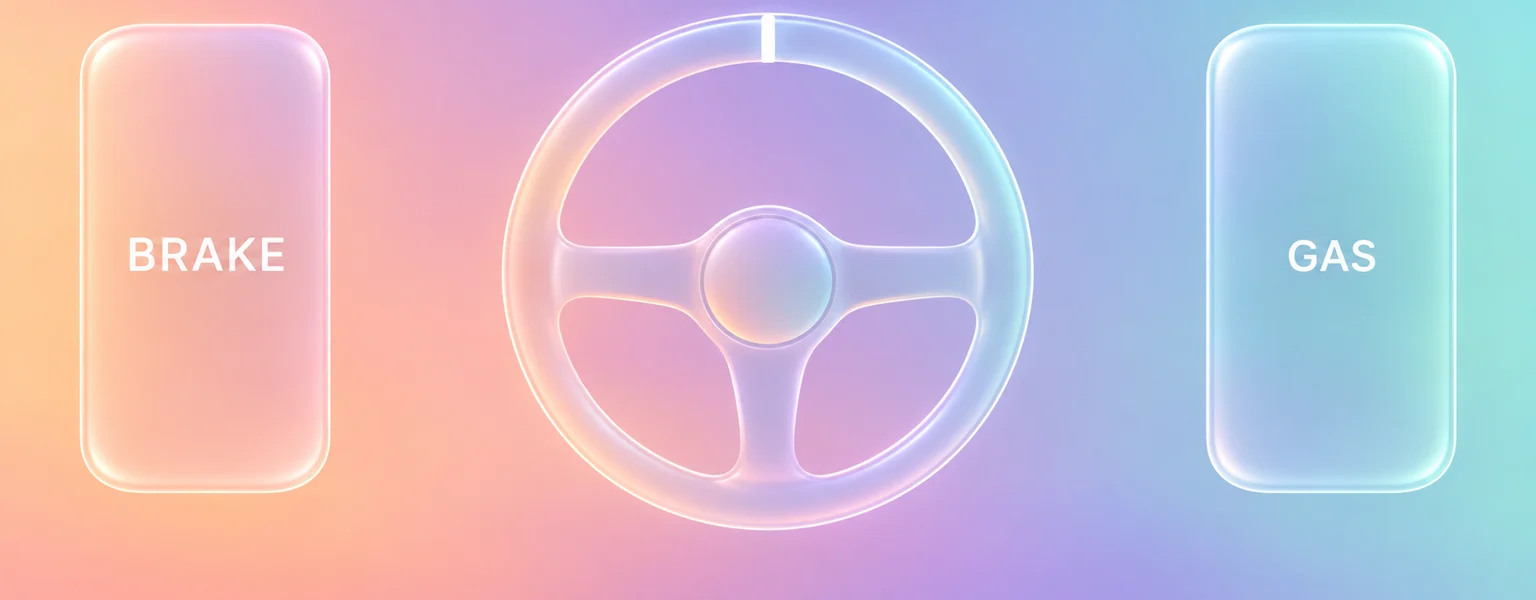
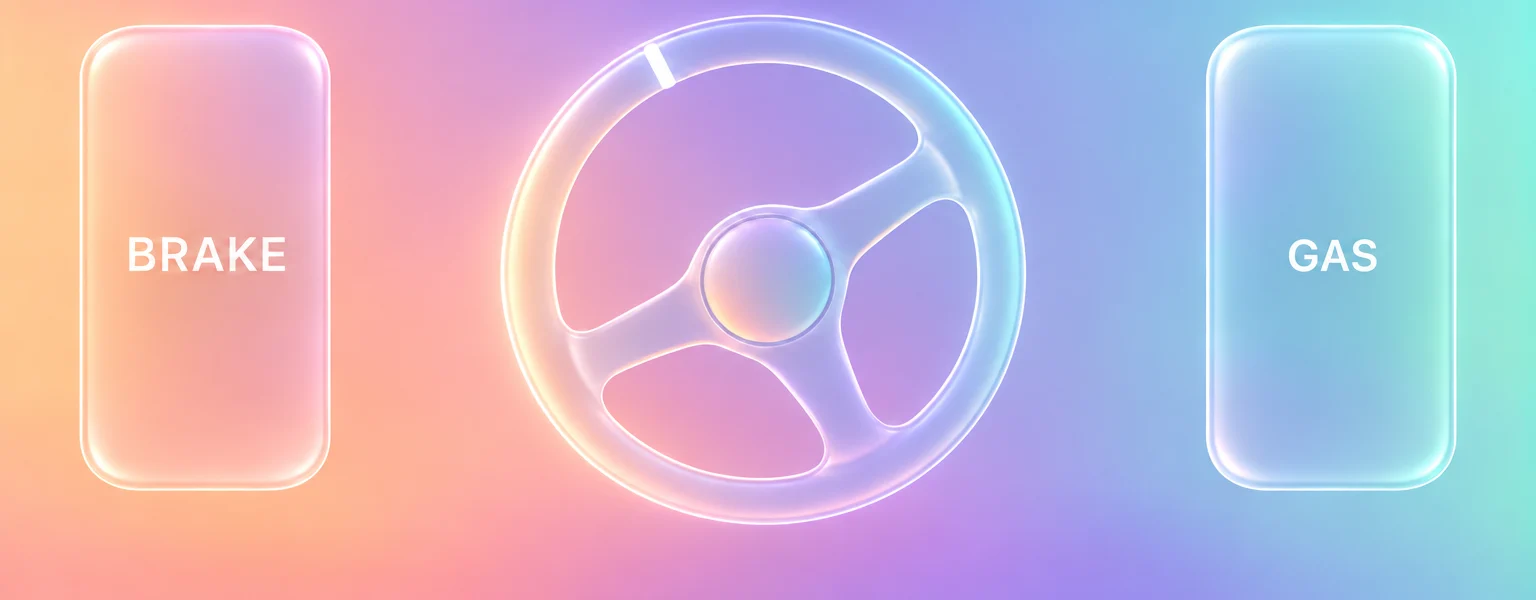
same instant


Where Par works
- In the browser Par on iPhone, Android, Mac and Windows, with an icon on your home screen.
- Mac app Par in your menu bar, as a download.
Questions
- Do I need an app to use Par on my phone?
- No. Par works in your phone's browser, and you can add it to your home screen.
- When my phone controls an app, does it go through the internet?
- On the same Wi-Fi, your phone and computer talk to each other directly, so a move on one shows on the other right away. Par only helps them find each other.
One Par. Every screen.
Create your Par account, then open Par in your phone's browser and add it to your home screen.
Get started